
remio
Automatically save web pages and local files into a private knowledge base you can search and draft from
- Paid
- Web, Chrome Extension
- ResearchAI Knowledge ManagementAI Web Archiving & Link Management
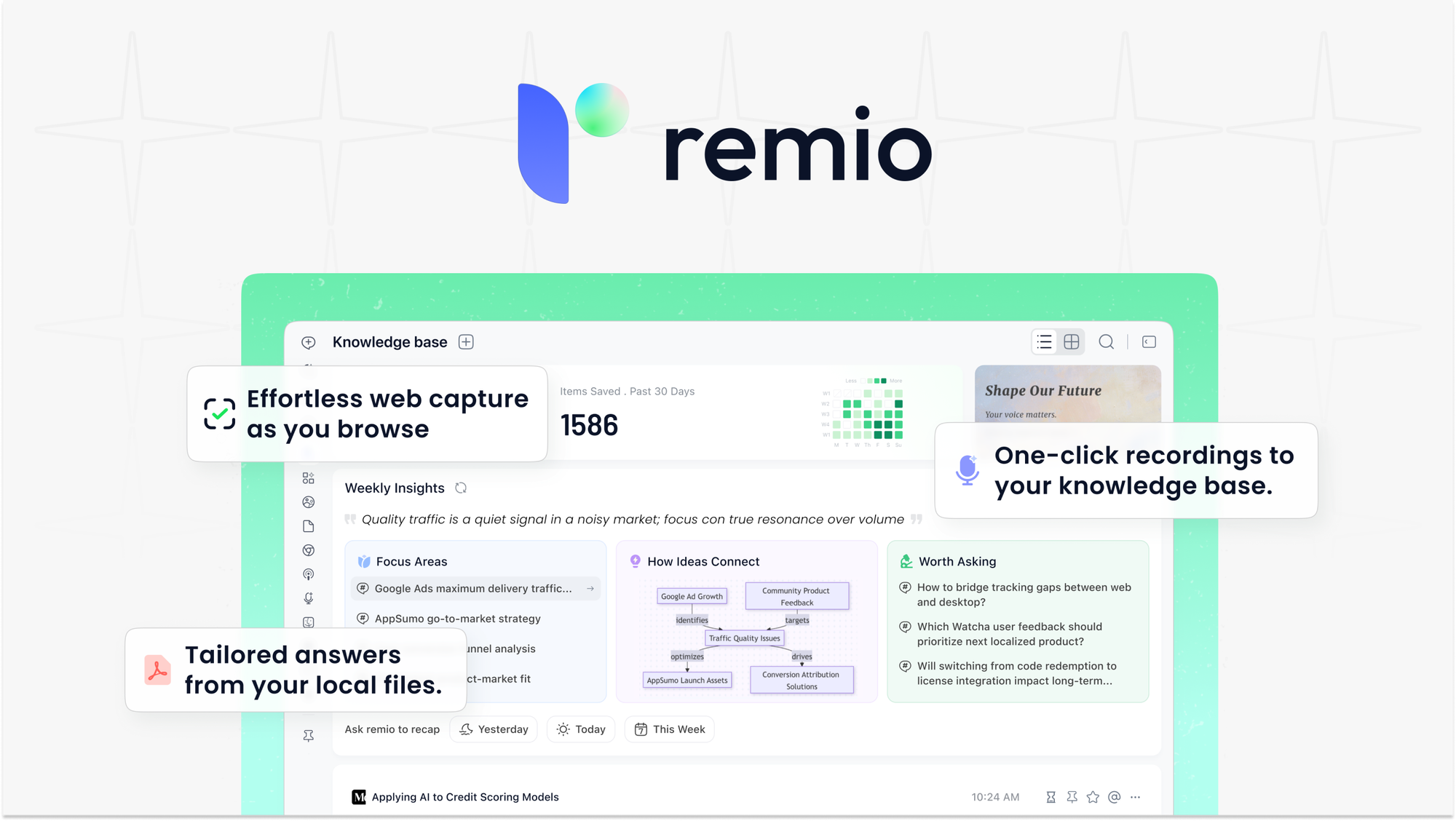
What is remio?
Key features
Automatic web page capture
saves articles, pages, and content directly from your browser
Local file import
upload documents, PDFs, and files from your computer into your knowledge base
Full-text search
quickly find saved content across your entire repository
Draft integration
pull saved material into writing projects without leaving the tool
Private storage
all saved content remains confidential and under your control
Browser integration
likely includes a browser extension for one-click saving
Pros & cons
Advantages
- Centralises research materials and reference content in one searchable place
- Saves time switching between multiple tabs, files, and note-taking apps
- Helps you avoid losing useful information that would otherwise scatter across bookmarks or downloads
- Speeds up content creation by letting you draft directly from saved sources
Limitations
- Pricing is required; there does not appear to be a free tier option
- Limited information available about search capabilities, storage limits, or export options
- Effectiveness depends on how consistently you remember to save content as you find it
Use cases
Researchers and academics collecting sources for papers or projects
Content creators gathering reference material for articles or posts
Professionals building a personal library of industry reports and documentation
Students compiling course materials and reference documents in one searchable location
Anyone who regularly loses useful information across browser tabs and file folders
Ready to try remio?
Pricing
Paid plan
Pricing available on AppSumo; subscription model
Access to web page capture, file import, search functionality, and draft integration
Get started with remio
Click through to remio and start using it now.