
RemoveFrom.Video
AI video cleanup for text, watermarks, and objects
- Free plan available
- No credit card
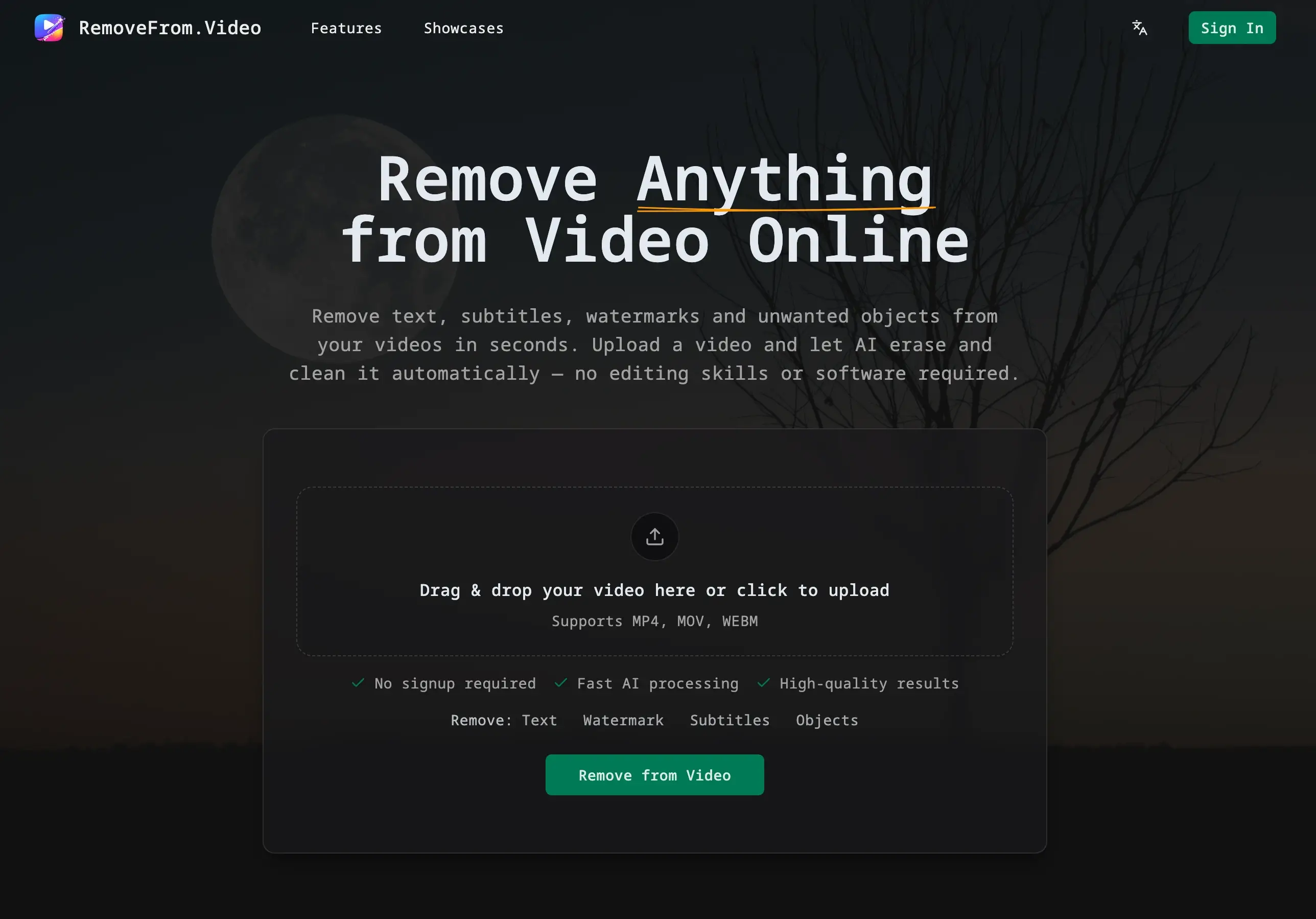
What is RemoveFrom.Video?
Key features
Text removal
detects and removes text overlays from videos automatically
Watermark removal
specifically targets watermarks and logos embedded in footage
Object removal
identifies and removes unwanted objects from video scenes
Background inpainting
fills cleaned areas with AI-generated background to maintain visual continuity
Freemium access
offers free tier for basic video cleanup tasks with web-based interface
Pros & cons
Advantages
- Saves significant time compared to manual frame-by-frame editing
- No specialist software or technical skill required; web-based and user-friendly
- Free tier available for users wanting to trial the tool before committing
- Handles multiple removal types (text, watermarks, objects) in one tool
Limitations
- Quality of background inpainting varies depending on video complexity and content
- Processing time may be lengthy for longer or high-resolution videos
- Limited control over exactly what gets removed or how the inpainting is performed
Use cases
Removing competitor watermarks from tutorial or inspiration videos before repurposing content
Cleaning up screen recordings by removing on-screen text or UI elements
Deleting watermarks from stock footage before using it in professional projects
Removing logos or branding from video backgrounds in recorded meetings or interviews
Taking out unwanted text overlays from older video content for reuse
Ready to try RemoveFrom.Video?
Pricing
Free
Free
Limited video processing with watermark on output; suitable for occasional use and testing
Premium
Paid (exact pricing not specified)
Unlimited video processing, no output watermark, priority processing, higher resolution support
Get started with RemoveFrom.Video
Click through to RemoveFrom.Video and start using it now.
- Free plan available
- No credit card