Rentoor
Restore old family photos, enhance image quality effortlessly, and easily share memories with friends and family.
- Free plan available
- No credit card
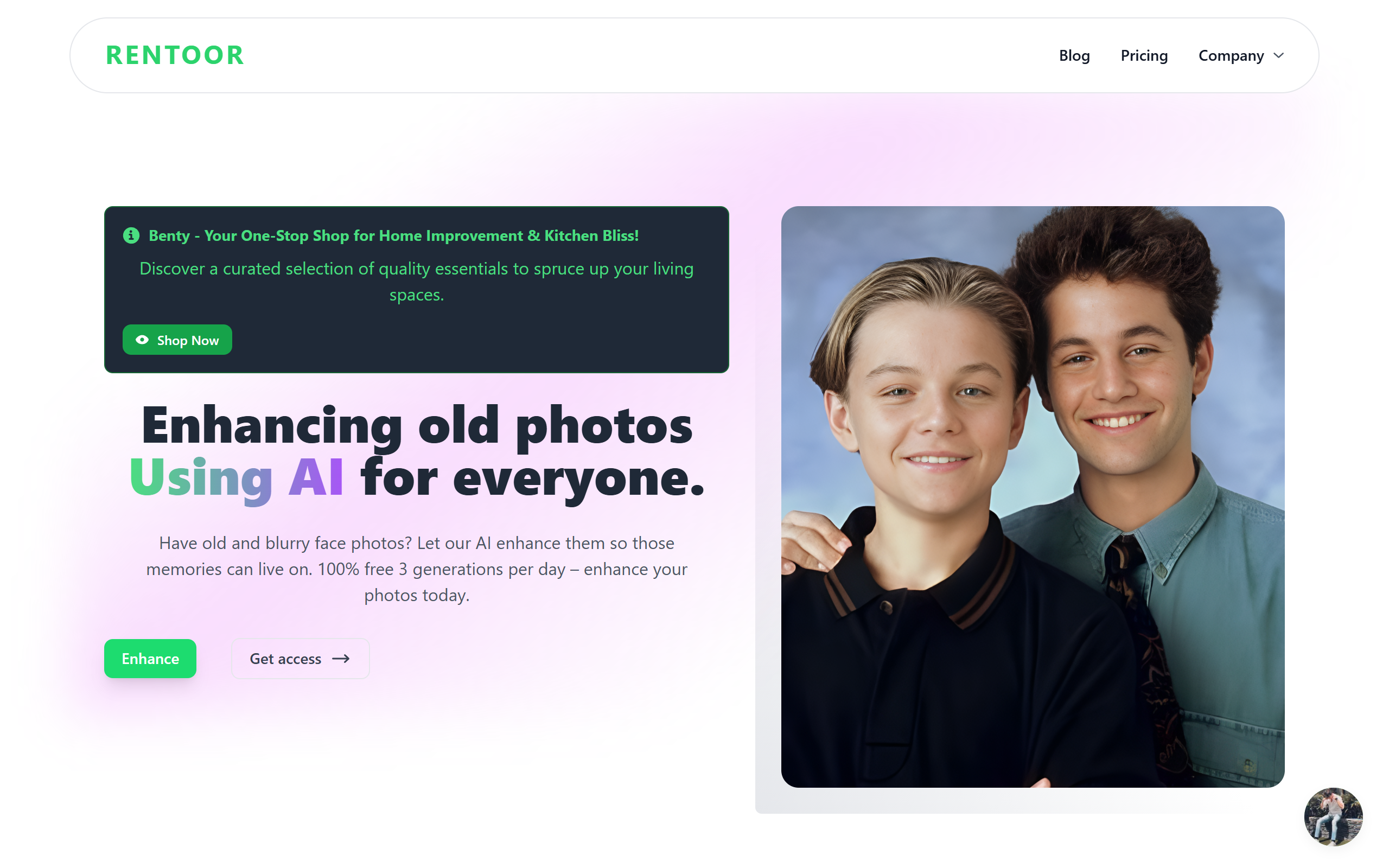
What is Rentoor?
Key features
Photo restoration
Repairs damage like fading, creasing, and discolouration common in old photographs
Image quality enhancement
Improves sharpness, clarity, and detail in degraded images
Colour correction
Restores natural colour tones to faded or discoloured photos
Easy sharing
Built-in options to share restored photos directly with family and friends
Web-based interface
Access from any device with a browser; no software installation required
Batch processing
Process multiple photos in one go to save time with large collections
Pros & cons
Advantages
- Free tier available so you can try restoration without paying upfront
- No software to download or install; works in a web browser
- Straightforward interface designed for non-technical users
- Sharing features built in, which saves steps when distributing photos to family
Limitations
- Results quality depends on the original damage level and may not restore heavily damaged photos completely
- Limited information available about processing times or upload file size limits on the free tier
- May have restrictions on how many photos can be processed monthly under the free plan
Use cases
Restoring inherited family photo albums before digitising them
Improving the quality of old scanned photographs that appear faded or unclear
Preparing family photos for printing or framing after enhancement
Creating a shareable digital archive of family memories to distribute among relatives
Recovering detail in old black and white or colour photographs damaged by age or storage conditions
Ready to try Rentoor?
Pricing
Free
Free
Basic photo restoration and enhancement with likely limitations on monthly processing or file sizes
Premium
Pricing not publicly specified
Higher monthly restoration allowance, faster processing, and likely additional enhancement options
Get started with Rentoor
Click through to Rentoor and start using it now.
- Free plan available
- No credit card