
Resumey.Pro
Markdown resumes that help you stand out
- Freemium
- Web
- DesignHR & RecruitingProductivity
- Free plan available
- No credit card
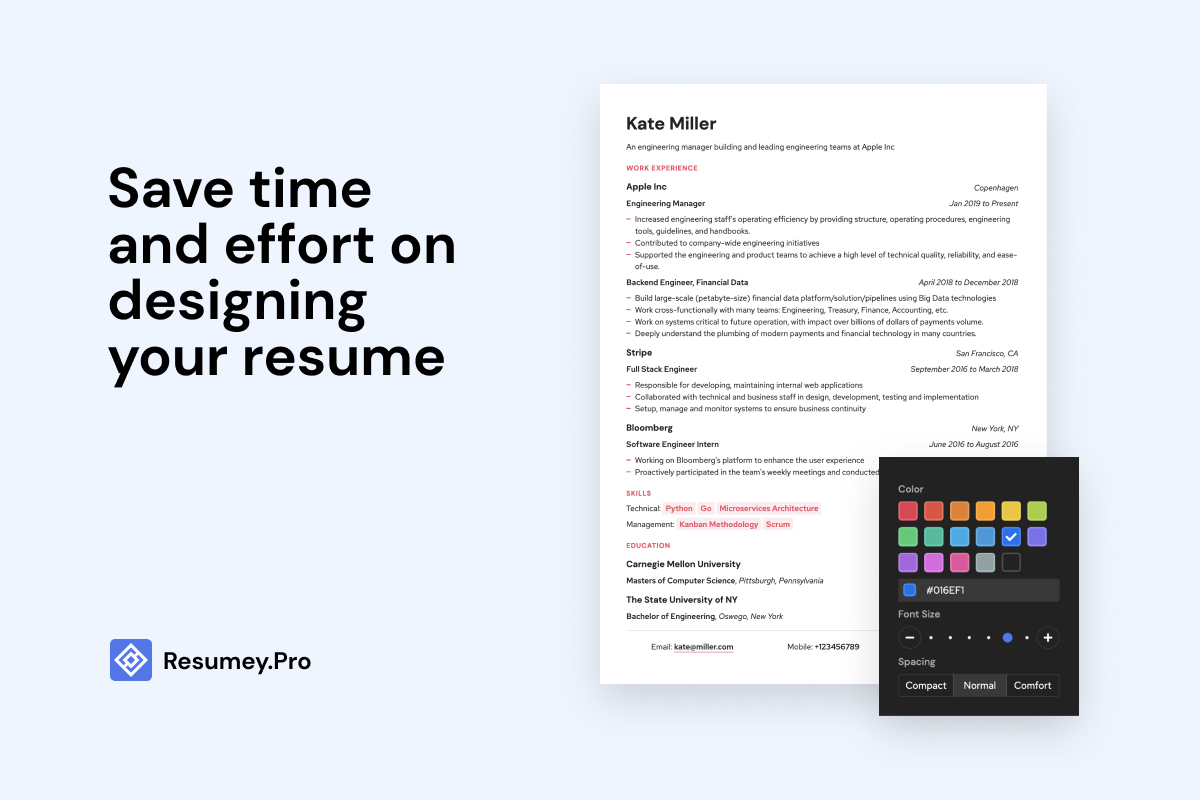
What is Resumey.Pro?
Key features
Markdown editor
Write your resume using standard markdown syntax for headers, lists, and formatting
Multiple export formats
Download your resume as PDF, HTML, or plain text depending on your needs
Template options
Choose from different resume layouts and styles to customise your appearance
Live preview
See how your markdown renders in real-time as you type
Cloud storage
Save your resume and access it from any device through your account
Pros & cons
Advantages
- Straightforward for people comfortable with markdown or plain text editing
- Full control over formatting without hidden styling rules
- Free tier lets you build a complete resume without paying
- Works in any browser with no software installation needed
Limitations
- Requires basic familiarity with markdown syntax, which may frustrate non-technical users
- Limited built-in guidance compared to resume builders with interview prompts or content suggestions
- Design customisation options may be less extensive than traditional resume builders
Use cases
Software developers and technical professionals who regularly use markdown in their work
Job seekers who want to version control their resume in Git alongside their portfolio
People switching from traditional resume builders who prefer text-based workflows
Anyone creating multiple resume variants for different job applications
Ready to try Resumey.Pro?
Pricing
Get started with Resumey.Pro
Click through to Resumey.Pro and start using it now.
- Free plan available
- No credit card