
Rive
Real-time interactive animation tool for creating state machine-driven graphics for apps and games.
- Free plan available
- No credit card
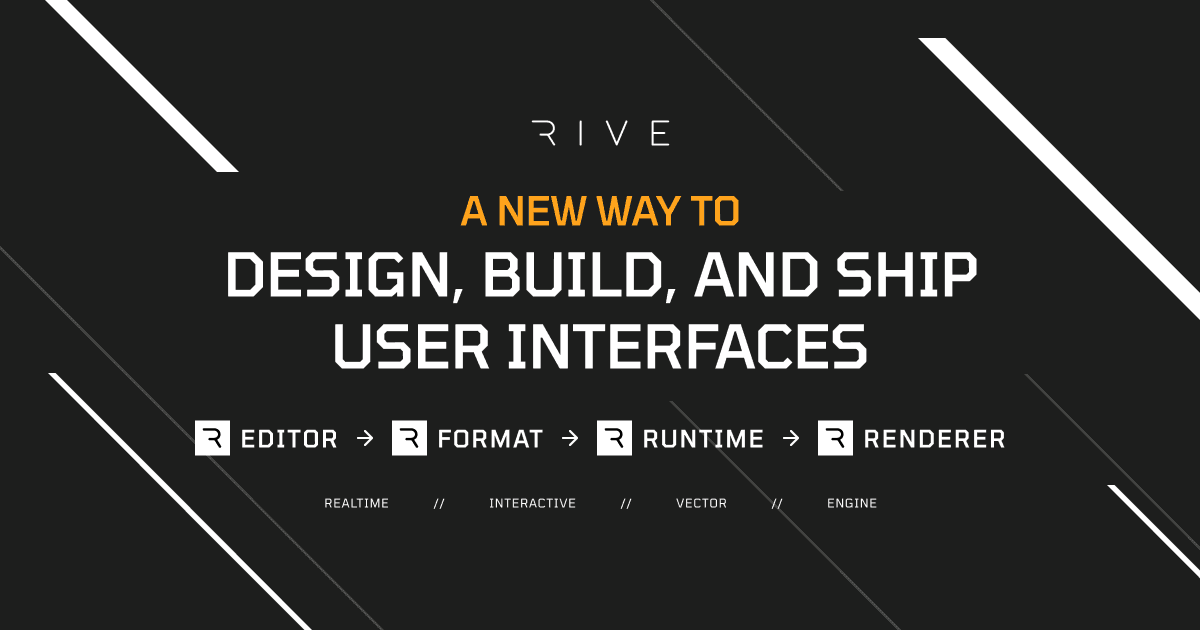
What is Rive?
Key features
State machine editor
Define multiple animation states and the conditions that trigger transitions between them
Real-time preview
See how animations behave immediately as you build them
Multi-platform export
Create once and deploy to web, iOS, and Android apps
Interactive controls
Add buttons, sliders, and other inputs that trigger specific animation states
Collaborative workspace
Work with team members and manage design versions
Performance optimised
Graphics render efficiently without requiring heavy asset files
Pros & cons
Advantages
- Reduces the need to build separate animation code for different platforms; one file works across web and mobile
- State machine approach is intuitive for interactions that respond to user behaviour rather than playing linearly
- Free tier is functional for learning and small projects, making it accessible to try before committing
- Active community and documentation help you get started quickly
Limitations
- Learning curve for people unfamiliar with state machine concepts; the mental model differs from traditional timeline-based animation tools
- Limited to the specific use cases Rive supports well; complex procedural animations or physics simulations may require alternatives
Use cases
Interactive UI elements in mobile apps that change appearance based on user interaction or app state
Game character animations that respond to player input or game events
Loading states and progress indicators that reflect real application processes
Onboarding animations and tutorial sequences that guide users through app features
Data visualisation charts that animate in response to data updates
Ready to try Rive?
Pricing
Get started with Rive
Click through to Rive and start using it now.
- Free plan available
- No credit card