
Robomotion RPA
Automate repetitive and data-intensive manual tasks with easy-to-use RPA bots
- Paid
- Web, Windows, API
- VideoData & AnalyticsTask & Project Management
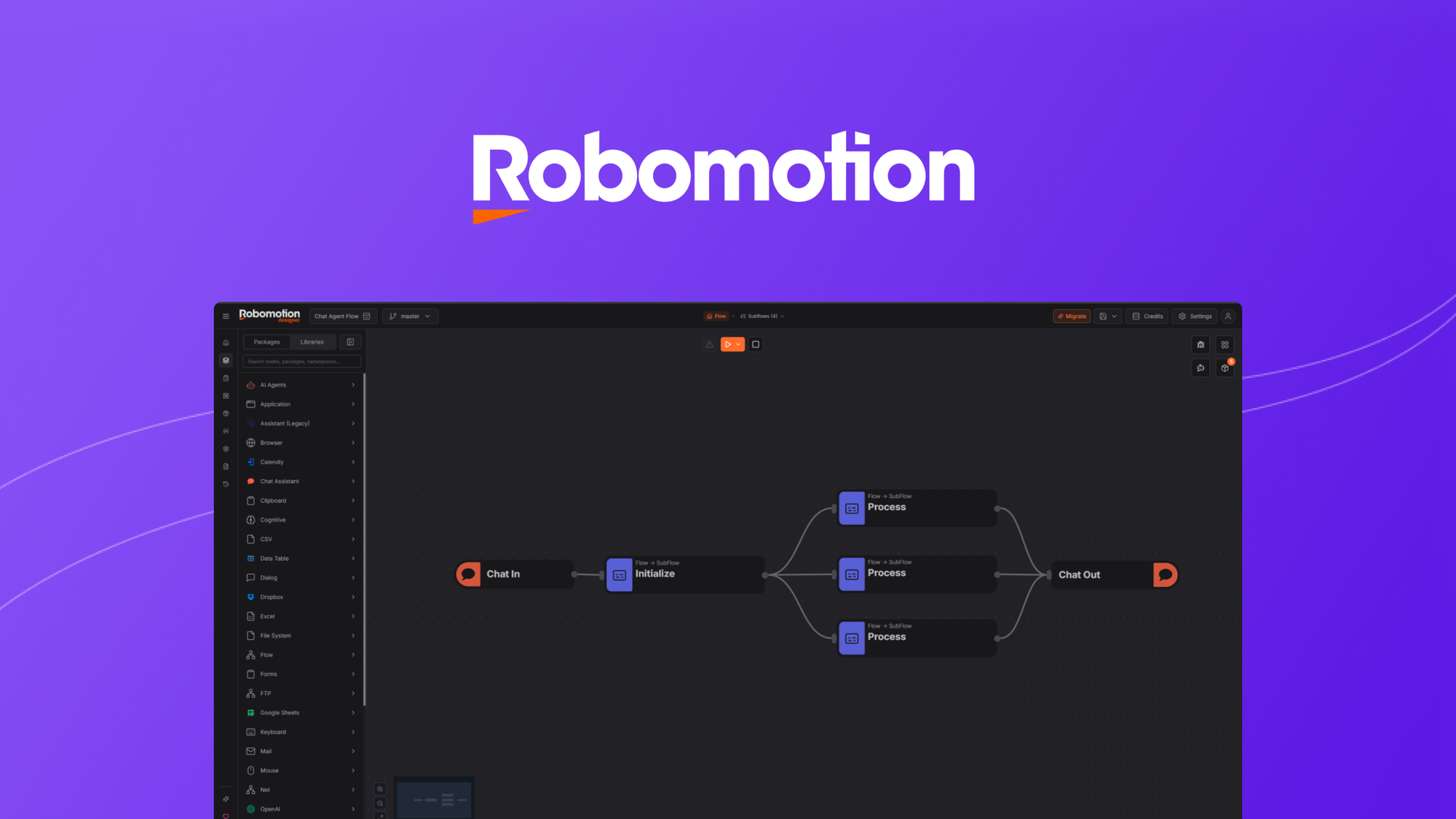
What is Robomotion RPA?
Key features
Visual bot builder
drag-and-drop interface for creating automation workflows without coding knowledge
Multi-application automation
bots can interact with web applications, desktop software, and APIs to move data across systems
Scheduled execution
run automations on a timetable or trigger them based on specific conditions
Data extraction and processing
capture information from documents, emails, or databases and reformat it for other systems
Error handling and logging
track bot activity, identify failures, and implement fallback actions
Pros & cons
Advantages
- Low barrier to entry; designed for users without programming experience
- Reduces time spent on repetitive administrative tasks, freeing staff for higher-value work
- Works with existing software without requiring system integration or APIs
- Centralised monitoring lets teams track bot performance and troubleshoot issues
Limitations
- Performance depends on system stability; frequent software updates or interface changes can break automations
- Complex workflows involving conditional logic or data transformation may require technical support
- Pricing scales with bot usage, which can become expensive for organisations automating many processes
Use cases
Processing invoices and purchase orders from email or documents into accounting software
Migrating customer records between CRM systems during platform transitions
Generating weekly or monthly reports by pulling data from multiple sources and formatting it
Updating inventory levels across multiple sales channels when stock changes
Extracting data from form submissions and populating it into databases or spreadsheets
Ready to try Robomotion RPA?
Pricing
Paid Plans
Pricing varies; check AppSumo or vendor website for current rates
Exact tier structure not publicly detailed; typically based on number of bots, monthly automation runs, or processing volume
Get started with Robomotion RPA
Click through to Robomotion RPA and start using it now.