
RoomSketcher
Generate 3D floor plans, visualize rooms in 3D, and design interiors with drag-and-drop tools.
- Free plan available
- No credit card
What is RoomSketcher?
Key features
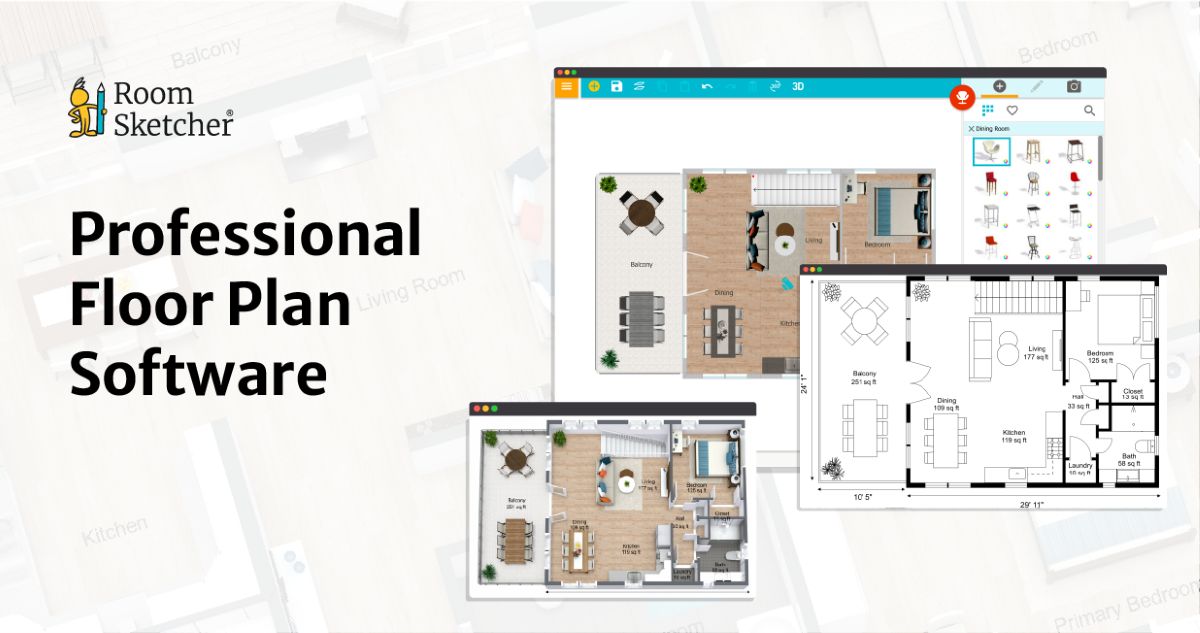
2D floor plan creation with adjustable walls, doors, and windows
3D visualisation that updates in real time as you edit
Drag-and-drop furniture and décor library with thousands of items
Measurements and scale tools to ensure accuracy
Export and share plans as images or interactive 3D models
Room templates to get started quickly
Pros & cons
Advantages
- Intuitive interface requires no design training or CAD experience
- Quick feedback loop: changes appear instantly in 3D view
- Useful for communication between designers, clients, and contractors
- Free tier covers basic floor planning and 3D visualisation
Limitations
- Free version has limited furniture library and export options compared to paid tiers
- Not suitable for complex architectural work or technical construction drawings
- Learning curve for advanced features like custom materials and detailed lighting
Use cases
Planning a home renovation or room redesign before buying furniture
Visualising furniture placement in a new rental flat or house
Estate agents creating 3D property tours for listings
Interior designers presenting multiple layout options to clients
Landlords or property managers planning unit layouts
Ready to try RoomSketcher?
Pricing
Plus
Subscription required (exact price varies)
Extended furniture library, advanced export options, PDF floor plans, priority support
Pro
Subscription required (exact price varies)
Full feature set, unlimited projects, high-resolution exports, professional-grade materials and finishes
Get started with RoomSketcher
Click through to RoomSketcher and start using it now.
- Free plan available
- No credit card