
Roopik
SHAPE. CREATE. DESIGN - An AI-native, canvas-first IDE
- Always free
- No credit card
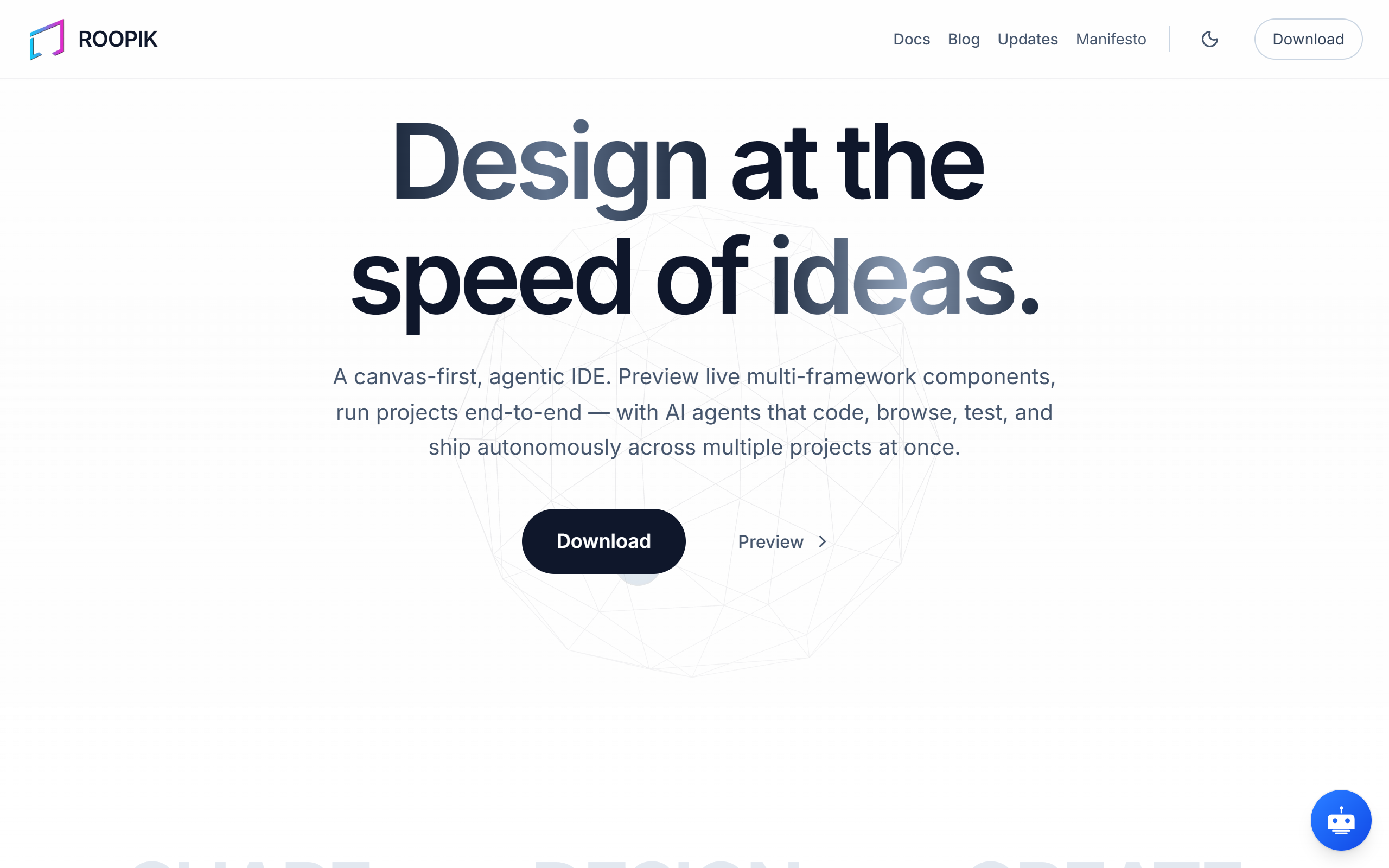
What is Roopik?
Key features
Canvas-based workspace
Design and build visually rather than through traditional code editors
AI-assisted generation
Get AI suggestions and auto-complete for design elements and code
Visual programming
Create logic and structures by working with visual components on the canvas
Real-time preview
See your work rendered immediately as you design
Free access
Use the full tool at no cost without payment barriers
Pros & cons
Advantages
- Lowers entry barriers for people uncomfortable with traditional code-first development
- Visual-first approach can speed up initial prototyping and ideation
- Free pricing makes it accessible for learning and experimentation
- AI assistance helps generate ideas and reduces repetitive manual work
Limitations
- Canvas-based workflows may feel unfamiliar if you're used to traditional IDEs or design tools
- Limited information available about scalability for larger, production-level projects
- May require a learning curve to understand how the visual canvas translates to final output
Use cases
Rapid prototyping of web applications and interactive designs
Learning to code or design without starting from scratch with traditional tools
Creating visual mockups and design systems collaboratively
Building simple automation or tool projects with AI assistance
Experimenting with ideas before committing to a full development workflow
Ready to try Roopik?
Pricing
Get started with Roopik
Click through to Roopik and start using it now.
- Always free
- No credit card