
Routine
AI-powered planner combining notes, tasks, and calendar
- Freemium
- Web, iOS, Android
- Data & AnalyticsWritingAI Knowledge Management
- Free plan available
- No credit card
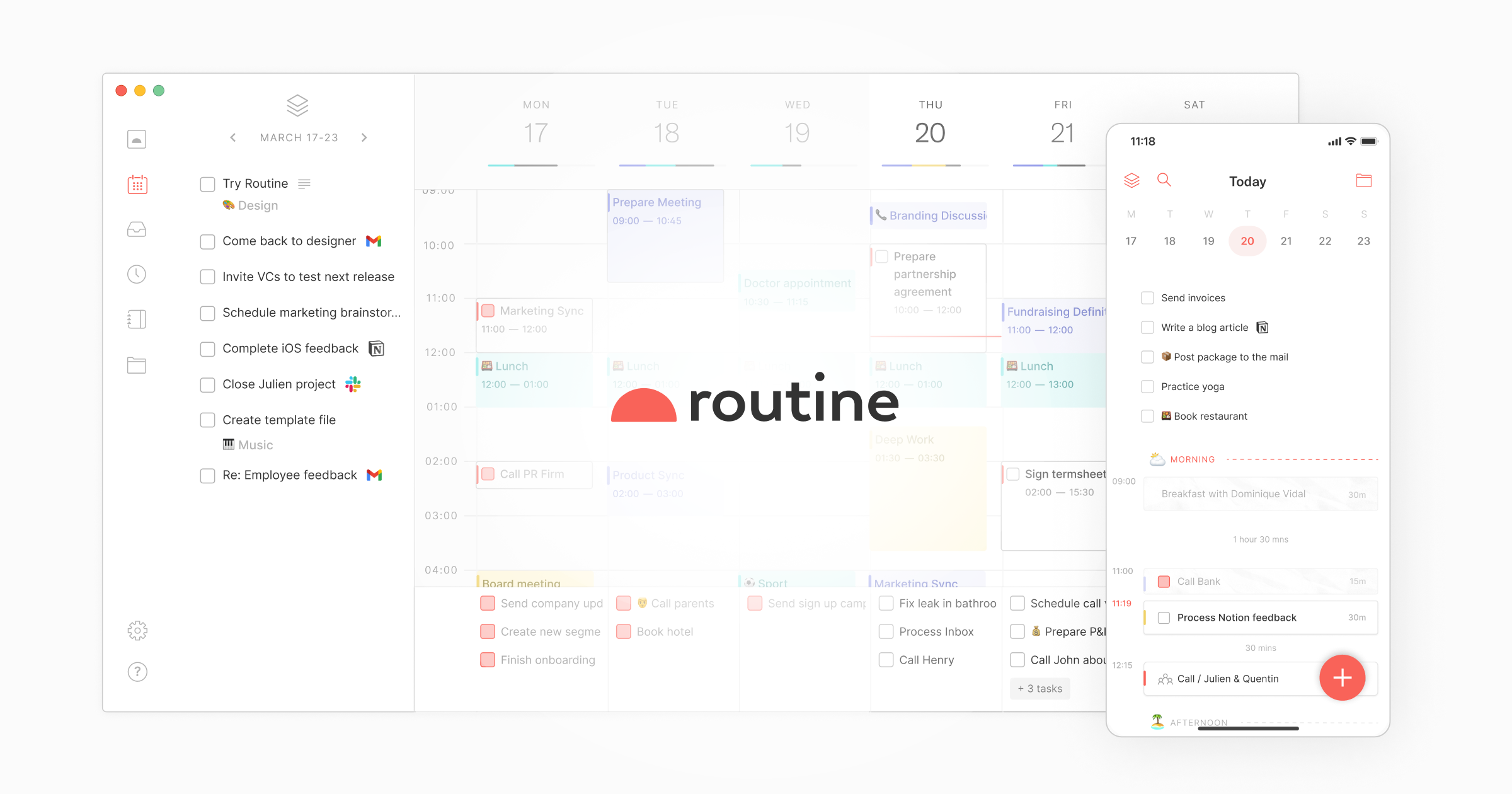
What is Routine?
Key features
Unified workspace
Notes, tasks, and calendar events in one place rather than across multiple applications
AI-assisted organisation
The tool uses AI to suggest connections between notes, tasks, and dates
Task management
Create, prioritise, and track tasks with due dates and status updates
Calendar integration
View your schedule alongside tasks and notes for better planning
Note-taking
Capture ideas and information with flexible formatting and search
Cross-linking
Connect related notes, tasks, and events to build context around your work
Pros & cons
Advantages
- Reduces context switching by consolidating three core productivity tools
- AI suggestions can help you surface connections you might otherwise miss between tasks and notes
- Freemium model lets you try the core features without payment
- Single interface is faster to learn than managing three separate applications
Limitations
- Integration with other calendar and task systems may be limited compared to specialised tools
- AI-driven organisation works best if you adopt the suggested workflow; customising it heavily may reduce benefits
- For power users of specific tools, Routine may lack advanced features available in dedicated note-taking or project management apps
Use cases
Project managers tracking project notes, team tasks, and meeting schedules in one view
Students combining lecture notes, assignment due dates, and study plans
Freelancers managing client notes, project tasks, and appointment calendars
Busy professionals who want a single dashboard instead of toggling between calendar, to-do, and note apps
Teams needing a shared workspace for collaborative planning and task tracking
Ready to try Routine?
Pricing
Premium
Pricing not publicly specified
Advanced AI features, extended storage, collaboration tools, and additional integrations (specific features vary)
Get started with Routine
Click through to Routine and start using it now.
- Free plan available
- No credit card