
Rows AI
Transform spreadsheets into AI-powered data analysis tools, simplifying complex insights.
- Free plan available
- No credit card
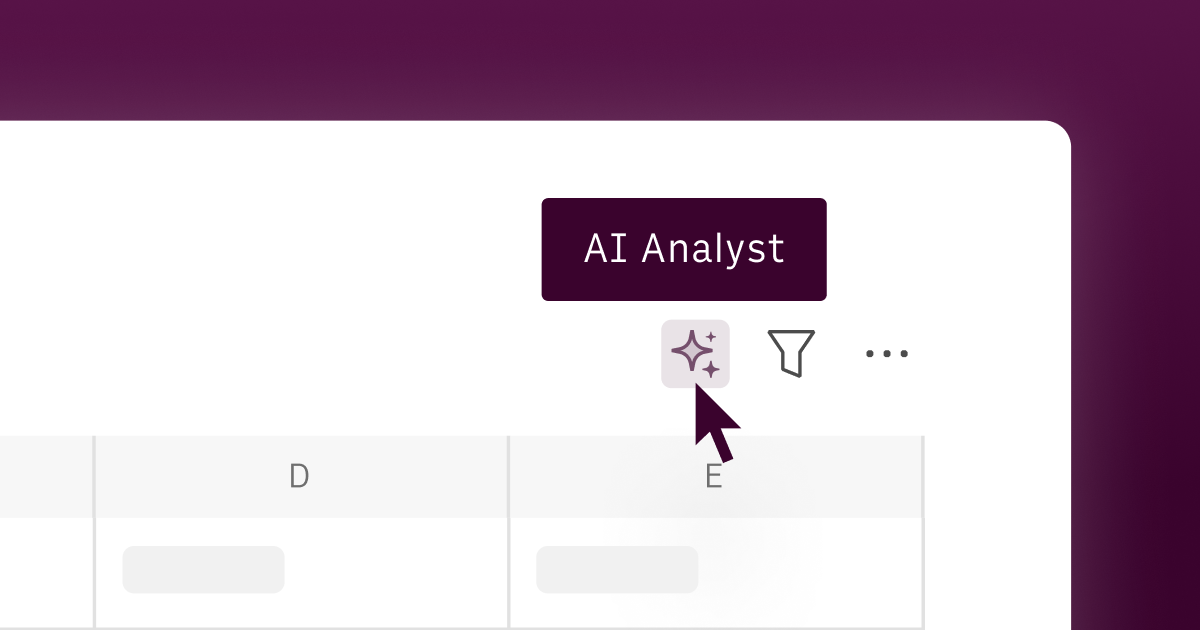
What is Rows AI?
Key features
AI-powered data analysis
Ask questions about your spreadsheet data and receive insights in natural language
Formula generation
Describe what you need in English and the AI suggests or creates appropriate formulas
Data summarisation
Automatically summarise large datasets or identify key trends and patterns
Integration capabilities
Connect to external data sources and databases to centralise information
Collaborative editing
Work with team members on spreadsheets in real-time
Template library
Access pre-built spreadsheet templates for common business tasks
Pros & cons
Advantages
- Reduces time spent on manual data analysis and formula writing
- No programming experience required; accessible to non-technical users
- Freemium model lets you try core features at no cost
- Maintains the familiarity of spreadsheet interfaces whilst adding AI capabilities
Limitations
- AI suggestions may require review and verification before use in critical decisions
- Limited transparency into how the AI interprets complex or ambiguous data questions
- Free tier likely has restrictions on data volume, processing power, or feature access
Use cases
Sales teams analysing pipeline data to forecast revenue and identify high-value opportunities
Marketing managers reviewing campaign performance metrics and generating performance summaries
Finance professionals automating expense categorisation and budget variance analysis
HR teams analysing hiring metrics, turnover trends, and compensation data
Small business owners tracking KPIs and generating monthly or quarterly business reports
Ready to try Rows AI?
Pricing
Free
Free
Basic spreadsheet functionality with limited AI analysis requests per month; suitable for individuals and small projects
Pro
Contact for pricing
Increased AI analysis capacity, priority support, and advanced integrations; designed for regular business users
Enterprise
Contact for pricing
Custom usage limits, dedicated support, security features, and API access for larger organisations
Get started with Rows AI
Click through to Rows AI and start using it now.
- Free plan available
- No credit card