
Runway Financial
AI financial modeling and runway planning for startups
- Always free
- No credit card
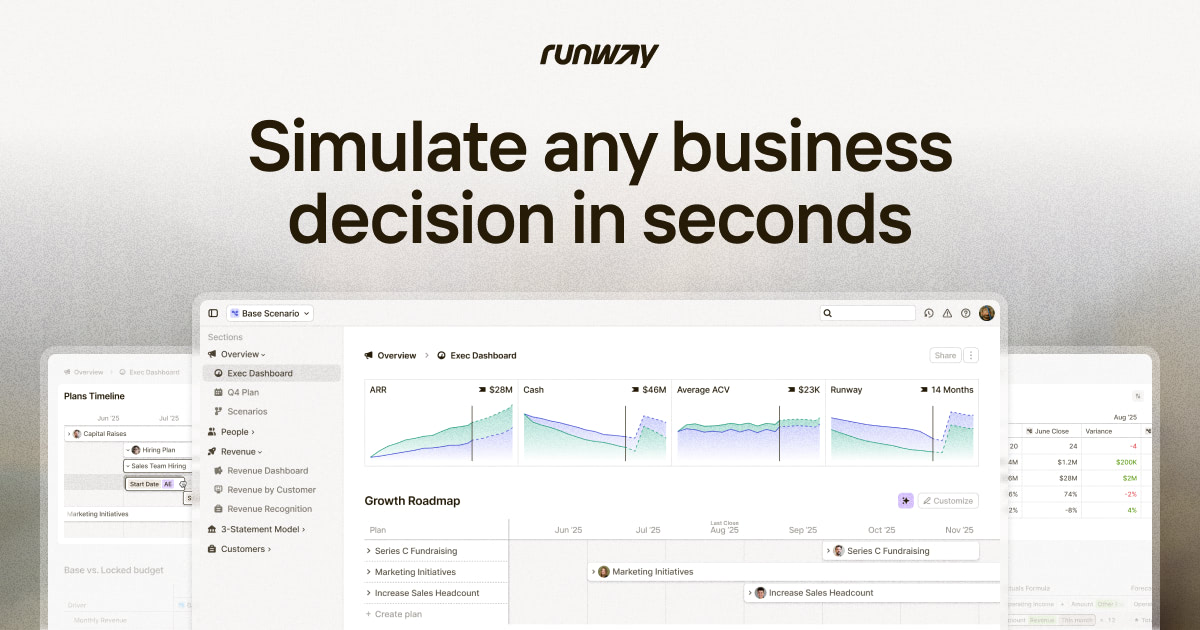
What is Runway Financial?
Key features
Automated financial model generation
builds multi-month and multi-year projections from basic business inputs
Runway calculation
determines how many months of operating capital remain based on monthly burn rate
Cash flow forecasting
projects incoming and outgoing cash to identify potential shortfalls
Standard financial statements
generates income statements and balance sheet summaries automatically
Scenario planning
allows adjustment of assumptions to see how different conditions affect runway
Pros & cons
Advantages
- Free to use, making it accessible to early-stage startups with limited budgets
- Requires minimal financial knowledge to set up and use
- Provides clear visibility into cash runway, which is critical information for startup survival
- Faster than building models from scratch in spreadsheets
Limitations
- May lack advanced features or customisation options compared to professional financial planning software
- Limited information available about integration capabilities with accounting tools or data import options
- Designed for startups specifically, so may not suit later-stage companies with complex financial structures
Use cases
Calculating how many months a startup can operate with current funds to inform hiring and spending decisions
Creating quick financial projections for investor pitches and fundraising conversations
Monitoring cash position month-to-month and identifying when additional funding may be needed
Stress-testing different growth scenarios to understand financial sensitivity to revenue changes
Setting up basic financial tracking for founders unfamiliar with accounting or spreadsheet modelling
Ready to try Runway Financial?
Pricing
Free
Free
Full access to financial modelling, runway calculation, and financial statement generation
Get started with Runway Financial
Click through to Runway Financial and start using it now.
- Always free
- No credit card