
SageFlow
SageFlow is a cutting-edge no-code AI agent-building platform that empowers users to craft and deploy intelligent agents swiftly and effortlessly. Its primary goal is to democratize AI development, ma
- Free plan available
- No credit card
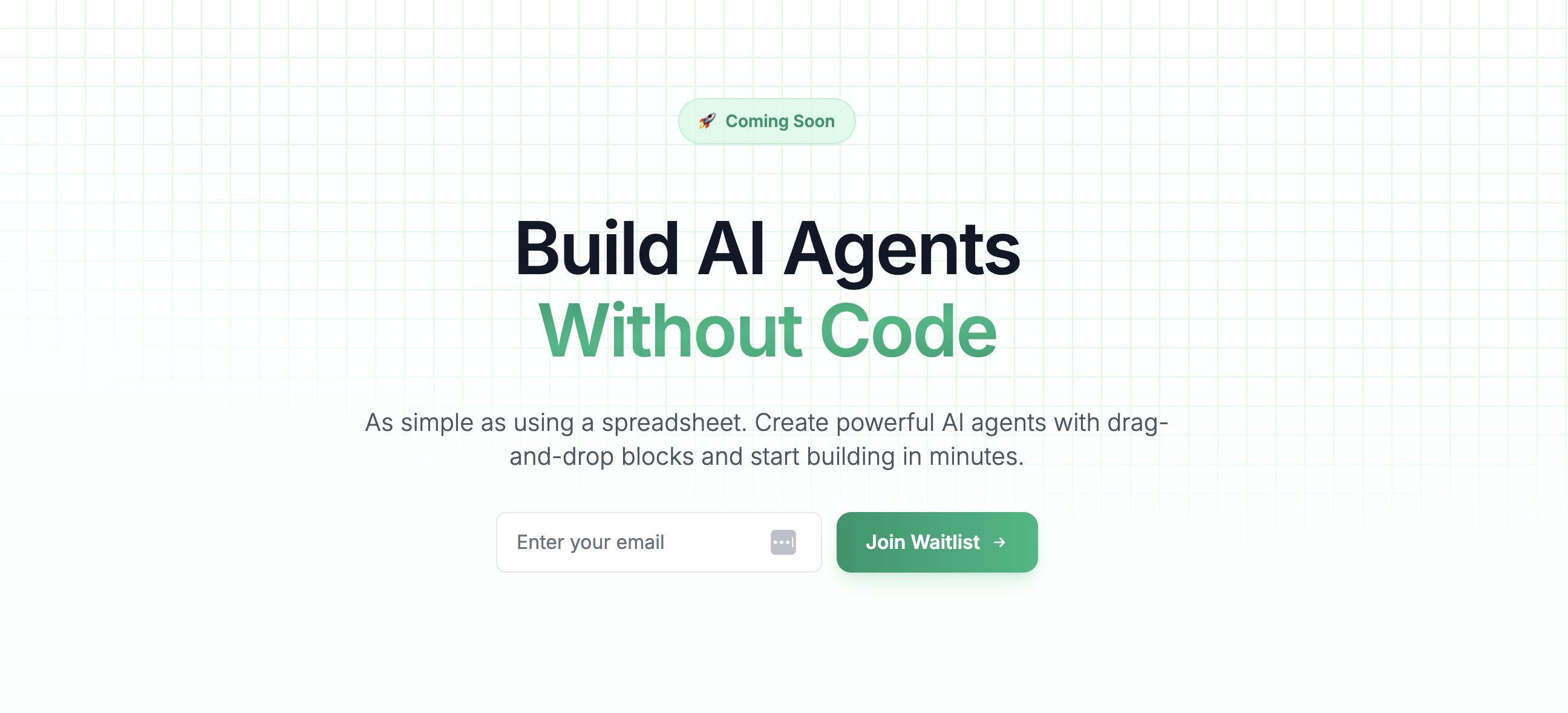
What is SageFlow?
Key features
Drag-and-drop agent builder
Create workflows visually by connecting blocks without coding
Pre-built blocks and templates
Use ready-made components to accelerate agent creation
Third-party integrations
Connect your agents to other apps and services
Agent deployment
Launch your agents to run automatically or on-demand
Visual workflow editor
Design complex processes using an intuitive interface
Pros & cons
Advantages
- No coding required; accessible to non-technical users
- Quick to build and deploy agents compared to custom development
- Freemium model lets you try before committing to paid plans
- Pre-built components reduce time spent on common tasks
Limitations
- Limited to the blocks and integrations SageFlow provides; complex custom logic may still require development help
- No-code platforms can become difficult to manage as workflows grow in complexity
- Pricing and feature limits at higher tiers are not publicly transparent
Use cases
Automate customer support by routing enquiries to the right department or providing instant responses
Build lead qualification agents that evaluate potential customers and score them automatically
Create data processing workflows that extract, transform, and move information between tools
Set up notification and alert systems triggered by specific events or conditions
Automate scheduling, reminders, and follow-up tasks in sales or project management
Ready to try SageFlow?
Pricing
Free
Free
Limited access to agent building and deployment; suitable for trying out the platform and small-scale automation
Enterprise
Contact for pricing
Custom solutions, dedicated support, and bespoke integrations for large organisations
Get started with SageFlow
Click through to SageFlow and start using it now.
- Free plan available
- No credit card