
Samplitude
Record, edit, mix music with advanced audio engine, intuitive UI, virtual instruments, and sample packs for unique sounds.
- Freemium
- Windows, macOS
- AI Music ProductionDesignPodcast & Audio Editing
- Free plan available
- No credit card
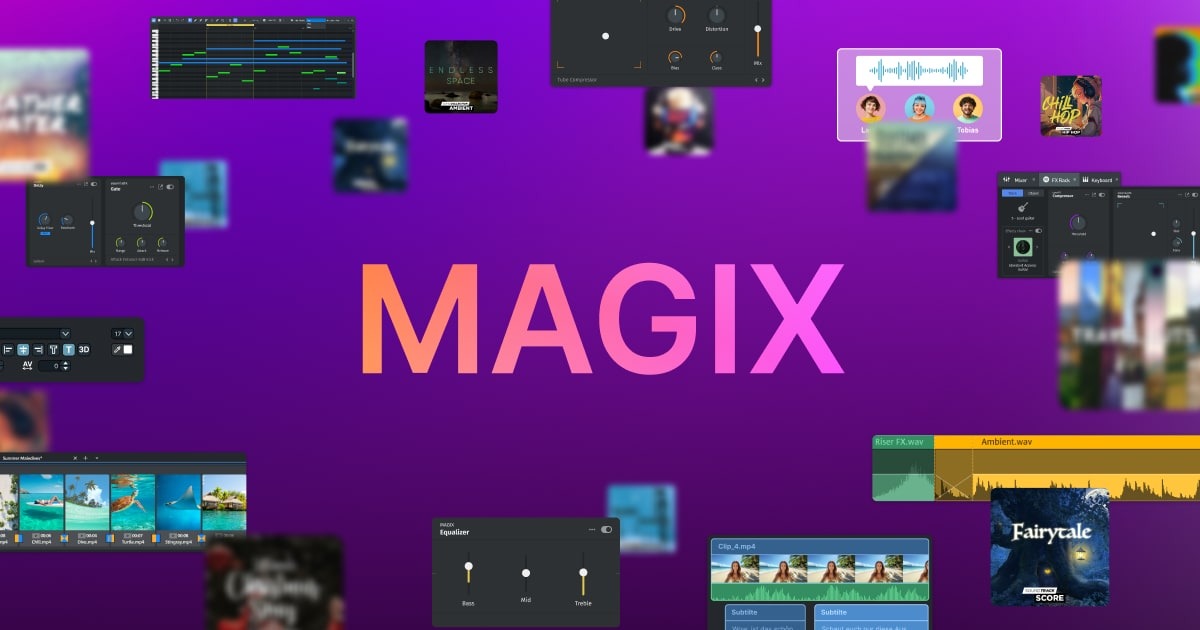
What is Samplitude?
Key features
Multi-track recording and editing
capture and arrange audio across multiple tracks with detailed editing tools
Virtual instruments
built-in synthesisers and instrument plugins for creating sounds without external software
Sample library and packs
access to pick samples and sound packs for quick sound design
Mixing and mastering tools
EQ, compression, reverb, and other effects for professional-quality output
MIDI support
compose and edit MIDI data for instrument tracks
Audio effects chain
layer multiple effects on tracks and buses for creative sound shaping
Pros & cons
Advantages
- Free version available, so you can try the core features without paying
- Intuitive interface makes it approachable for users new to DAWs
- All-in-one solution with instruments and samples included, reducing the need for separate purchases
- Professional-grade mixing and mastering capabilities built in
Limitations
- Free tier likely includes limitations on project complexity, export quality, or feature access compared to paid tiers
- Windows and macOS only; no web-based version or mobile apps for on-the-go editing
- Less extensive third-party plugin ecosystem compared to some competing DAWs
Use cases
Home music production: create original tracks for personal projects or uploads to streaming platforms
Podcast editing: record, edit, and mix voice and background audio for podcast episodes
Beat making: produce beats and instrumental music using virtual instruments and samples
Audio restoration: clean up and restore older recordings or live recordings
Music composition: arrange and compose full songs with MIDI instruments
Ready to try Samplitude?
Pricing
Free
Free
Basic recording, editing, and mixing tools; limited virtual instruments; access to sample packs; restrictions on export and project features
Paid (Standard/Pro)
One-time purchase or subscription
Full feature set; unlimited tracks and projects; complete virtual instrument library; advanced mixing tools; priority support
Get started with Samplitude
Click through to Samplitude and start using it now.
- Free plan available
- No credit card