ScreenSorts
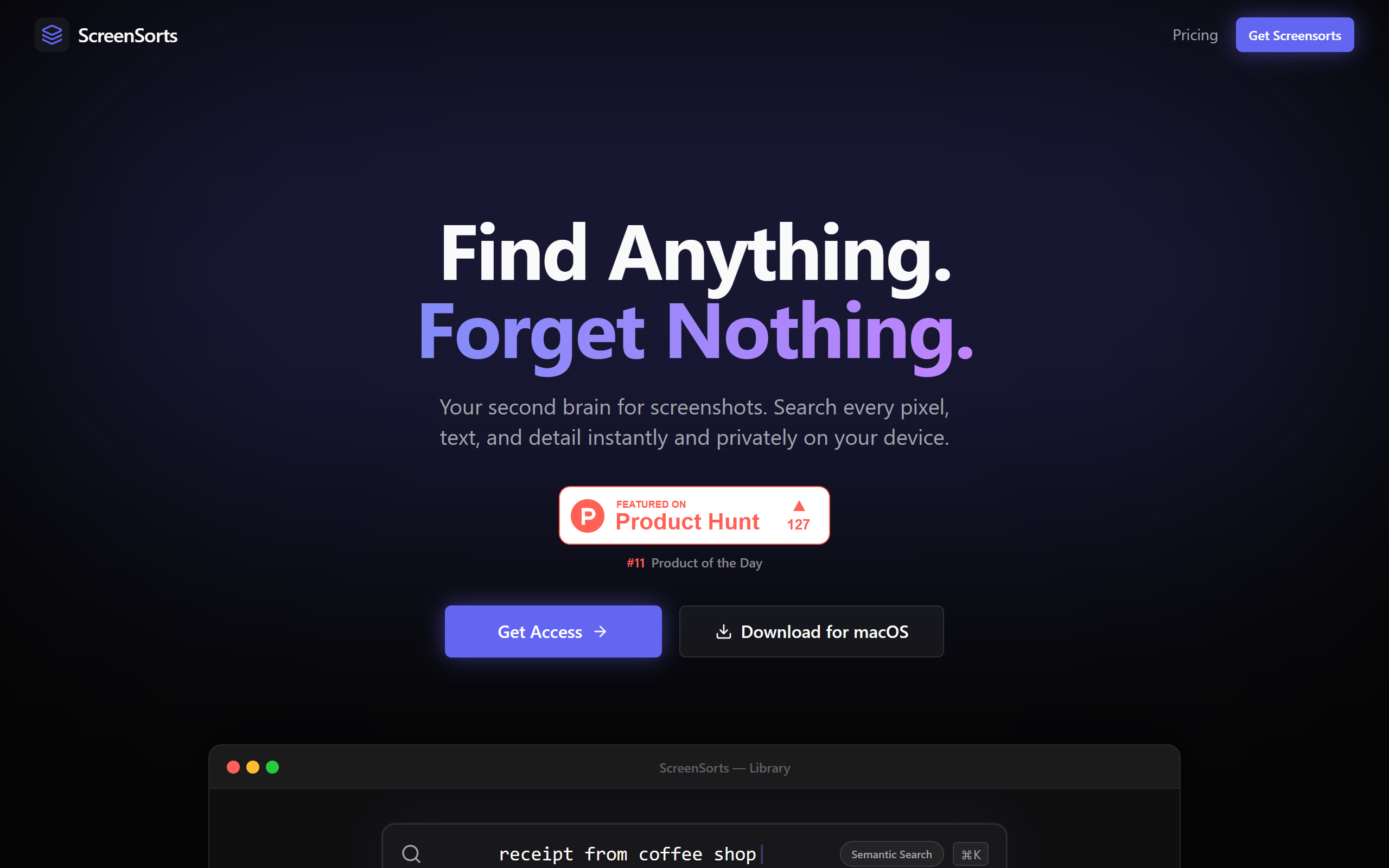
ScreenSorts is a macOS Screenshot organiser utility tool.
- Freemium
- macOS
- Developer ToolsProductivity
- Free plan available
- No credit card
What is ScreenSorts?
Key features
Automatic screenshot detection and organisation into folders or categories
Custom sorting rules to organise screenshots by date, type, or user-defined criteria
Quick access to screenshots through a menu bar interface
Tagging system for marking and searching screenshots
Integration with macOS native screenshot tools
Pros & cons
Advantages
- Solves the common problem of scattered screenshots across your Mac
- Works automatically in the background without requiring manual intervention
- Freemium model means you can try the basic features at no cost
- Native macOS integration keeps the tool lightweight and efficient
Limitations
- Only available for macOS; not compatible with Windows or Linux
- Free tier may have limited sorting or organisational features compared to paid version
Use cases
Designers managing screenshots of design references and inspiration
Developers organising error messages, code snippets, and debugging screenshots
Researchers keeping visual research materials organised by project or topic
Content creators cataloguing screenshots for articles, tutorials, or social media
Office workers maintaining organised records of important documents or communications
Ready to try ScreenSorts?
Pricing
Premium
Subscription-based (exact pricing available on website)
Advanced sorting rules, additional tagging options, and enhanced organisational features
Get started with ScreenSorts
Click through to ScreenSorts and start using it now.
- Free plan available
- No credit card