
Scribe AI
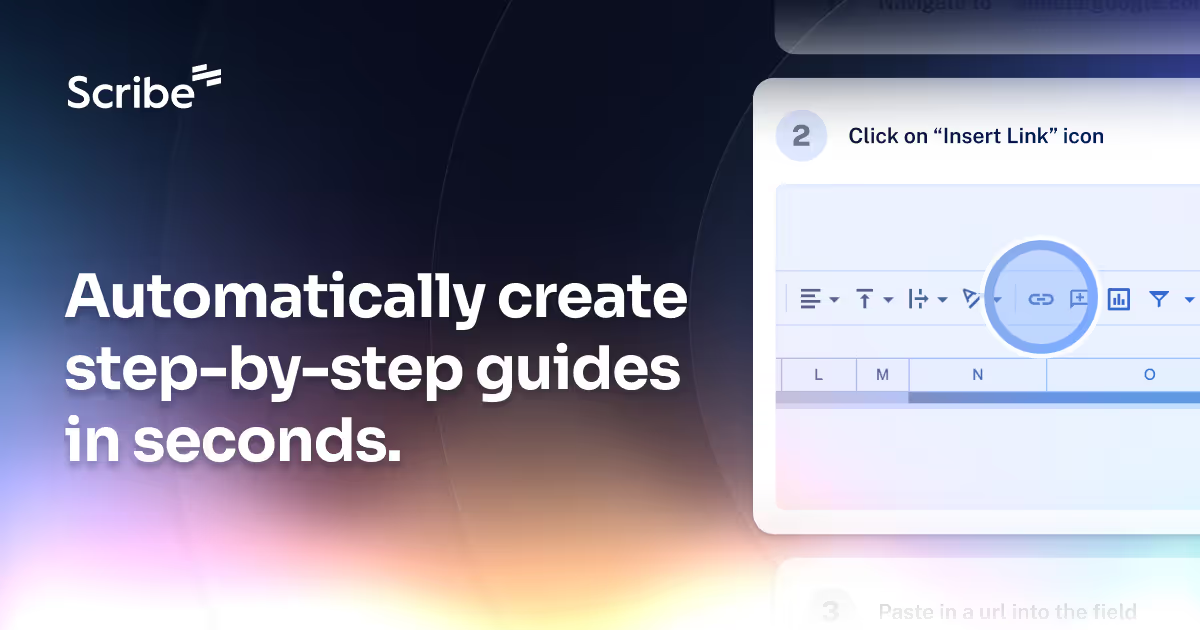
An AI tool that automatically generates process documentation, making it easier to create SOPs and training materials.
- Freemium
- Web, Chrome Extension, Windows, macOS
- AI Documentation & Process CaptureIDEs & Editor ExtensionsAI Tools for Onboarding
- Free plan available
- No credit card
What is Scribe AI?
Key features
Automatic process capture
Records user actions and automatically converts them into documented steps with minimal manual input
Visual guide generation
Creates illustrated guides with screenshots, annotations, and visual hierarchy for easy comprehension
Rich content formatting
Supports text, links, embedded images, and interactive elements within generated documentation
Customizable templates
Allows teams to apply brand colors, fonts, and formatting standards to maintain consistency
Shareable output
Generates embeddable guides and exportable documentation for distribution across platforms
Workspace collaboration
Enables teams to organise, edit, and manage documentation collectively
Pros & cons
Advantages
- Dramatically reduces time spent on manual documentation creation
- Maintains consistency and accuracy across process guides
- Freemium model allows teams to get started without upfront investment
- User-friendly interface requires minimal technical training
- Produces professional, polished documentation suitable for client-facing and internal use
Limitations
- Free tier likely has limitations on document quantity or advanced features that may require upgrading
- Quality of automated documentation may occasionally require manual editing for complex or detailed processes
- May have limited integration options with existing documentation or knowledge management systems
Use cases
Creating employee onboarding materials and training documentation for new hires
Generating SOPs and process guides for customer-facing teams
Documenting software workflows and internal tool training for distributed teams
Building customer support knowledge bases and help documentation
Capturing institutional knowledge before employee departures
Ready to try Scribe AI?
Pricing
Pro
Contact for pricing
Unlimited scribes, advanced customization, team collaboration, priority support, and integrations
Enterprise
Contact for pricing
Custom solutions, dedicated support, SSO, advanced security features, and SLA guarantees
Get started with Scribe AI
Click through to Scribe AI and start using it now.
- Free plan available
- No credit card