
Scribe
- Freemium
- Web, Windows, macOS, Chrome Extension
- Free plan available
- No credit card
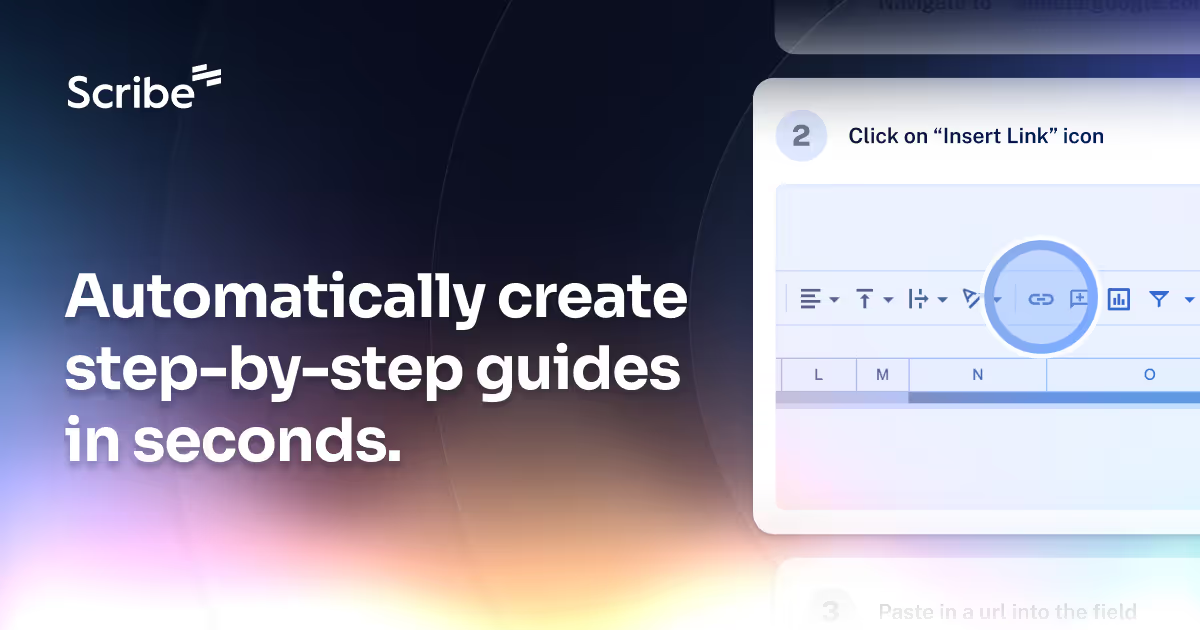
What is Scribe?
Key features
Automatic workflow capture
Records your actions, mouse movements, and screenshots as you work
One-click guide generation
Converts captured actions into formatted step-by-step documents
Visual editing
Add, remove, or reorganise steps and annotate screenshots with arrows and text
Rich formatting
Embed links, add descriptions, and format text within guides
Shareable links
Generate public or private links to share guides with team members or customers
Browser and desktop support
Available as a Chrome extension and desktop application for Windows and macOS
Pros & cons
Advantages
- Significantly faster than manual documentation; captures real workflows as they happen
- Requires minimal technical skill to create professional-looking guides
- Works with any web application or desktop software you use
- Free tier available for individuals and small teams
Limitations
- Dependent on extension or application installation; some organisations may have restrictions
- Guide quality still requires human review and editing for accuracy and completeness
- Pricing and feature limitations of paid tiers not clearly stated without visiting the site
Use cases
Onboarding new employees by recording standard job procedures and training workflows
Creating customer support documentation for software or services
Building training materials for internal processes or system usage
Documenting bug reports and reproduction steps for development teams
Creating how-to guides for clients or end users of your product
Ready to try Scribe?
Pricing
Paid tiers
Pricing varies; visit site for details
Additional storage, team collaboration, advanced analytics, priority support
Get started with Scribe
Click through to Scribe and start using it now.
- Free plan available
- No credit card