
ScriptMe
Convert audio/video to text, transcribe/subtitle files in 31+ languages, edit text & export in multiple formats.
- Freemium
- Web
- VideoAI Tools for CaptionsWriting
- Free plan available
- No credit card
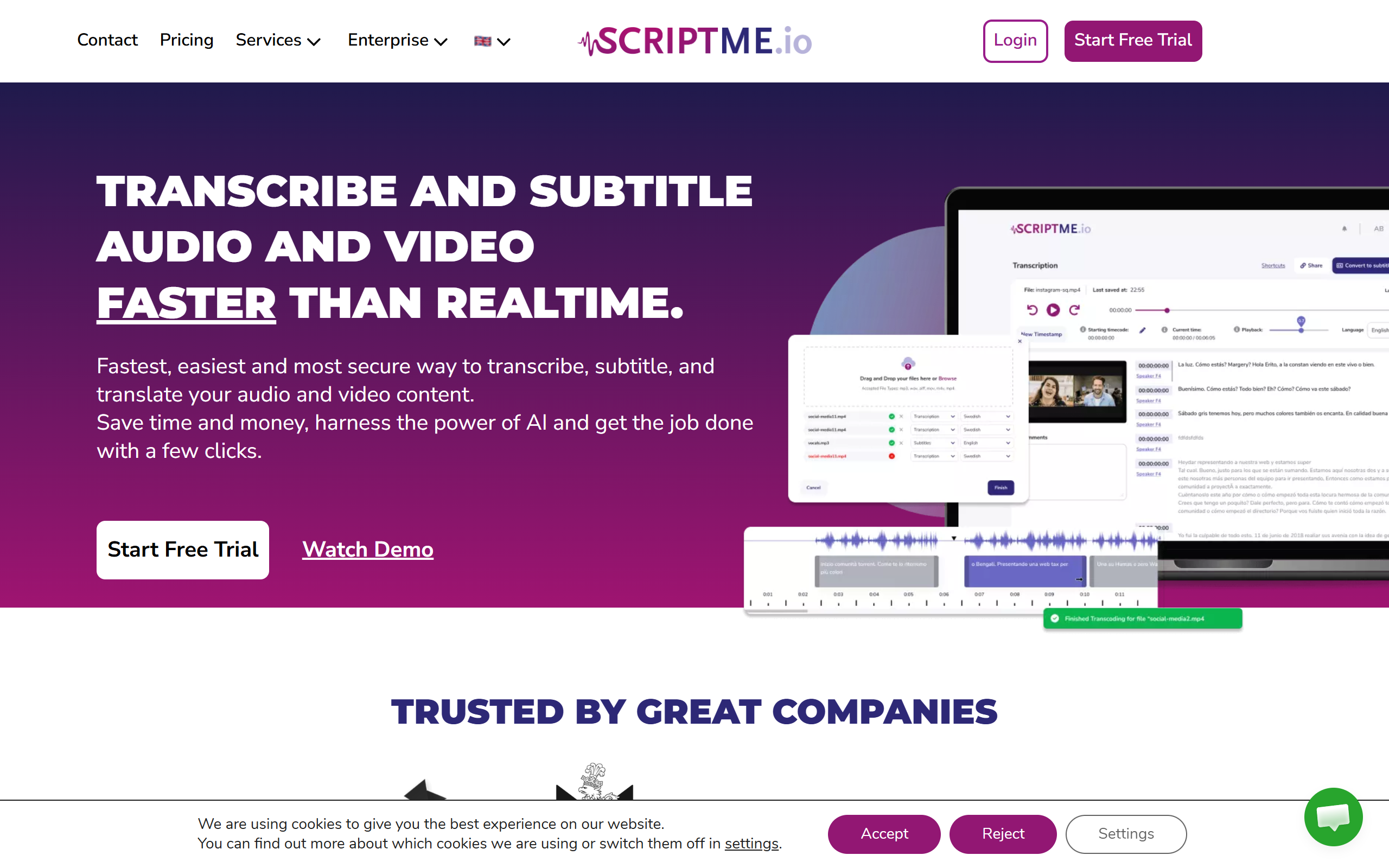
What is ScriptMe?
Key features
Multi-language transcription
supports 31+ languages for converting speech to text
Audio and video input
works with various audio and video file formats
Subtitle generation
create subtitle files with timing for video captions
Built-in editor
refine transcripts, adjust timing, and correct errors within the platform
Multiple export formats
save transcripts in various formats for different uses
Freemium access
try free with monthly limits, upgrade for higher capacity
Pros & cons
Advantages
- Extensive language coverage (31+ languages) useful for international content
- In-app editing saves time and keeps everything in one place
- Multiple export formats support different platforms and workflows
- Free tier available to test the tool without commitment
- Handles both audio and video in the same interface
Limitations
- Free tier has restrictions on monthly processing limits or file sizes
- Transcription accuracy depends on audio quality and speaker clarity
- Processing may be slower on the free plan
- Smaller tool with fewer integrations than larger platforms
- Some languages likely have less accurate recognition than others
Use cases
Podcasters adding searchable transcripts and captions to episodes
Video creators making content accessible with auto-generated subtitles
Journalists and researchers transcribing interviews and recordings
Students and academics transcribing lectures and research materials
Teams working across languages needing quick, affordable transcription
Ready to try ScriptMe?
Pricing
Get started with ScriptMe
Click through to ScriptMe and start using it now.
- Free plan available
- No credit card