
Sigma Computing
Sigma Computing is a cloud-native analytics platform that brings the familiar spreadsheet interface to cloud data warehouses, allowing business analysts to expl
- Free plan available
- No credit card
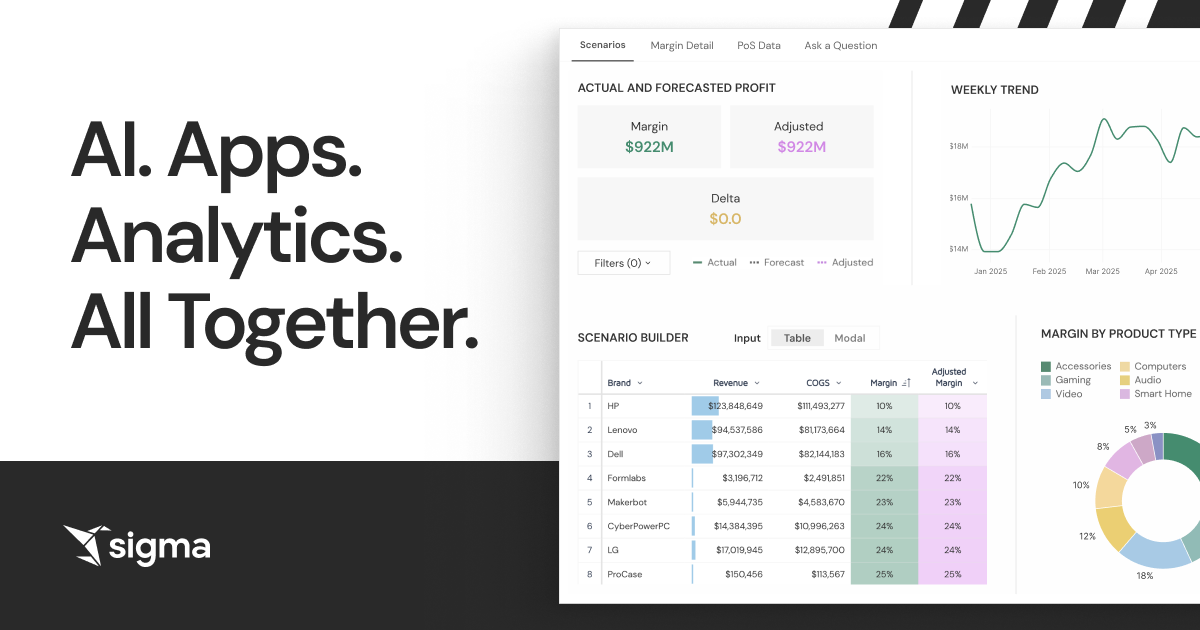
What is Sigma Computing?
Key features
Spreadsheet interface for cloud data
Work with warehouse data using familiar rows, columns, and formulas rather than SQL
Direct warehouse connections
Integrates with Snowflake, BigQuery, Redshift, and other major cloud data warehouses
Interactive exploration
Filter, sort, and pivot data on the fly with no query writing required
Shared workbooks and reports
Collaborate with teammates and publish findings as interactive dashboards
Version control and audit trails
Track changes to analyses and maintain data governance standards
Mobile-responsive outputs
View and interact with reports on different devices
Pros & cons
Advantages
- Significantly reduces the barrier to entry for business analysts who aren't comfortable with SQL
- Connects to live warehouse data, so reporting is always current without manual data exports
- Collaboration tools make it easy to share work and build analyses together across teams
- Freemium model lets you try the tool before committing to a paid plan
Limitations
- May not be suitable for highly complex statistical analyses or advanced data science workflows
- Requires your organisation to already have a cloud data warehouse in place
- Pricing can become significant at scale depending on data volume and number of active users
Use cases
Sales teams analysing pipeline data and win rates without waiting for BI team reports
Finance teams building ad-hoc budget analyses and variance reports from warehouse data
Product managers exploring user behaviour and usage metrics from event data
Marketing analysts segmenting customer data and measuring campaign performance
Operations teams monitoring KPIs and creating weekly performance summaries
Ready to try Sigma Computing?
Pricing
Enterprise
Contact for pricing
Advanced security, custom integrations, dedicated support, and governance controls
Get started with Sigma Computing
Click through to Sigma Computing and start using it now.
- Free plan available
- No credit card