Skemio
Convert text, images, sketches into diagrams in seconds
- Free plan available
- No credit card
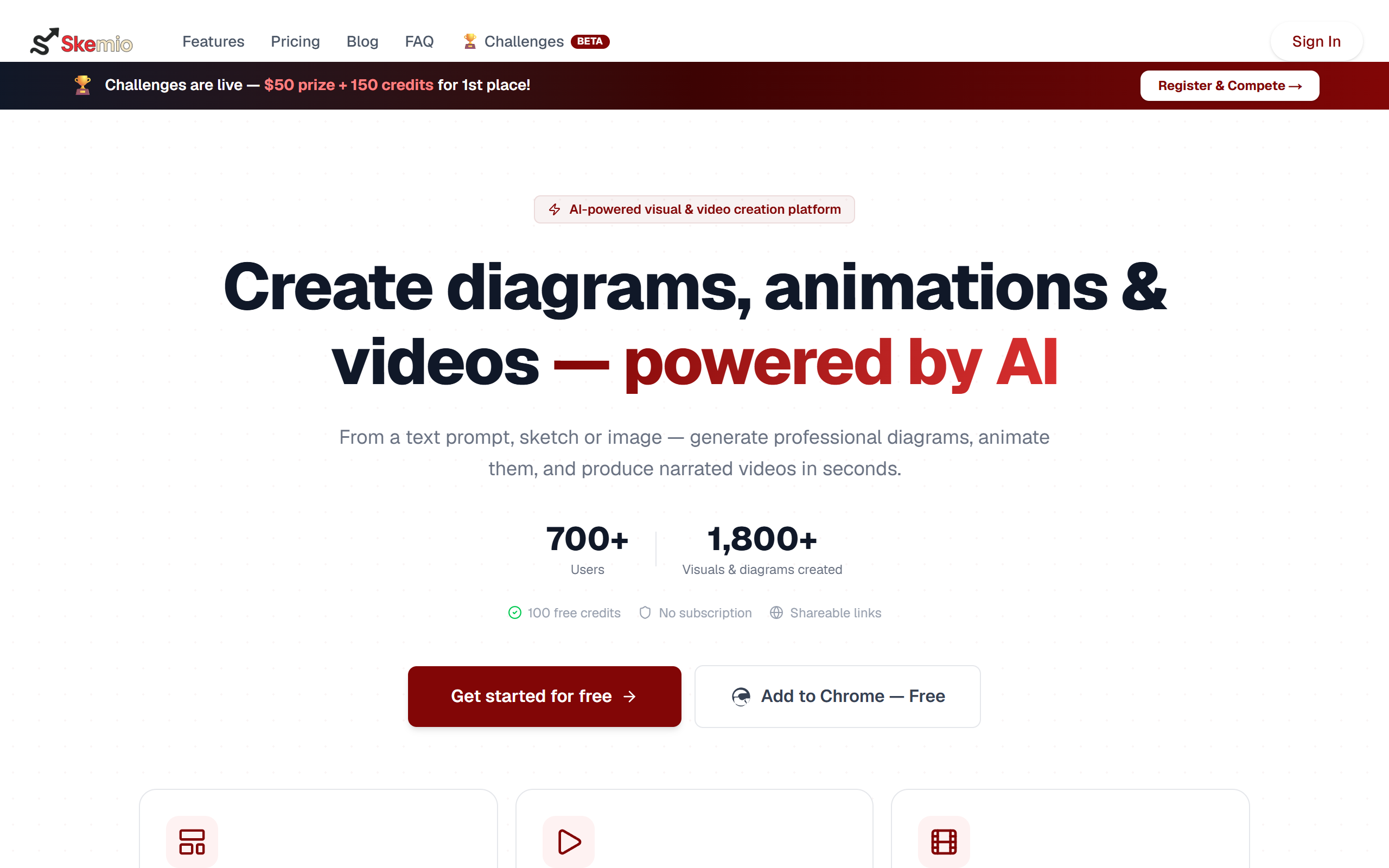
What is Skemio?
Key features
Text-to-diagram conversion
describe your diagram in words and have it generated automatically
Image upload
convert existing images or documents into editable diagrams
Sketch recognition
photograph or upload hand-drawn sketches and convert them to digital diagrams
Diagram editing
modify generated diagrams directly within the tool
Multiple diagram types
supports flowcharts, wireframes, process diagrams, and similar formats
Export options
download or share your finished diagrams in standard formats
Pros & cons
Advantages
- Significantly faster than drawing diagrams manually in design software
- Lowers the barrier to creating professional-looking diagrams if you're not a designer
- Accepts input in multiple formats, so you can use whichever is most convenient
- Free tier lets you test the tool before committing to paid features
Limitations
- Accuracy of automatic diagram generation depends on how clearly you describe or present your input
- May require editing and refinement for complex or highly specific diagram requirements
- Limited information available about what diagram types and export formats the free tier includes
Use cases
Software engineers documenting system architecture or data flow
Product managers creating user journey maps or process flows
Business analysts visualising workflows or organisational structures
Students and educators illustrating concepts during presentations or coursework
Teams quickly prototyping wireframes or interface layouts
Ready to try Skemio?
Pricing
Free
Free
Basic diagram generation from text, images, or sketches; limited exports or diagram creation limits
Paid plans
Pricing not publicly specified
Unlimited diagram generation, advanced export formats, priority support, or additional customisation options (specific details not confirmed)
Get started with Skemio
Click through to Skemio and start using it now.
- Free plan available
- No credit card