
SketchBubble AI
Create stunning presentations with AI.
- Free plan available
- No credit card
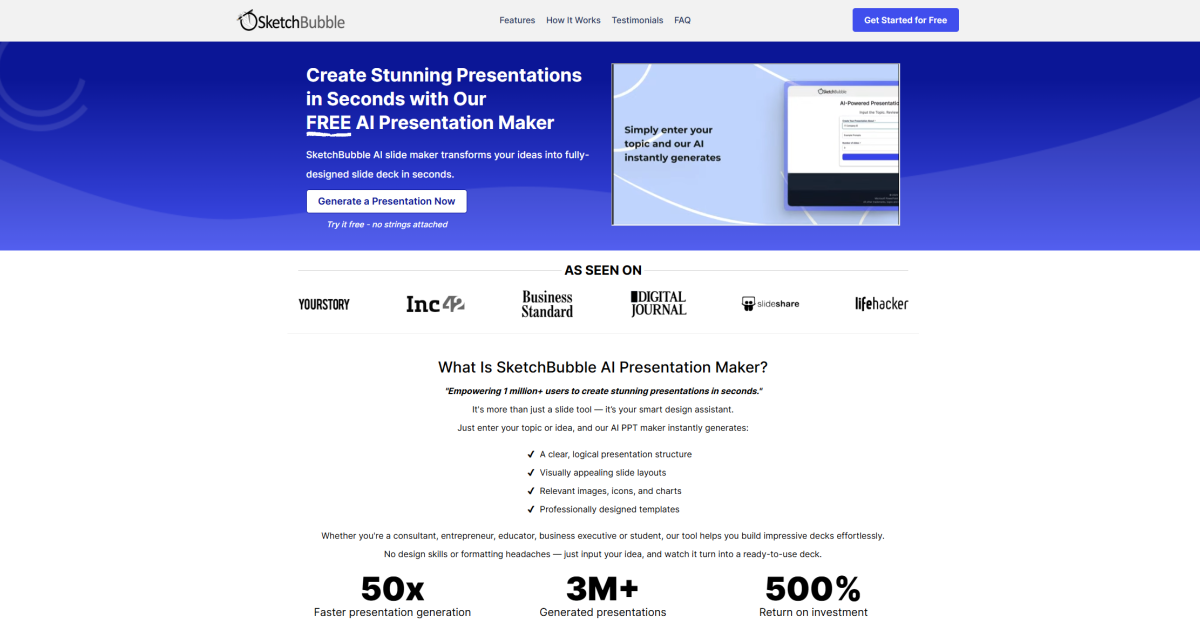
What is SketchBubble AI?
Key features
AI-powered design suggestions
The tool generates layout and design recommendations based on your content
Template library
Access to pre-built presentation templates that you can customise
Content assistance
Help with structuring and organising your presentation content
Customisation options
Modify colours, fonts, and layouts to match your branding
Export functionality
Download presentations in standard formats for sharing and presenting
Pros & cons
Advantages
- Free tier available for basic presentation creation
- Reduces time spent on design decisions and formatting
- Accessible to users without design experience
- Cloud-based, so you can access presentations from different devices
Limitations
- Free tier likely has limitations on presentation length, templates, or export options
- AI suggestions may require refinement to match specific brand guidelines or complex requirements
- Dependent on internet connection for full functionality
Use cases
Creating business proposals or pitch decks quickly
Developing educational presentations for classroom use
Preparing conference talks or webinar slides
Building marketing or product launch presentations
Creating status reports or project updates for teams
Ready to try SketchBubble AI?
Pricing
Premium
Pricing available on website
Full template access, advanced AI features, higher export limits, and additional customisation options
Get started with SketchBubble AI
Click through to SketchBubble AI and start using it now.
- Free plan available
- No credit card