
Slashit App
Trigger dynamic templates, expand text, and rewrite anything with AI hotkeys—right where you type
- Paid
- macOS, Windows, Chrome Extension, Web
- WritingGrammar & Editing
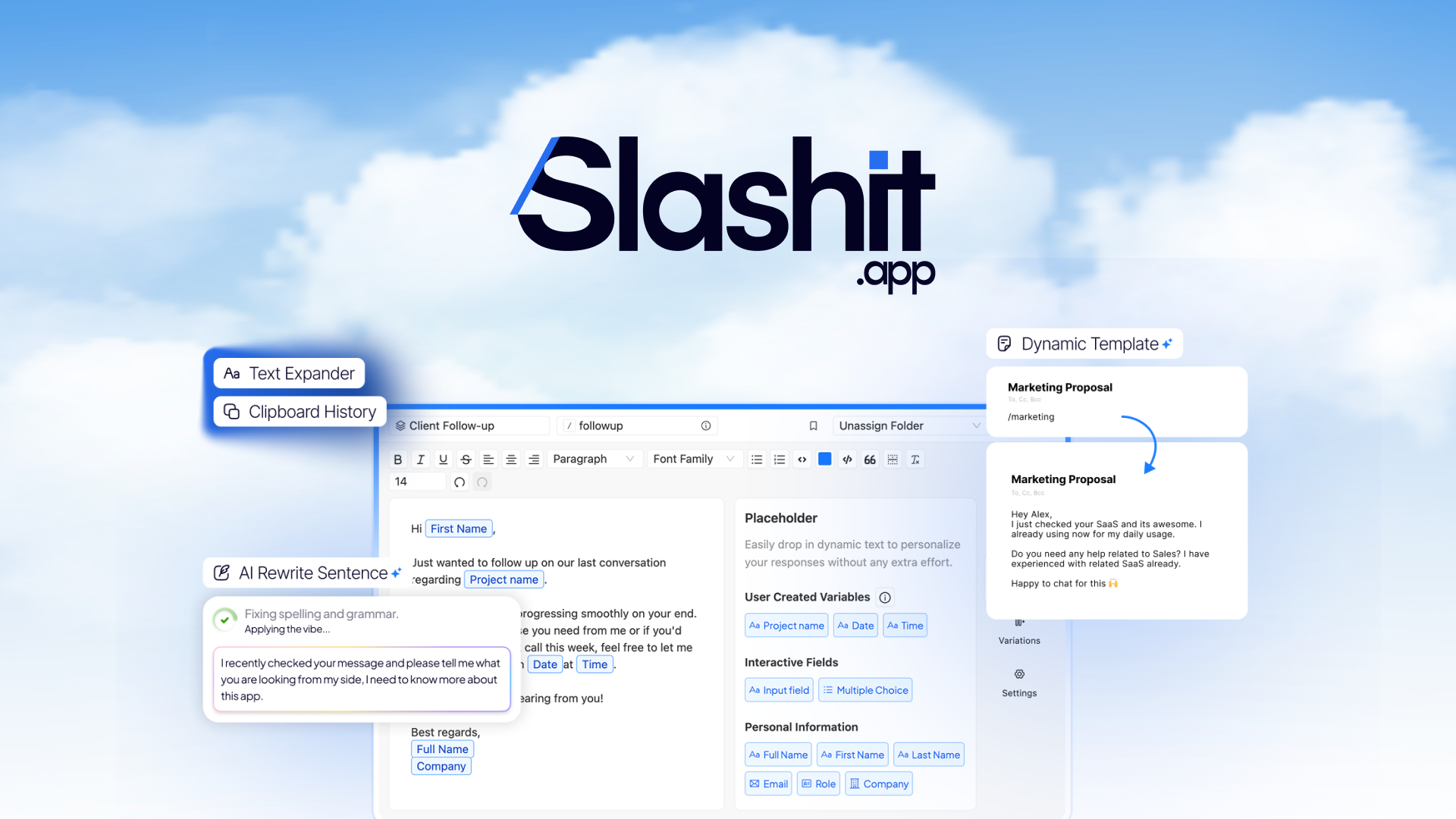
What is Slashit App?
Key features
AI hotkey triggers
Use keyboard shortcuts to activate AI functions from any text field
Dynamic templates
Pre-built templates you can customise and trigger instantly
Text expansion
Turn short abbreviations into full sentences or paragraphs
Content rewriting
Rewrite, rephrase, or adjust tone on existing text
Cross-application support
Works in email clients, word processors, messaging apps, and browsers
Customisable shortcuts
Set your own hotkey combinations for different actions
Pros & cons
Advantages
- Stays in context; no need to switch windows or paste text elsewhere
- Reduces time spent on repetitive typing and template setup
- Works across virtually any application that accepts text input
- Keyboard-focused workflow appeals to power users and frequent writers
Limitations
- Effectiveness depends on the quality of templates and prompts you create
- Requires learning custom hotkeys to gain efficiency benefits
- Limited offline capability; requires internet connection for AI processing
Use cases
Email professionals who send similar messages repeatedly each day
Content writers expanding bullet points into full articles or sections
Customer support teams responding to common inquiries with customised replies
Code developers using shortcuts to generate boilerplate or documentation
Anyone regularly editing their own writing for clarity or tone adjustments
Ready to try Slashit App?
Pricing
Paid Plan
Contact vendor for current pricing
AI hotkey triggers, dynamic templates, text expansion, content rewriting, cross-application support
Get started with Slashit App
Click through to Slashit App and start using it now.