
SlidesAI
AI presentation generator inside Google Slides Pricing: Freemium. See pros, cons, alternatives, and comparisons.
- Freemium
- Web, Chrome Extension
- WritingDeveloper ToolsCode
- Free plan available
- No credit card
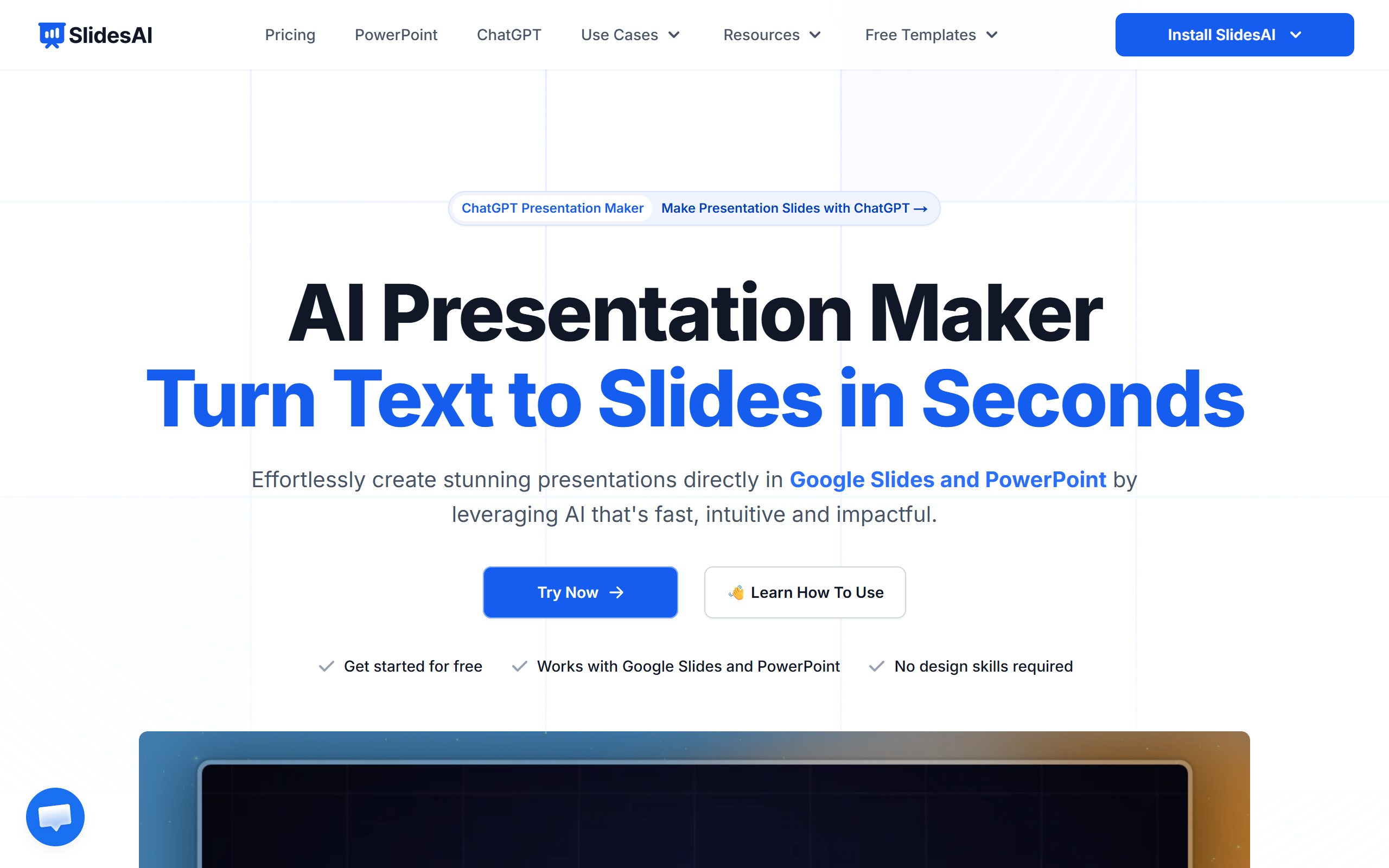
What is SlidesAI?
Key features
Text-to-presentation generation
describe your topic and receive a full slide deck with multiple slides
Integration with Google Slides
operates as a plugin, no external software needed
Customisable outlines
input specific content, bullet points, or structure to guide generation
Design templates
applies basic layouts and styling to generated slides
Editing within Google Slides
modify generated content using standard Slides features
Pros & cons
Advantages
- Saves significant time on initial slide creation, especially for routine presentations
- No learning curve if you already use Google Slides
- Free tier available for basic use without requiring payment
- Works directly in your existing Google Workspace, no tool switching needed
Limitations
- Generated designs are basic and may require customisation for professional or high-stakes presentations
- Limited control over the final output; AI generates content that may need substantial revision
- Free tier likely includes usage limits or fewer AI generation requests
Use cases
Creating quick internal meeting slides or status update decks
Generating first drafts for presentations that will be heavily customised later
Building slide structures for topics where you have key points but lack presentation layout skills
Producing educational or training slides from course outlines or lecture notes
Rapid prototyping of pitch decks or client proposals for initial feedback
Ready to try SlidesAI?
Pricing
Get started with SlidesAI
Click through to SlidesAI and start using it now.
- Free plan available
- No credit card