
Soroco AI
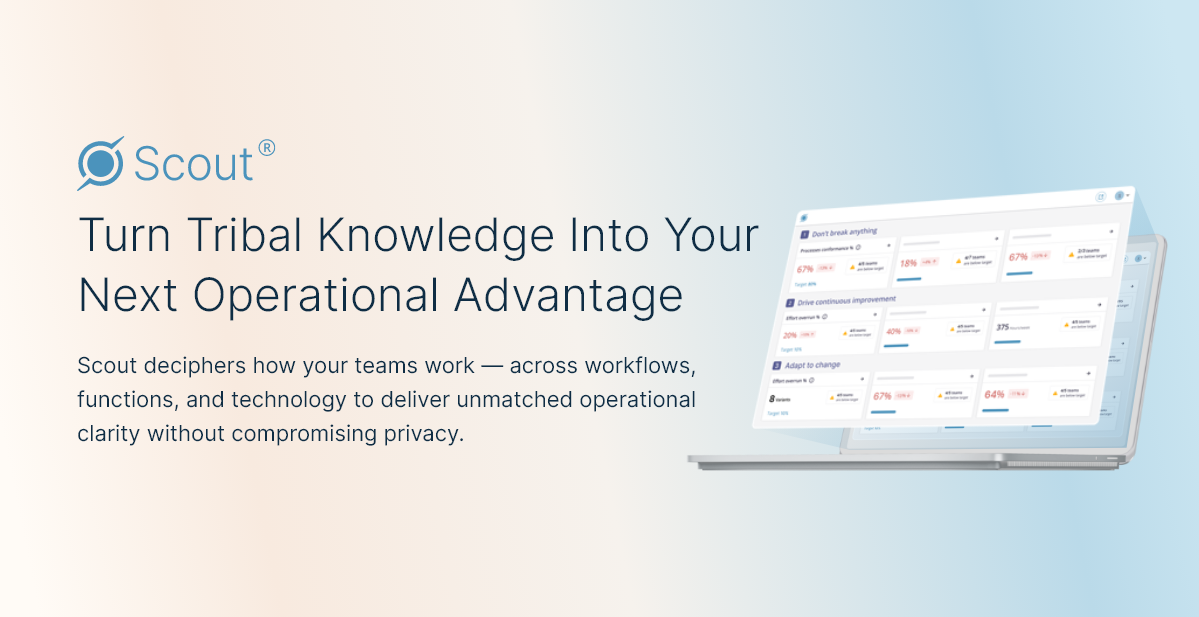
Optimizes team-software interactions, boosts efficiency, ensures privacy.
- Free
- Web, Windows, Chrome Extension
- WritingImage GenerationMeeting & Scheduling
- Always free
- No credit card
What is Soroco AI?
Key features
Software interaction monitoring
records how users handle and use applications to identify workflow inefficiencies
Behaviour analysis
detects patterns in user actions to highlight time-consuming or repetitive tasks
Process visualisation
creates visual maps of actual workflows to compare against intended processes
Privacy controls
allows organisations to set recording parameters and maintains data security protocols
Efficiency reporting
generates reports on productivity metrics and bottleneck areas
Pros & cons
Advantages
- Free to start, making it accessible for teams evaluating process optimisation tools
- Privacy-focused approach means sensitive data stays protected whilst still gathering practical advice
- Provides objective data on actual work patterns rather than relying on self-reported time tracking
- Helps identify hidden inefficiencies that manual process analysis often misses
Limitations
- Requires employee buy-in and acceptance of monitoring, which can raise workplace culture concerns
- Full value depends on having adequate technical setup and change management processes in place
Use cases
Operations teams identifying where manual processes could be automated or simplified
Process improvement initiatives requiring evidence-based insights into current workflows
Business analysts assessing whether software implementations are delivering expected productivity gains
Contact centres and back-office teams optimising task sequences and system navigation
Financial and regulatory teams ensuring compliance through documented process verification
Ready to try Soroco AI?
Pricing
Get started with Soroco AI
Click through to Soroco AI and start using it now.
- Always free
- No credit card