
Speakflow
- Freemium
- Web, Windows, macOS, iOS, Android
- AI Tools for PresentationsAI Tools for Presentation
- Free plan available
- No credit card
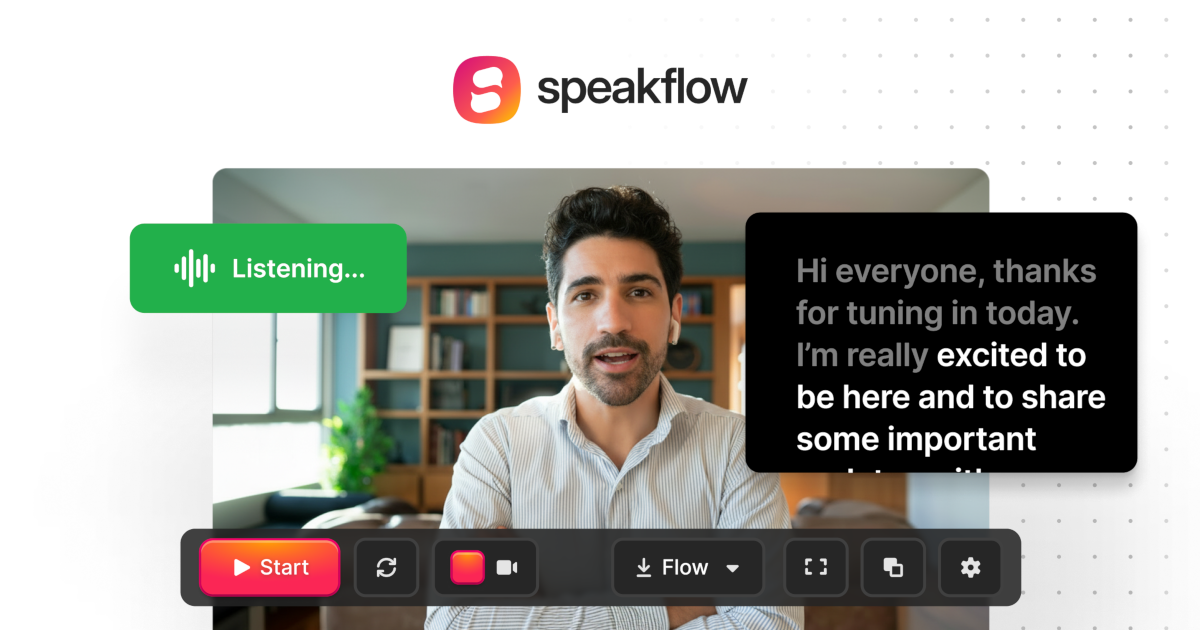
What is Speakflow?
Key features
Online script editor
write, save, and organise scripts within the platform
Voice-activated scrolling
advance through your script hands-free using voice commands
Team collaboration
multiple users can edit and work on scripts simultaneously
Multi-platform support
runs on Windows, Mac, iOS, Android, and web browsers
Manual scroll control
adjust script display speed and position by hand or keyboard
Session recording
use alongside your recording or streaming setup
Pros & cons
Advantages
- Works across all major devices and operating systems without installation friction
- Voice control reduces the need to look away from your camera or audience
- Collaborative features allow teams to review and refine scripts together before presentations
- Free tier available, making it accessible to individuals and small creators
- Simple, focused interface without unnecessary features
Limitations
- Limited information available about advanced features or customisation options
- Relies on voice recognition, which may not work reliably in noisy environments
- Free tier likely includes limitations compared to paid plans, though specifics are unclear
Use cases
YouTubers and video creators reading scripts while recording tutorials or vlogs
Presenters delivering keynotes or conference talks without memorising content
Broadcast journalists reading news scripts during live or recorded segments
Sales teams preparing product demos or pitch presentations
Online educators delivering structured lessons or lectures
Ready to try Speakflow?
Pricing
Free
Free
Basic teleprompter functionality with limited features; likely includes core scrolling and script storage
Paid plans
Pricing not publicly specified
Advanced collaboration, extended storage, priority support, and additional customisation options likely available at higher tiers
Get started with Speakflow
Click through to Speakflow and start using it now.
- Free plan available
- No credit card