
Speakmac
The offline dictation macOS should have had
- Freemium
- macOS
- AI Tools for Speech to TextDeveloper ToolsCode
- Free plan available
- No credit card
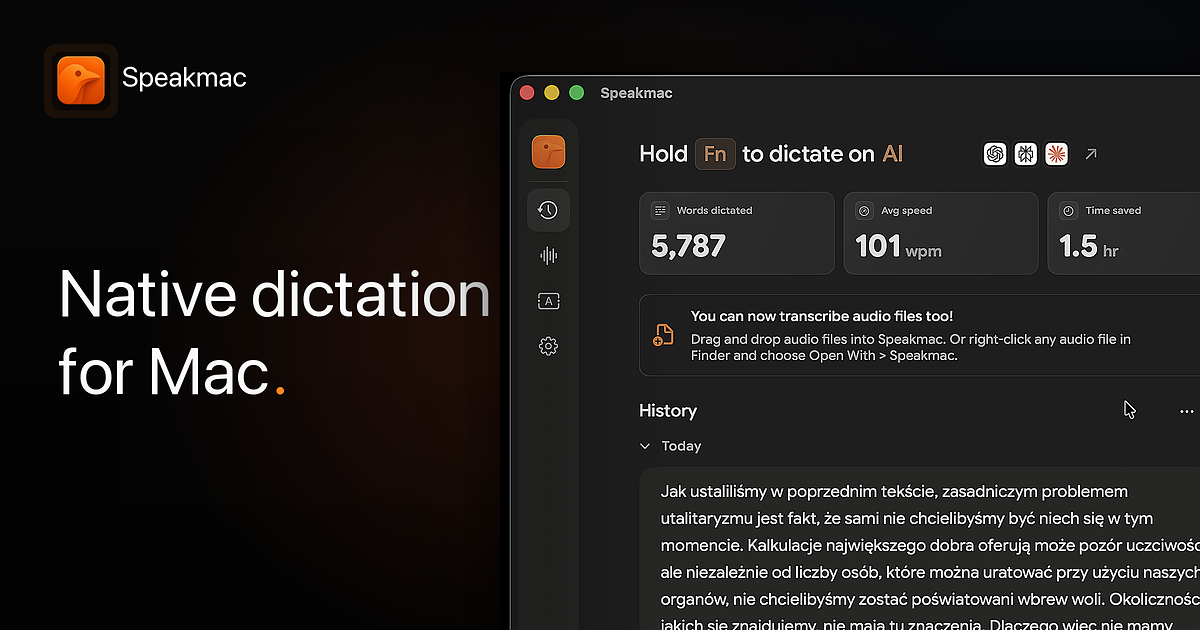
What is Speakmac?
Key features
Offline dictation
processes speech entirely on your Mac without sending data to remote servers
Local processing
maintains privacy by keeping all audio and transcription data on your device
Integration with macOS
works alongside your existing Mac workflow and text editing applications
Freemium model
core dictation functionality available at no cost with optional paid features
No internet required
function reliably even without a network connection
Pros & cons
Advantages
- Privacy focused; your voice data and transcriptions never leave your computer
- Works without internet, making it reliable in offline situations or areas with poor connectivity
- No subscription required for basic dictation functionality
- Straightforward alternative to macOS's built-in dictation that sends data to Apple
Limitations
- Limited to macOS only; not available for other operating systems
- Offline processing may have varying accuracy depending on your Mac's hardware capabilities
- Feature set likely smaller than cloud-based dictation services with advanced capabilities
Use cases
Journalists and writers working in locations without reliable internet who need to capture notes and drafts
Healthcare professionals handling patient information who require HIPAA-compliant, offline dictation
Remote workers in areas with poor connectivity who want to dictate documents and emails
Users concerned about privacy who prefer not to send voice data to cloud services
Technical writers and developers documenting code and processes offline
Ready to try Speakmac?
Pricing
Get started with Speakmac
Click through to Speakmac and start using it now.
- Free plan available
- No credit card