
Spikes Studio
AI-powered tool for automated video editing and production.
- Freemium
- Web
- VideoAI Tools for Video ProductionDesign
- Free plan available
- No credit card
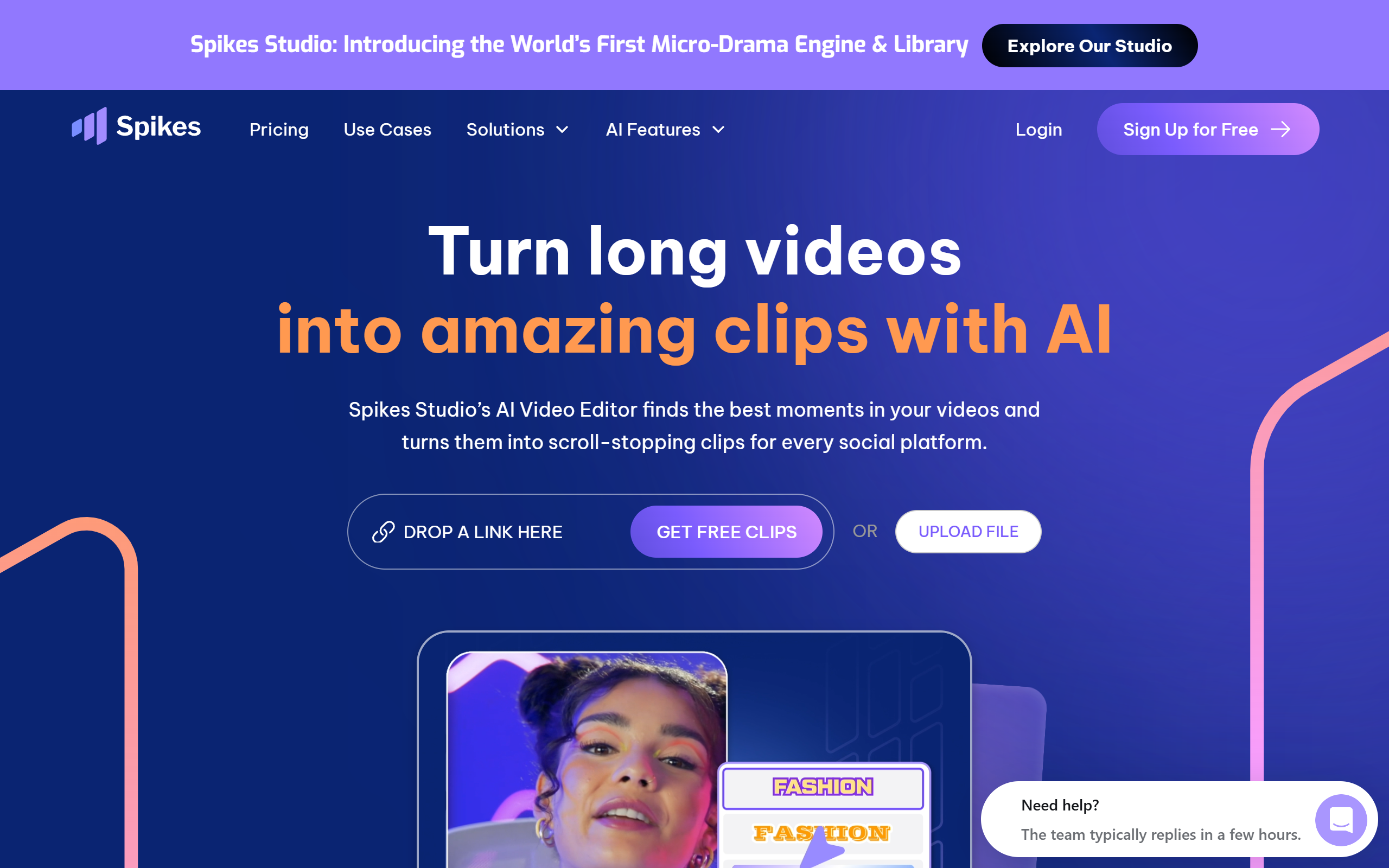
What is Spikes Studio?
Key features
Automated editing
AI analyses footage and selects key scenes, applies transitions, and structures content automatically
Scene detection
Identifies important moments in video to highlight for dynamic storytelling
Customizable templates
Pre-designed layouts for quick production of professional-looking videos
Audio and voiceover tools
Sync audio tracks and integrate AI-generated or recorded voiceovers
Multi-platform export
Output videos in formats optimised for different social media platforms and devices
Collaborative editing
Real-time collaboration with team members on projects
Pros & cons
Advantages
- Significantly faster than manual editing, especially for straightforward projects
- No prior video editing experience required; accessible to beginners
- Templates and presets help maintain consistent branding across videos
- Freemium model allows you to try the tool before committing to paid features
Limitations
- Automated editing may not suit complex projects requiring specific creative choices
- Limited customisation compared to professional editing software like Adobe Premiere Pro or Final Cut Pro
- Quality of AI-generated voiceovers and scene detection depends on your source material
Use cases
Creating regular social media content for YouTube, TikTok, and Instagram without spending hours editing
Producing marketing and promotional videos for small businesses
Generating corporate training videos and internal communications quickly
Making educational content and online course videos
Editing event footage or live recordings for sharing with teams or clients
Ready to try Spikes Studio?
Pricing
Get started with Spikes Studio
Click through to Spikes Studio and start using it now.
- Free plan available
- No credit card