
Splutter AI
Streamline business operations with AI-driven chatbots and automation.
- Freemium
- Web, API
- Customer SupportWorkflow AutomationProductivity
- Free plan available
- No credit card
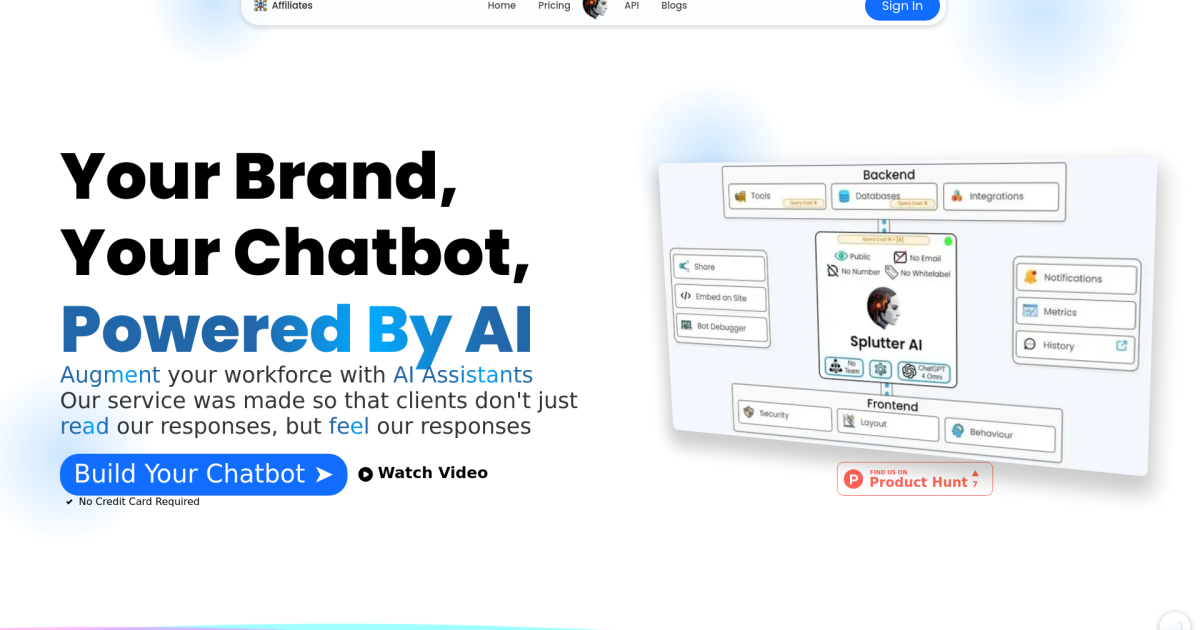
What is Splutter AI?
Key features
Chatbot builder
Create conversational agents through a visual interface without coding
Workflow automation
Set up automated sequences to handle tasks like data entry, routing, and notifications
Integration capability
Connect with existing business tools and systems via APIs
Multi-channel deployment
Deploy chatbots across website, messaging platforms, and other channels
Training and customisation
Teach chatbots specific behaviours and responses for your business
Analytics dashboard
Track chatbot performance, user interactions, and completion rates
Pros & cons
Advantages
- Free tier allows experimentation and small-scale deployment at no cost
- Visual builder reduces the need for technical expertise to create automation
- Handles multiple communication channels from a single platform
- Reduces time spent on repetitive customer service and administrative tasks
Limitations
- Complex workflows may require technical support or developer assistance to set up properly
- Pricing for advanced features and higher volumes may become expensive as you scale
- Limited information publicly available about specific integrations and platform limitations
Use cases
Customer support automation: Answer frequently asked questions and provide instant responses
Lead qualification: Collect information from prospective customers and route them appropriately
Order processing: Automate order confirmations, tracking updates, and basic troubleshooting
Appointment scheduling: Handle booking requests and calendar management automatically
Internal task automation: Route requests, gather information, and notify relevant teams
Ready to try Splutter AI?
Pricing
Free
Free
Basic chatbot creation, limited automation workflows, single deployment channel, suitable for small teams testing the platform
Pro
Check website
Advanced automation, multi-channel deployment, priority integrations, analytics and reporting, suitable for small to medium businesses
Enterprise
Custom pricing
Custom integrations, dedicated support, advanced security features, high-volume processing, tailored for large organisations
Get started with Splutter AI
Click through to Splutter AI and start using it now.
- Free plan available
- No credit card