
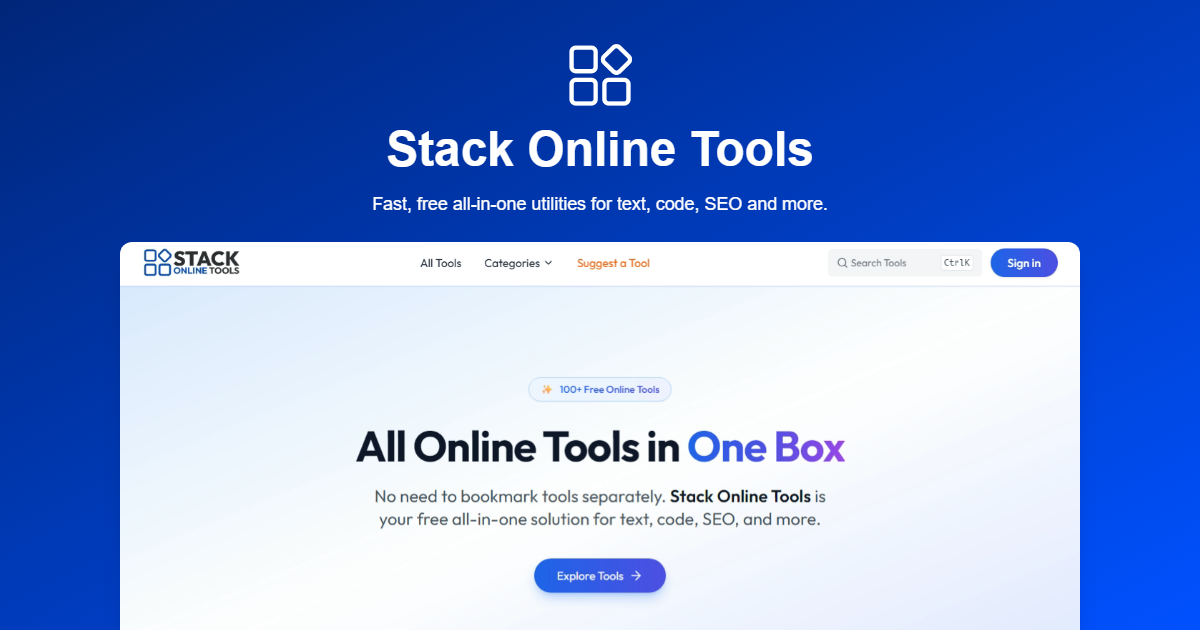
Stack Online Tools
Fast, free all-in-one utilities for text, code, SEO and more
- Free
- Web
- Developer ToolsCodeBusiness
- Always free
- No credit card
What is Stack Online Tools?
Key features
Text utilities
case converters, word and character counters, text formatting, and find-and-replace functions
Code tools
formatters, minifiers, and syntax helpers for popular programming languages
SEO tools
meta tag generators, keyword analysis, and text optimisation checkers
Conversion tools
units, file types, encoding formats, and data structure transformations
No account required
access all tools immediately without registration or login
Browser-based
runs entirely in your browser, so no installation needed
Pros & cons
Advantages
- Completely free with no paywalls or premium tiers
- No account setup required; start using tools instantly
- Wide range of utilities covers most common daily tasks
- Fast performance with processing done client-side in the browser
Limitations
- Limited customisation options compared to specialised single-purpose tools
- No desktop application; requires internet connection and web browser
- Community support and documentation may be minimal for niche use cases
Use cases
Developers converting code formatting between styles or minifying JavaScript for production
Content creators checking word counts, adjusting text case, and optimising readability
Digital marketers generating SEO meta descriptions and analysing keyword density
Data analysts converting between file formats or encoding schemes
Anyone needing quick unit conversions or simple text transformations
Ready to try Stack Online Tools?
Pricing
Get started with Stack Online Tools
Click through to Stack Online Tools and start using it now.
- Always free
- No credit card