
Storyboarder
Create stunning visuals, add unique touches, and streamline storyboarding process with templates and shortcuts.
- Freemium
- Web, macOS, Windows
- AI Story WritersAI Story GeneratorsImage Generation
- Free plan available
- No credit card
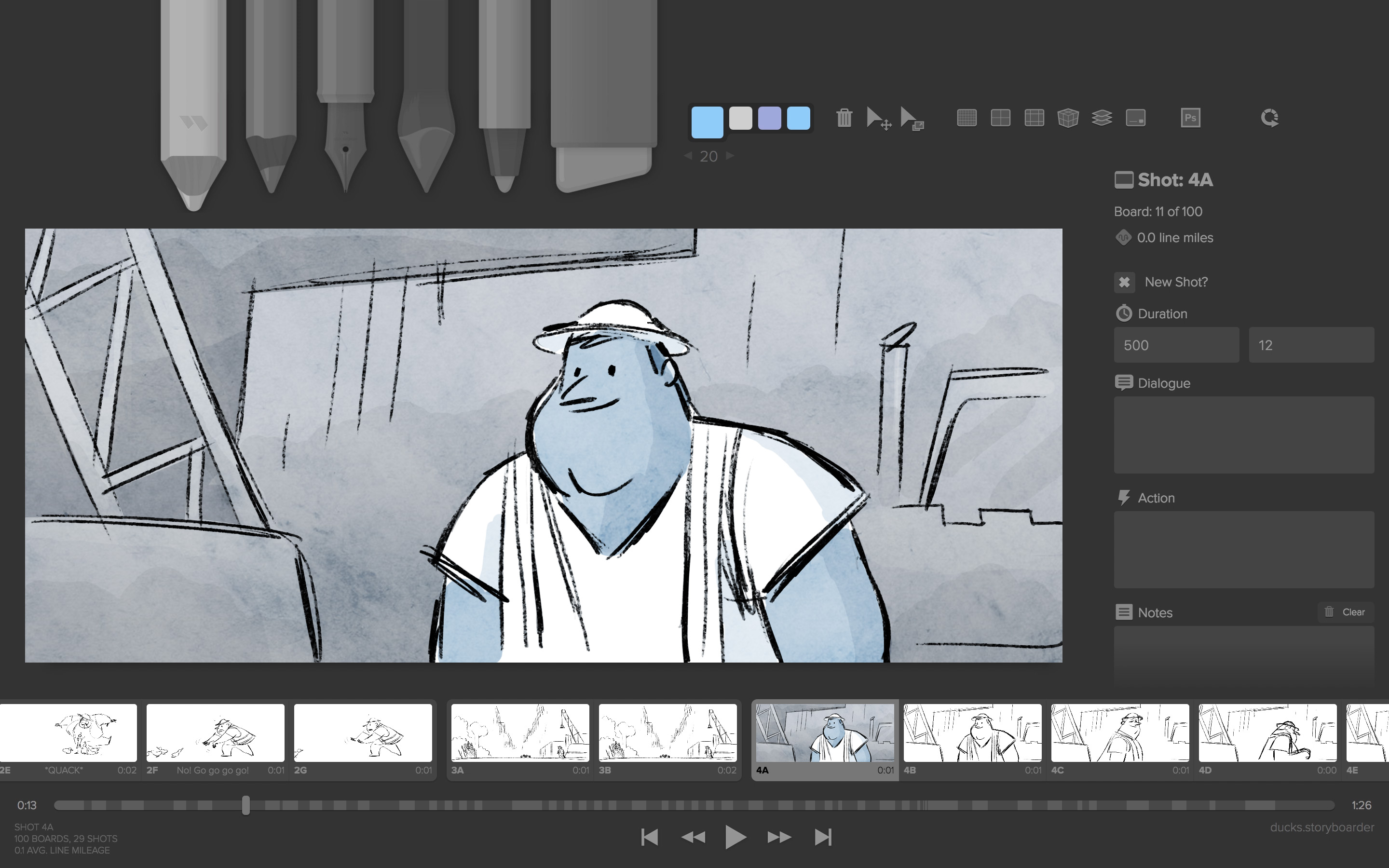
What is Storyboarder?
Key features
Drawing canvas
sketch scenes directly or import existing artwork and photos
Scene sequencing
arrange panels in order with timing and transition controls
Annotations
add dialogue, notes, camera directions, and shot descriptions to each panel
Templates
pre-built layouts and structures to accelerate the initial planning phase
Keyboard shortcuts
quick commands to speed up common tasks like adding panels or adjusting layout
Collaboration features
share and review storyboards with team members
Pros & cons
Advantages
- Free version lets you create and organise storyboards without initial investment
- Faster than starting from blank paper or generic presentation software
- Works for various creative fields: film, animation, advertising, comics, and game design
- Straightforward interface focused on visual planning rather than complex editing
Limitations
- Drawing quality depends on your own skill; the tool doesn't generate images automatically
- Limited information available about advanced features or paid tier capabilities
- May require exporting or additional software if you need detailed post-production planning
Use cases
Film and television directors planning shot sequences before principal photography
Animators mapping out key frames and scene progression
Advertising agencies presenting visual concepts to clients
Game designers blocking out cutscenes and cinematic moments
Video producers organising interview and B-roll sequences
Ready to try Storyboarder?
Pricing
Get started with Storyboarder
Click through to Storyboarder and start using it now.
- Free plan available
- No credit card