
Studio Design
No-code website builder for designers, combining Figma-style design tools with a built-in CMS and one-click publishing.
- Freemium
- Web
- Data & AnalyticsDesignCode
- Free plan available
- No credit card
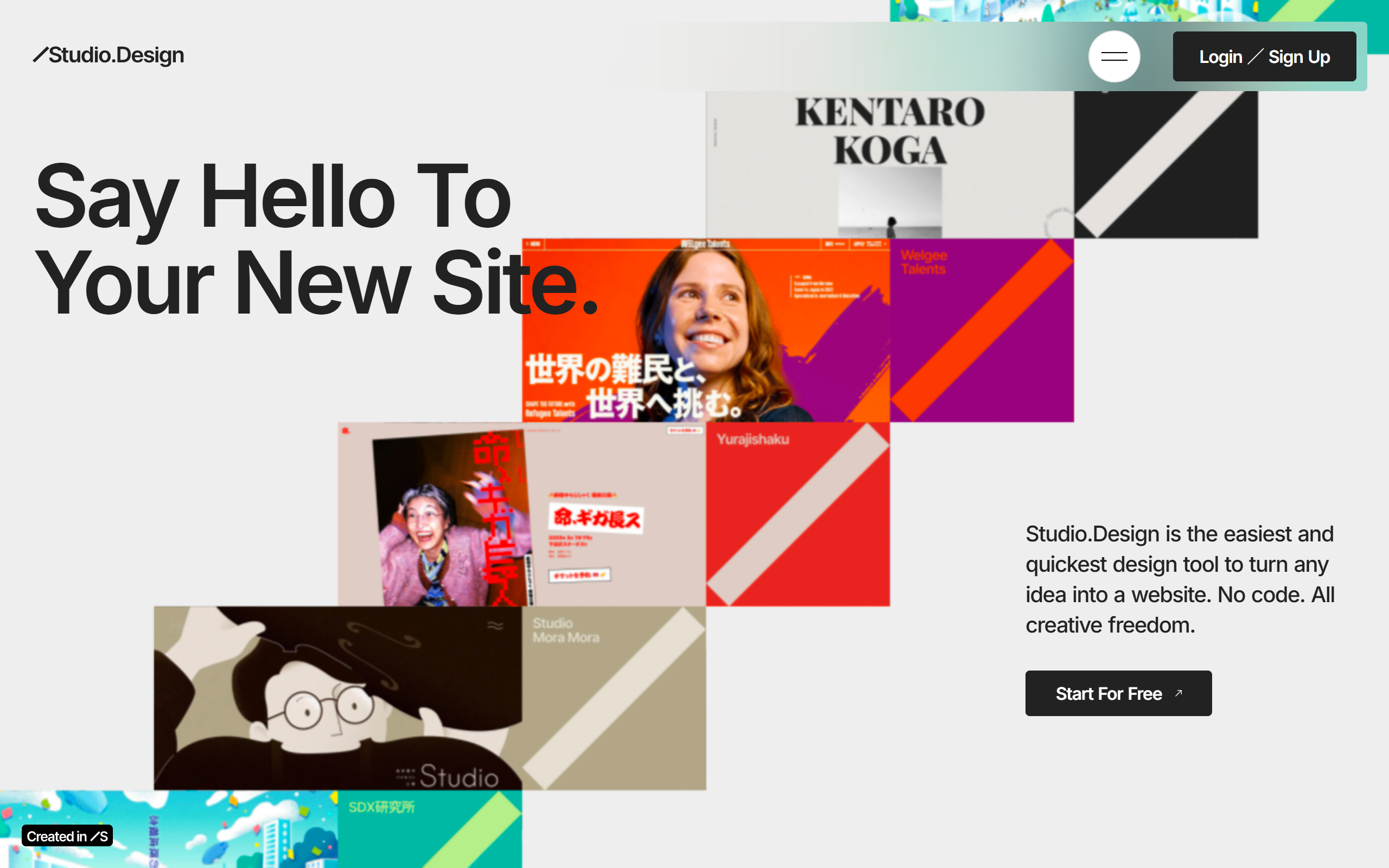
What is Studio Design?
Key features
Visual design canvas
Figma-style drag-and-drop editing with precise layout control and no code required.
Built-in CMS
Notion-like content management for structured content, with model-based collections on higher plans.
One-click publishing
Publish to a free Studio subdomain or connect a custom domain on paid plans.
AI design assistance
AI-powered suggestions to help generate and refine site designs.
Responsive editing
Real-time editing with control over how the site renders across devices.
Template store
Library of pre-built templates that can be used as a starting point and customised.
Collaboration
Multiple people can work on a project together within the browser app.
Pros & cons
Advantages
- Designer-focused interface that will feel familiar to Figma users, giving fine-grained visual control without code.
- Integrated CMS removes the need to wire up a separate content backend for blogs and structured content.
- Free tier lets you build and publish to a Studio subdomain before committing to a paid plan.
- One-click custom domain publishing on paid plans simplifies going live.
- Browser-based, so there is nothing to install and projects are accessible from anywhere.
Limitations
- Full pricing details for each plan are not clearly surfaced on aggregator pages, so you need to check the live pricing table to compare tiers.
- As a hosted no-code platform, sites are tied to the Studio ecosystem rather than being fully portable.
- The learning curve can be steeper for non-designers compared with simpler template-first builders.
- Advanced functionality such as larger CMS models and add-ons is reserved for the higher Business and Business Plus plans.
Use cases
Designers building portfolio websites who want pixel-level control without hand-coding.
Freelancers and studios creating landing pages and marketing sites for clients quickly.
Small business owners who want a professional site with a built-in blog or CMS-driven content.
Artists and creators publishing a personal site to a custom domain.
Teams collaborating on a website design in a shared browser-based workspace.
Template creators who design and publish templates to the Studio Store to earn revenue.
Ready to try Studio Design?
Pricing
Free
Free
Build and publish to a Studio subdomain with core design and CMS features; Studio badge applies.
Personal
Paid (see pricing page)
For individuals needing more capacity and features than the Mini plan.
Business
Paid (see pricing page)
Higher capacity including support for up to 10 CMS models for content-heavy sites.
Business Plus
Paid (see pricing page)
Top tier with the highest limits and additional add-ons.
Get started with Studio Design
Click through to Studio Design and start using it now.
- Free plan available
- No credit card