
Superpowered
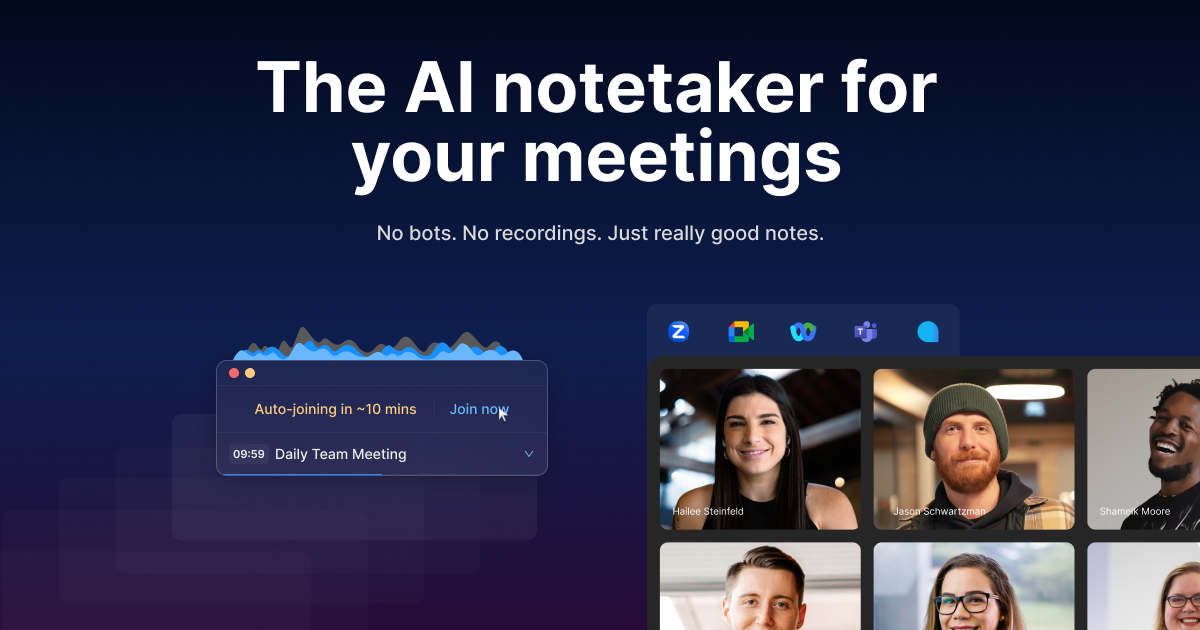
Superpowered is the AI notetaker for your meetings that transcribes device audio live—without bots or recordings—to deliver accurate, high‑quality notes and summaries across every meeting platform. Bu
- Freemium
- macOS, Windows, Web
- Note Taking & KnowledgeAI Tools for Meeting NotesAI Meeting Assistants
- Free plan available
- No credit card
What is Superpowered?
Key features
Live transcription
converts meeting audio to text in real time as you speak
Multi-platform support
works across Zoom, Teams, Google Meet, Slack Huddles and other meeting tools
Auto-generated summaries
produces key points and action items automatically after meetings end
Auto-join
automatically enters scheduled meetings to begin capturing notes
Privacy-first design
deletes audio immediately after transcription and stores transcripts for only seven days
No bot addition
captures audio from your device rather than adding a participant to the call
Pros & cons
Advantages
- Removes the friction of adding recording bots to meetings; no consent notifications or participant lists affected
- Strong privacy and compliance standards with SOC-2 Type II and GDPR certification
- Works across all major meeting platforms without platform-specific setup for each one
- Frees time during meetings by eliminating manual note-taking and follow-up transcription work
Limitations
- Only available on macOS and Windows; no native mobile app, so you cannot capture notes from phone meetings
- Accuracy depends on audio quality from your device microphone, which can vary in noisy environments
- Seven-day transcript retention means long-term archival requires you to export or save notes elsewhere
Use cases
Sales teams capturing call notes from client meetings without asking permission to record
Project managers tracking decisions and action items across multiple team meetings weekly
Legal or compliance teams that need meeting records but face friction adding external recording tools
Distributed teams needing searchable meeting summaries across different time zones and platforms
Ready to try Superpowered?
Pricing
Get started with Superpowered
Click through to Superpowered and start using it now.
- Free plan available
- No credit card