
Tango
Auto-generate step-by-step guides from your workflow Pricing: Freemium. See pros, cons, alternatives, and comparisons.
- Open Source
- Web, Chrome Extension
- WritingCodeProductivity
- Open source
- Free forever
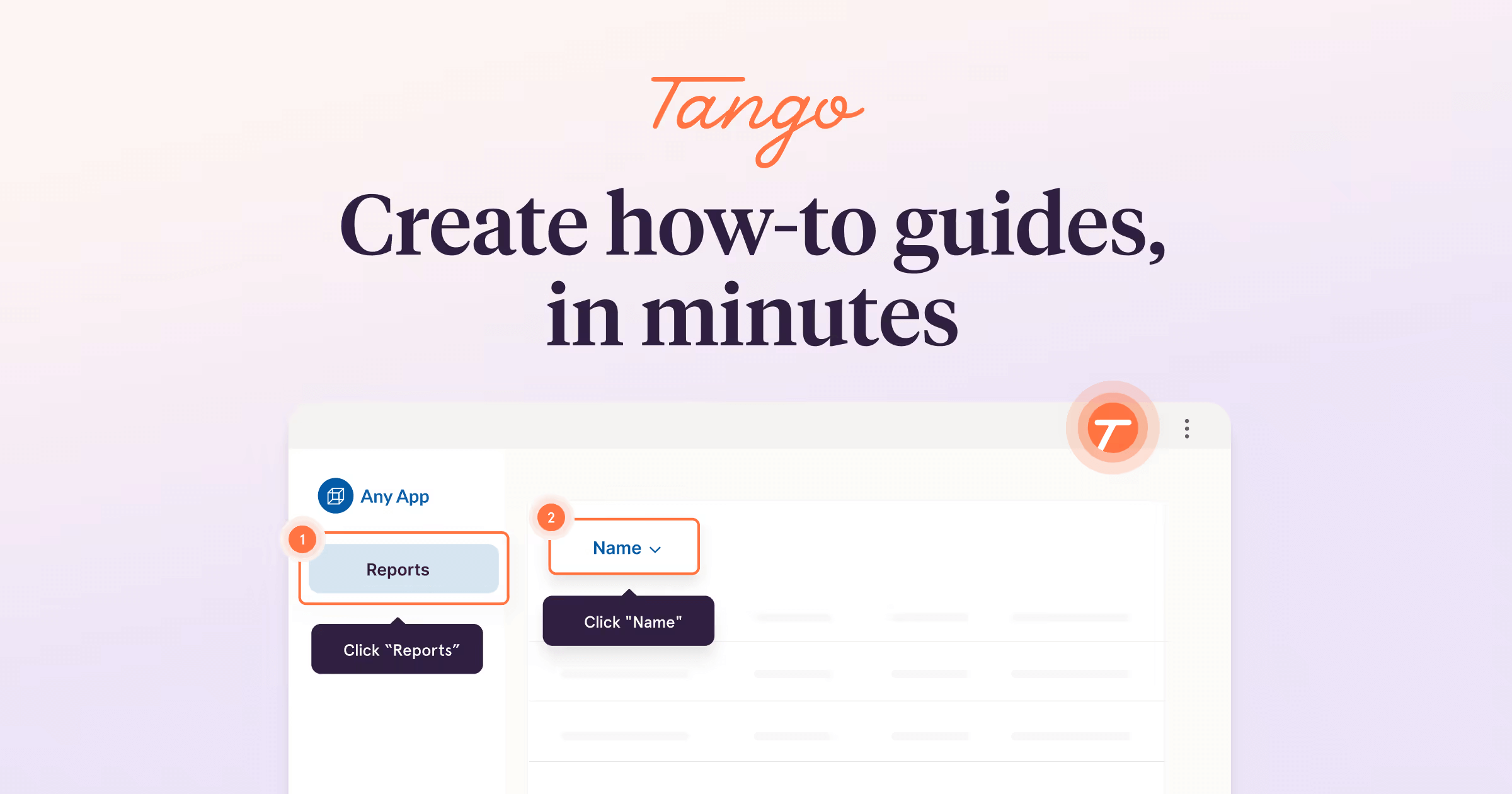
What is Tango?
Key features
Automatic workflow capture
Records your browser actions, clicks, and screenshots as you work
Guide generation
Converts captured workflows into formatted step-by-step instructions with visuals
Editor and customisation
Allows you to edit, reorganise, or refine generated guides after capture
Sharing and collaboration
Enables you to share guides via links and manage team access
Integration options
Connects with tools like Slack, Jira, and other platforms for distribution
Pros & cons
Advantages
- Saves significant time on documentation by eliminating manual screenshot and writing work
- Produces consistent, visually clear guides with minimal effort
- Easy to use; no technical skills required to capture and generate instructions
- Free tier available for individuals or small teams testing the tool
Limitations
- Limited control over capture accuracy; may require editing if workflows involve complex or non-standard actions
- Free plan likely restricts team size, guide quantity, or advanced features like branding and analytics
- Requires browser-based workflows; cannot document desktop applications or non-web processes directly
Use cases
Creating employee onboarding guides for software tools and internal systems
Building customer support documentation without manual screenshot work
Documenting standard operating procedures for teams to reference
Generating knowledge base articles for frequently performed tasks
Training new team members on multi-step business processes
Ready to try Tango?
Pricing
Get started with Tango
Click through to Tango and start using it now.
- Open source
- Free forever