
Teachable Machine AI
Train AI models easily: no code, instant feedback, multiple data types.
- Open source
- Free forever
What is Teachable Machine AI?
Key features
Image classification
train models to recognise objects, animals, or anything visual by uploading photos
Audio classification
teach the tool to identify sounds, speech, or music by providing audio samples
Pose detection
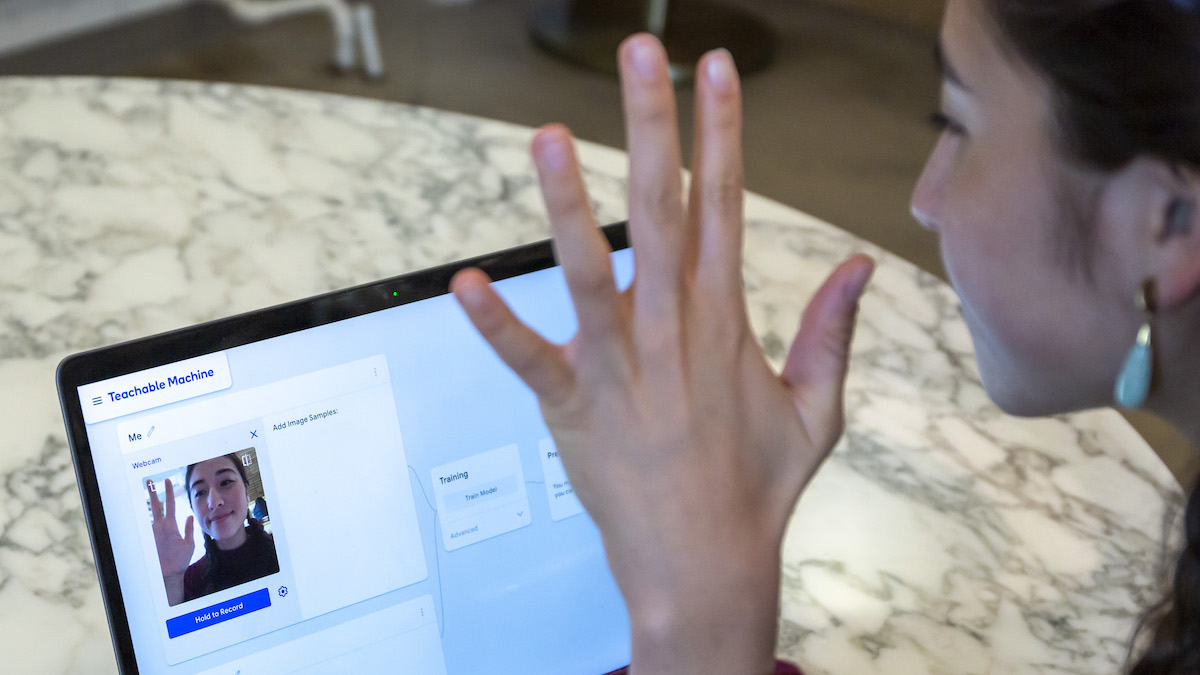
train models to recognise body positions and movements from video or webcam input
Real-time testing
see how well your model performs as you add training data, with live accuracy feedback
Model export
download your trained model for use in websites, mobile apps, or as TensorFlow files
No coding required
train and test models entirely through the browser interface
Pros & cons
Advantages
- Genuinely quick to use; most people can train a working model in 5-15 minutes
- Free to use with no hidden limits or watermarks on exported models
- Works entirely in your browser; no software installation needed
- Supports three different input types so you can choose what suits your problem
- Models are small and fast enough to run on phones or in web browsers
Limitations
- Limited to simple classification tasks; you can't build complex models with multiple interconnected layers or advanced architectures
- Results depend heavily on the quality and variety of your training data; if you provide poor examples, the model won't perform well
- No offline mode; you need an internet connection to train and export models
Use cases
Educators teaching students about machine learning basics without requiring programming knowledge
Small business owners creating simple tools to sort or identify items for their work
Researchers and designers prototyping ideas quickly before committing to more complex development
Hobbyists building interactive art projects or games that respond to poses or sounds
Accessibility projects where custom voice or gesture recognition could help users with specific needs
Ready to try Teachable Machine AI?
Pricing
Free
Free
Full access to all model types, unlimited training, unlimited exports, no account required
Get started with Teachable Machine AI
Click through to Teachable Machine AI and start using it now.
- Open source
- Free forever