
Tempo Labs
AI-Driven Collaboration and Code Generation
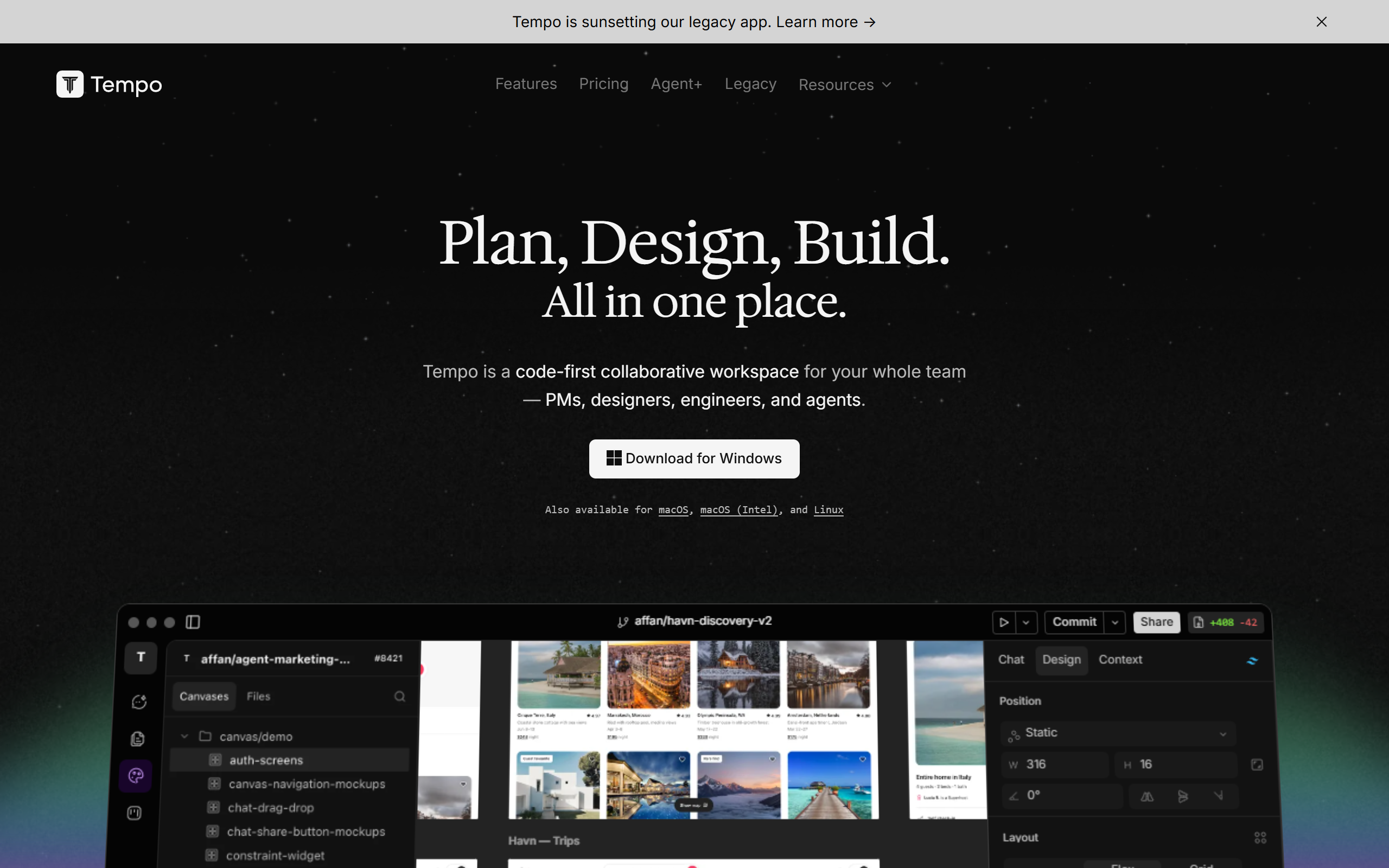
What is Tempo Labs?
Key features
Visual drag-and-drop editor
Edit React components, layouts, and styles without leaving the design tool
AI-driven UI generation
Create interfaces from text descriptions or image prompts to speed up initial design work
Design system management
Import Storybook components or build custom component libraries
Codebase integration
Connect to existing React projects and edit code locally in VSCode whilst syncing changes
Component library
Access community-provided components and templates to accelerate project setup
Designer-developer collaboration
Provide a shared workspace that reduces handoff friction between disciplines
Pros & cons
Advantages
- Reduces time between design and coded implementation for React projects
- Works with your existing codebase and development workflows rather than replacing them
- Allows both visual editing and direct code access, suiting different working styles
- Community component library provides ready-made starting points for projects
Limitations
- Focused specifically on React; not suitable for projects using other frameworks
- Requires some technical setup to integrate with existing codebases and development environments
- AI-generated UI may require significant refinement depending on prompt quality and project complexity
Use cases
Design and development teams building React applications collaboratively
Agencies producing multiple client projects and needing to speed up the design-to-code cycle
Product teams prototyping and iterating on features rapidly
Freelancers wanting to offer faster turnaround on React development work
Teams maintaining large component libraries and design systems
Ready to try Tempo Labs?
Pricing
Paid
Contact for pricing
Specific pricing tiers not publicly listed; contact Tempo Labs for current rates and feature availability
Get started with Tempo Labs
Click through to Tempo Labs and start using it now.