
Thumbly AI
Revolutionize YouTube engagement with AI-driven, captivating thumbnail creation.
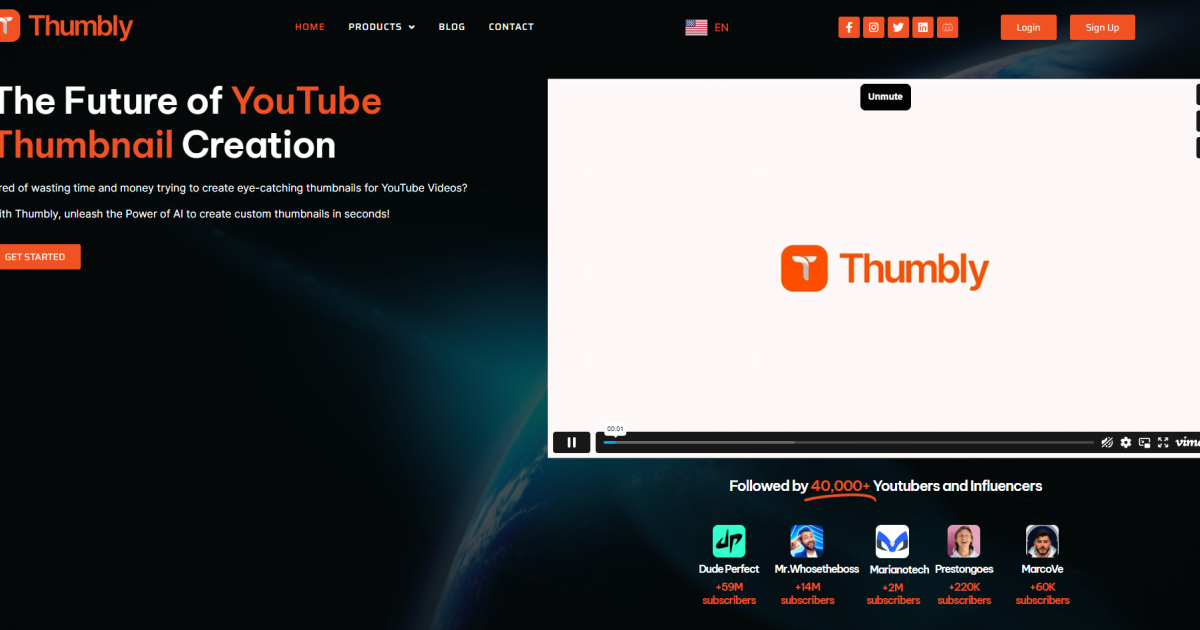
What is Thumbly AI?
Key Features
AI-powered thumbnail generation
Creates multiple design options based on your video title and content
Template library
Access pre-designed templates that you can customise for your videos
Text and image customisation
Edit generated thumbnails with your own text, colours, and images
Performance insights
Suggests design elements likely to improve click-through rates based on YouTube trends
Batch generation
Create thumbnails for multiple videos at once
Download options
Export thumbnails in YouTube-compliant formats and dimensions
Pros & Cons
Advantages
- Saves significant time compared to designing thumbnails from scratch or using traditional design tools
- Freemium model lets you test the tool without paying upfront
- Generates multiple options so you can compare and choose your preferred design
- Accessible to non-designers; no prior design experience needed
Limitations
- AI-generated designs may sometimes lack the unique brand personality of custom designs
- Quality and relevance of suggestions depend on how well you describe your video content
Use Cases
YouTubers publishing multiple videos per week who need thumbnails quickly
Content creators managing several channels simultaneously
New creators without design skills who want professional-looking thumbnails
Channel managers testing different design approaches to improve click-through rates
Creators wanting to maintain visual consistency across their channel
Pricing
Limited monthly thumbnail generations, basic templates, standard export options
Unlimited thumbnail generations, priority support, advanced customisation, commercial use rights
Quick Info
- Website
- www.thumbly.io
- Pricing
- Freemium
- Platforms
- Web
- Categories
- Image Generation, Developer Tools, Productivity