
ThumbnailAI
Maximize clicks with AI-driven thumbnail effectiveness ratings.
- Free plan available
- No credit card
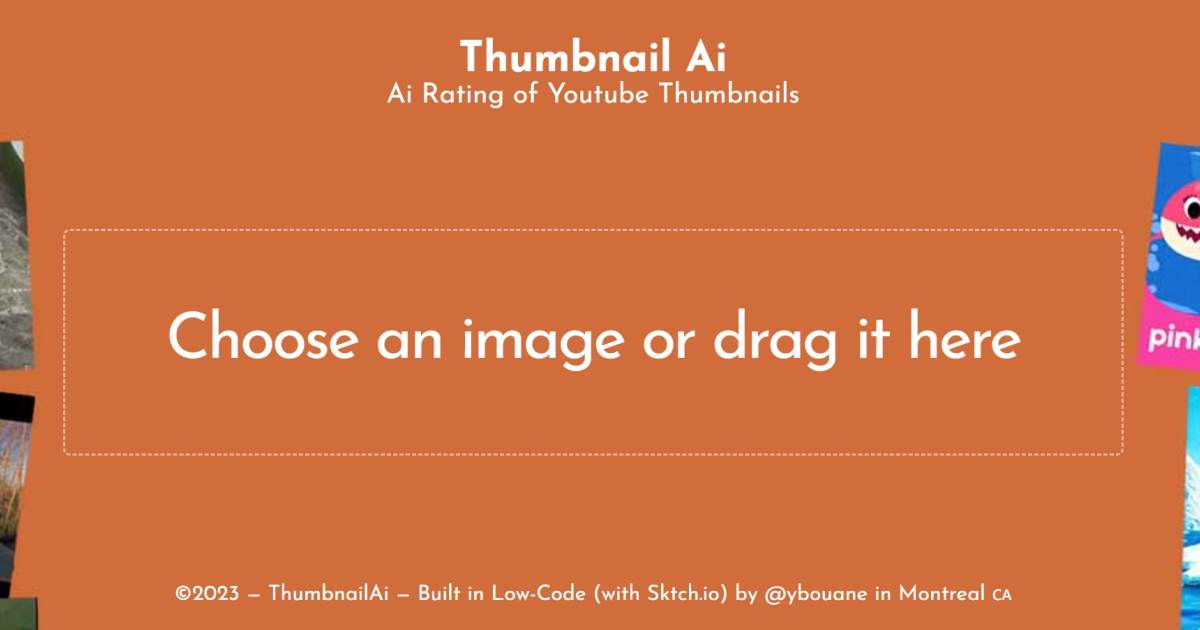
What is ThumbnailAI?
Key features
AI-powered effectiveness rating
Analyses thumbnails and provides a score predicting click-through potential
Visual element analysis
Examines colour contrast, text readability, and composition against successful patterns
Before-and-after comparison
Test multiple thumbnail variations to see which scores highest
Upload and test
Quick interface for uploading image files to receive instant feedback
Design suggestions
Provides recommendations to improve lower-scoring thumbnails
Pros & cons
Advantages
- Free tier available with no credit card required to start testing
- Fast feedback loop lets you iterate on thumbnail designs quickly
- Removes subjective guesswork by providing objective scoring
- Helpful for creators at any experience level learning what works visually
Limitations
- AI ratings are based on patterns and may not account for niche audiences or unique content contexts
- Results are only as good as the underlying training data; emerging design trends may not be recognised immediately
- A high score doesn't guarantee clicks; thumbnail effectiveness also depends on video title, channel authority, and YouTube's algorithm
Use cases
YouTube creators optimising thumbnails before uploading videos
Video marketers A/B testing thumbnail designs for campaigns
Content teams looking to improve click-through rates on existing videos
Thumbnail designers wanting quick feedback before presenting work to clients
Course creators or educators testing educational video thumbnails
Ready to try ThumbnailAI?
Pricing
Free
Free
Basic thumbnail analysis and effectiveness ratings; limited number of uploads per month
Premium
Check website
Unlimited uploads; advanced comparison tools; detailed design recommendations; priority support
Get started with ThumbnailAI
Click through to ThumbnailAI and start using it now.
- Free plan available
- No credit card