
timeMaster
Track, categorize activities, set goals, and receive notifications to prioritize tasks and stay focused.
- Freemium
- Web, iOS, Android, Chrome Extension
- AI Tools for Time TrackingProductivity
- Free plan available
- No credit card
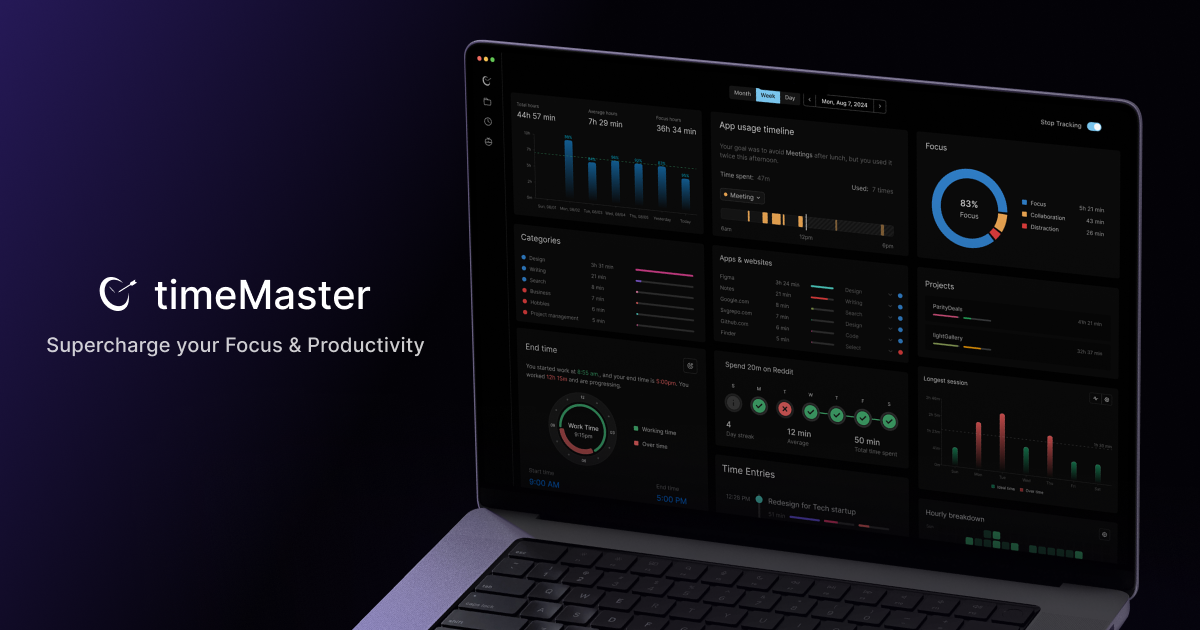
What is timeMaster?
Key features
Activity tracking
Log what you're doing throughout the day and see a record of your time
Categories
Organise activities into custom categories to group related tasks
Goal setting
Define time goals for different activities and track progress against them
Notifications
Receive alerts to check in on your current task or switch to a priority
Time analytics
View reports on how you've spent time across different categories
Freemium access
Use basic tracking features without paying
Pros & cons
Advantages
- Straightforward time logging without unnecessary complexity
- Notifications help maintain focus and prevent task switching
- Free tier lets you test the tool before committing to a paid plan
- Seeing categorised time data often reveals surprising patterns in your behaviour
Limitations
- Manual logging can feel tedious if you switch tasks frequently
- Limited detail available in the free tier for in-depth analysis
- Effectiveness depends on your willingness to log consistently
Use cases
Freelancers tracking billable hours across client projects
Students monitoring study time versus leisure to improve focus
Remote workers ensuring they're spending time on core work rather than emails
Anyone trying to build better habits by seeing where their time actually goes
Teams understanding collective time allocation across priorities
Ready to try timeMaster?
Pricing
Premium
Pricing available on website
Advanced analytics, team collaboration, custom reports, and integrations
Get started with timeMaster
Click through to timeMaster and start using it now.
- Free plan available
- No credit card