
TLDR
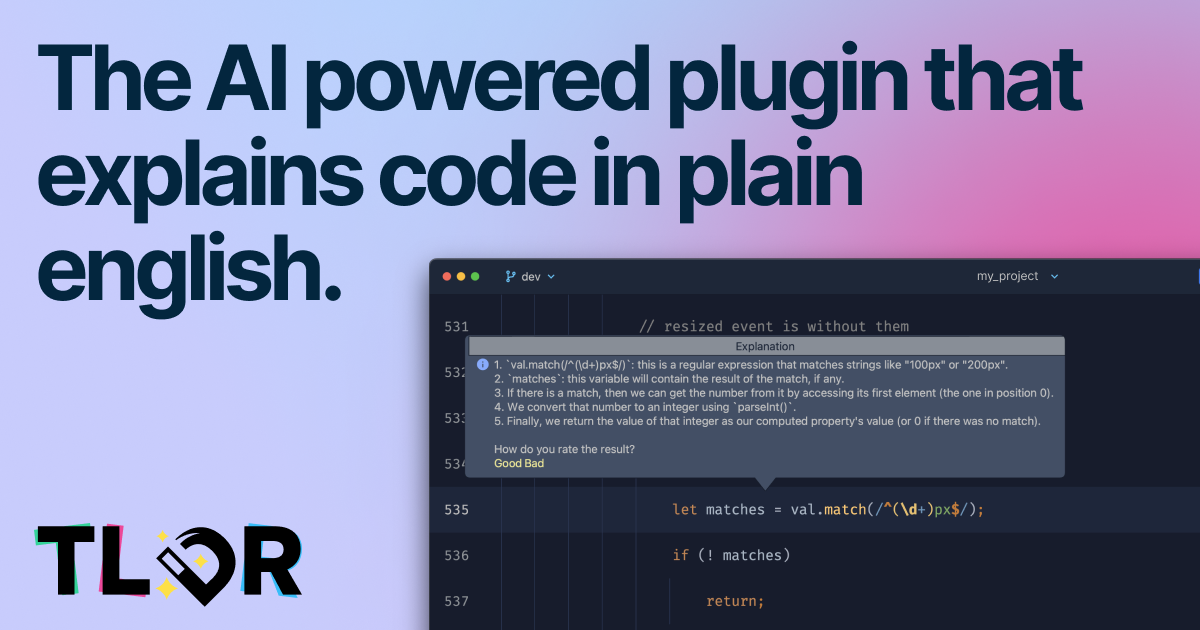
TLDR is an AI-powered IDE plugin designed to explain code in plain English, which helps developers save significant time understanding complex code. It supports almost all programming languages, inclu
- Free
- JetBrains IDEs
- AI Code AssistantsCustomer SupportDesign
- Always free
- No credit card
What is TLDR?
Key features
Code explanation in plain English
select code and get an instant explanation of functionality and logic
Wide language support
works with most programming languages including Python, JavaScript, Java, C++, SQL, and regular expressions
JetBrains IDE integration
available as a plugin in the JetBrains marketplace for smooth workflow integration
Free and paid options
free tier available with paid plans offering expanded features and fewer restrictions
Server-side processing
code is analysed on TLDR's servers rather than locally on your machine
Pros & cons
Advantages
- Saves time when reviewing unfamiliar code or legacy systems
- Covers most programming languages and regex patterns in a single tool
- Free tier available with no sign-up required for basic use
- Works directly within JetBrains IDEs, minimising context switching
Limitations
- Requires sending code to external servers, which may concern teams with strict data privacy policies
- Free tier has limitations; frequent use may require a paid plan
- Only available for JetBrains IDEs, not other editors like VS Code or Sublime
Use cases
Understanding legacy or unfamiliar code during onboarding to new projects
Quickly grasping complex regex patterns or SQL queries without manual analysis
Code review process acceleration when working with unfamiliar codebases
Learning how specific code constructs work whilst reading open-source projects
Debugging by understanding what existing code sections actually do
Ready to try TLDR?
Pricing
Get started with TLDR
Click through to TLDR and start using it now.
- Always free
- No credit card