
Tl;dv AI
AI-driven tool for recording, transcribing, and summarising meetings.
- Freemium
- Web, Chrome Extension, Zoom, Google Meet, Microsoft Teams
- Note Taking & KnowledgeData & AnalyticsIDEs & Editor Extensions
- Free plan available
- No credit card
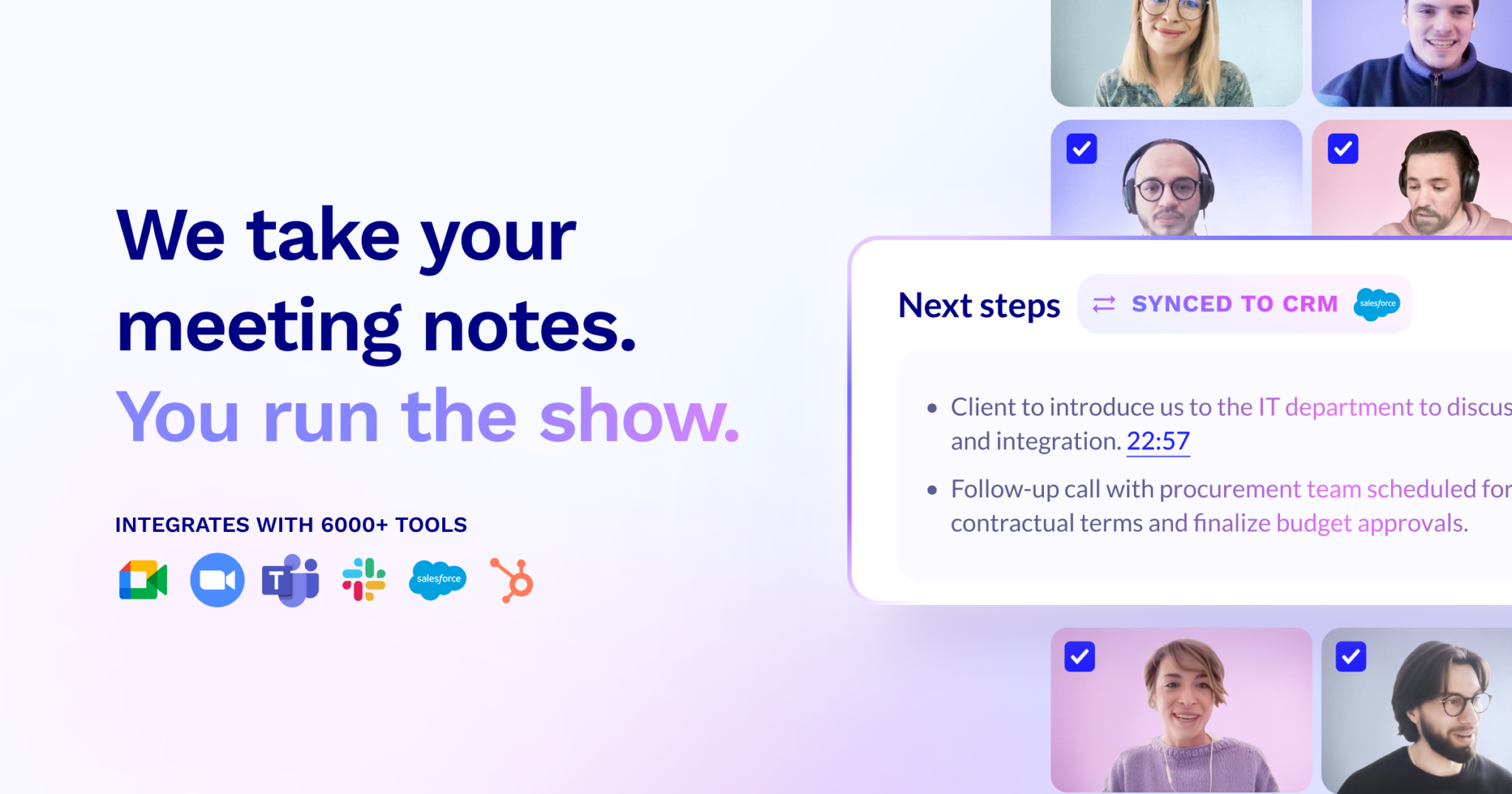
What is Tl;dv AI?
Key features
Meeting recording
captures video and audio from calls on supported platforms
Automatic transcription
converts spoken content to searchable text
AI summaries
generates brief overviews of meeting key points and action items
Search functionality
find specific moments or topics across your recorded meetings
Speaker identification
labels who said what during the meeting
Integration with calendar and conferencing tools
works with platforms like Zoom, Google Meet, and Teams
Pros & cons
Advantages
- Frees you from manual note-taking during meetings so you can focus on discussion
- Transcripts and summaries are searchable, making it easy to find information from past meetings
- The freemium model lets you test the tool without initial investment
- Works with major video conferencing platforms most teams already use
Limitations
- Free tier likely has storage limits, so you may need to upgrade for frequent recording
- Automatic transcription quality depends on audio clarity and background noise
- Requires explicit consent from meeting participants in some jurisdictions before recording
Use cases
Sales teams recording client calls to review commitments and next steps
Project teams capturing sprint planning or review meetings to track decisions
Distributed teams recording standups and syncs for colleagues in different time zones
Internal training or onboarding calls that need to be documented for reference
Contract or requirements discussions where accurate records are important
Ready to try Tl;dv AI?
Pricing
Get started with Tl;dv AI
Click through to Tl;dv AI and start using it now.
- Free plan available
- No credit card