
TreeMind
Create mind maps, detect connections, and organize thoughts for better project planning, insights, and learning.
- Freemium
- Web, Windows, macOS, iOS, Android
- Data & AnalyticsEducation
- Free plan available
- No credit card
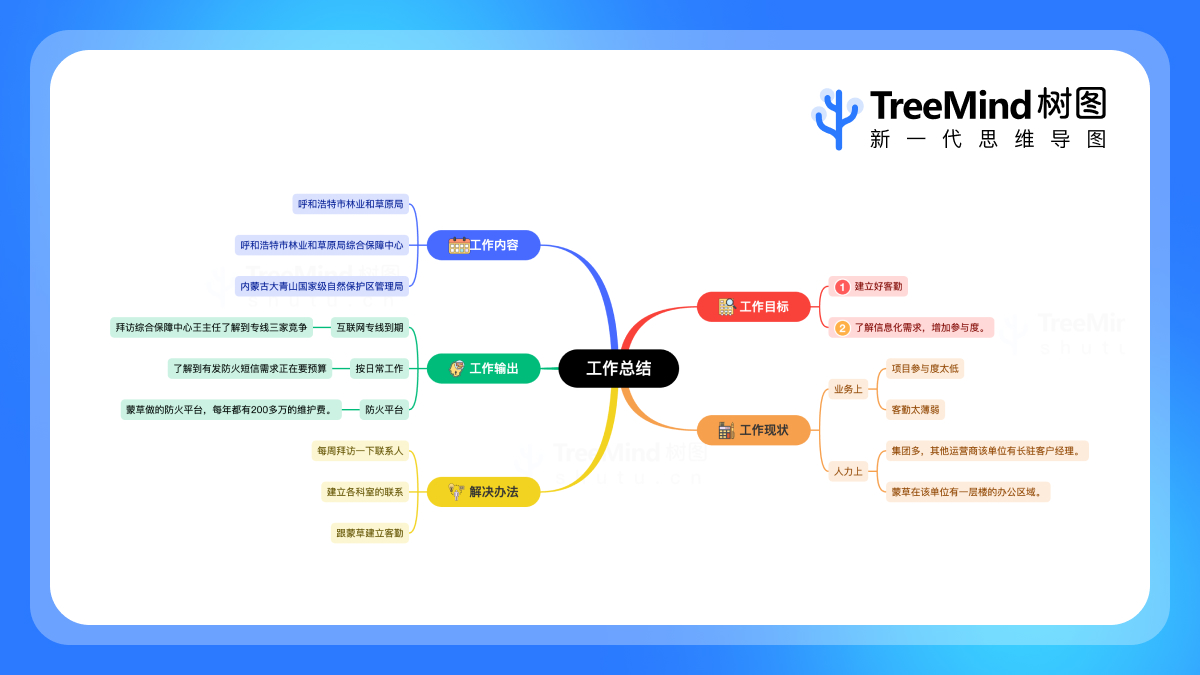
What is TreeMind?
Key features
Mind map creation
build visual diagrams with nodes and branches to organise ideas hierarchically
Connection detection
identify and display relationships between different concepts or tasks
Collaborative editing
work with others on the same mind map in real time
Export options
save your maps in multiple formats for use in presentations or documents
Template library
start with pre-built structures for common planning scenarios
Cloud storage
access your maps from different devices without manual syncing
Pros & cons
Advantages
- Free tier lets you create and organise basic mind maps without payment
- Visual approach makes it easier to understand complex topics or project structures than text lists
- Connection detection helps you spot relationships you might otherwise miss
- Works across multiple devices so you can work on maps from anywhere
Limitations
- Advanced collaboration features or extra storage likely require a paid subscription
- May have a steeper learning curve than simpler note-taking tools if you're new to mind mapping
- Offline functionality might be limited depending on your subscription tier
Use cases
Project managers breaking down large projects into tasks and identifying dependencies
Students organising research topics and connecting related concepts for essays or presentations
Product teams brainstorming features and understanding how they relate to user needs
Anyone planning a complex event and mapping out all the moving parts
Knowledge workers synthesising information from multiple sources into a coherent structure
Ready to try TreeMind?
Pricing
Get started with TreeMind
Click through to TreeMind and start using it now.
- Free plan available
- No credit card