
Trello AI
simplify teamwork with visual boards, automation, and mobile apps.
- Freemium
- Web, iOS, Android, macOS, Windows, API, Slack integration, Chrome extension
- AutomationTask & Project ManagementAI Team Collaboration Tools
- Free plan available
- No credit card
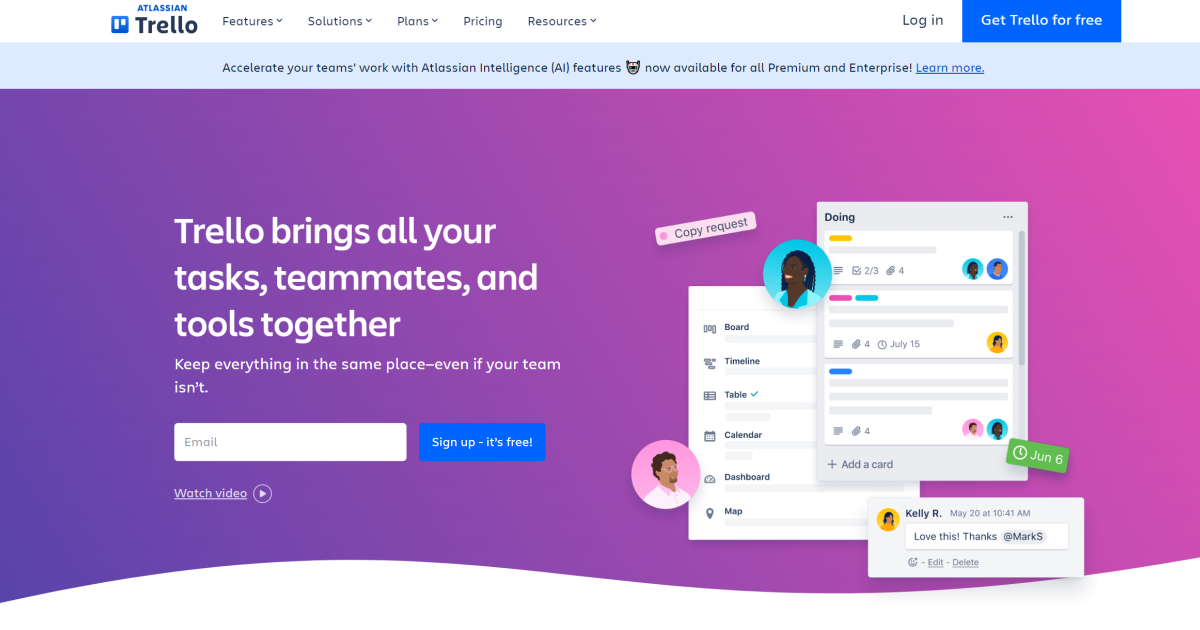
What is Trello AI?
Key features
Visual board system
organise work using customisable boards, lists, and cards that you can drag and drop between columns
Automation (Butler)
set up rules and workflows to automatically move cards, assign tasks, and trigger actions based on conditions
Checklists and attachments
break down tasks into subtasks and attach files, images, or links directly to cards
Mobile apps
access and update your boards on iOS and Android devices with full functionality
Integrations and Power-Ups
connect Trello to Slack, Google Drive, Jira, and hundreds of other tools to extend capabilities
Comments and activity feed
collaborate on cards with comments, mentions, and a full history of changes
Pros & cons
Advantages
- Easy to learn and set up, even for non-technical users
- Flexible enough to suit many different workflows and team types
- Mobile apps work well for on-the-go task management
- Free tier offers genuine functionality, not just a limited trial
- Integrations with popular tools reduce the need to switch between platforms
Limitations
- Can become cluttered if you have many boards or large teams; scaling requires careful organisation
- Limited built-in reporting and analytics compared to dedicated project management tools
- Automation features are relatively basic; complex workflows may require paid Power-Ups or external tools
Use cases
Marketing teams managing campaigns, content calendars, and social media scheduling
Software development teams tracking sprints and bug fixes alongside Jira
Event planning and coordination across multiple departments
Sales pipelines and lead tracking
Personal productivity and habit tracking
Ready to try Trello AI?
Pricing
Standard
$5/month per user (billed annually) or $6/month (monthly)
Unlimited boards, advanced checklists, full Power-Ups library, custom fields, file uploads up to 250MB
Premium
$10/month per user (billed annually) or $12.50/month (monthly)
Everything in Standard plus custom backgrounds, priority support, team templates, advanced automation
Enterprise
Custom pricing
Dedicated support, advanced permissions and governance, compliance features, enterprise integrations
Get started with Trello AI
Click through to Trello AI and start using it now.
- Free plan available
- No credit card