
Triim — Trim Transparent Pixels
Trim pixels from image & set fill colours — fast and free.
- Always free
- No credit card
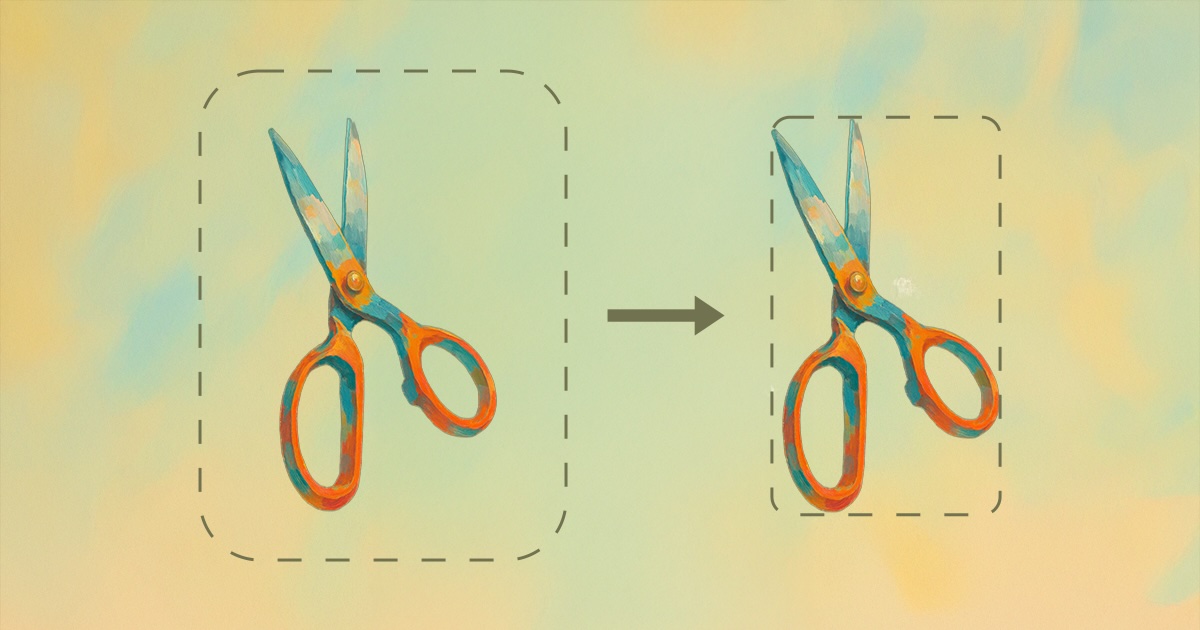
What is Triim — Trim Transparent Pixels?
Key features
Trim transparent pixels
automatically removes empty transparent space from image edges
Set fill colours
allows you to replace transparent areas with a solid colour of your choice
Batch processing
handle multiple images in one session
Browser-based
no installation or software download required
Free to use
no sign-up, subscription, or hidden costs
Pros & cons
Advantages
- Completely free with no account required
- Fast processing without quality loss
- Simple interface focused on core functionality
- Works on any device with a web browser
Limitations
- Limited to basic trimming and colour fill; advanced image editing features aren't available
- Dependent on browser performance for larger image files
Use cases
Removing unwanted transparent borders from screenshots or graphic exports
Preparing product images with transparent backgrounds for e-commerce sites
Cleaning up icon files before adding them to design systems
Converting transparent backgrounds to solid colours for print-ready files
Batch processing images before uploading to content management systems
Ready to try Triim — Trim Transparent Pixels?
Pricing
Free
Free
Full access to trim and fill colour tools, browser-based processing, no sign-up required
Get started with Triim — Trim Transparent Pixels
Click through to Triim — Trim Transparent Pixels and start using it now.
- Always free
- No credit card