
Trint AI
Transform audio/video to editable, searchable text; supports 40+ languages.
- Always free
- No credit card
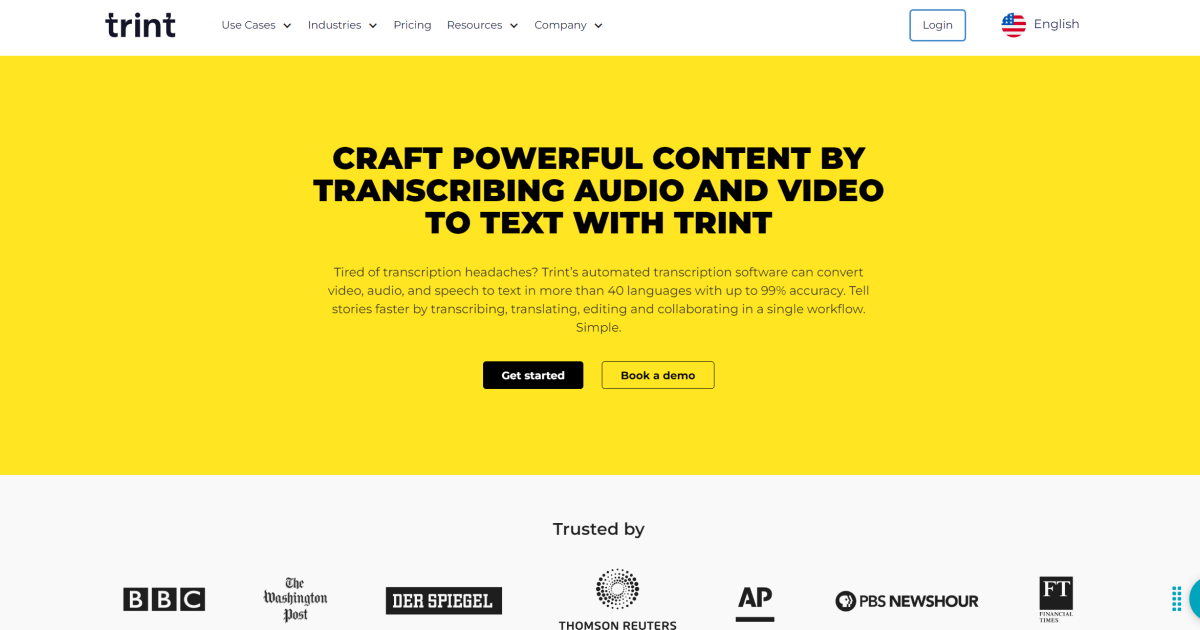
What is Trint AI?
Key features
Automatic speech-to-text transcription
AI converts audio and video files to text automatically
Multi-language support
Handles transcription in 40+ languages
Editable transcripts
Edit the text directly within Trint's interface to correct errors
Full-text search
Find specific words or phrases across your transcripts quickly
Multiple export formats
Download transcripts in different file formats for use elsewhere
Speaker identification
The tool can attempt to distinguish between different speakers in recordings
Pros & cons
Advantages
- Free tier available with no credit card required, so you can test it immediately
- Works with many languages, making it useful for international work
- Fast transcription process; most files process within minutes rather than hours
- Transcripts are editable in the browser, so you don't need additional software
Limitations
- Automatic transcription isn't perfect; technical terms, accents, and poor audio quality can produce errors that need manual correction
- Free tier likely has restrictions on file length or monthly processing limits; more intensive use probably requires a paid plan
Use cases
Journalists transcribing interviews for articles and fact-checking
Researchers converting recorded interviews or focus groups into searchable text
Content creators making transcripts for video content to improve accessibility and SEO
Meeting documentation; recording and transcribing team calls or client meetings
Academic work; transcribing lectures, seminars, or research interviews
Ready to try Trint AI?
Pricing
Free
Free
Basic transcription with likely limitations on file size, monthly usage, or processing speed
Get started with Trint AI
Click through to Trint AI and start using it now.
- Always free
- No credit card