
Type.ai
AI-first document editor for fast, high-quality writing Pricing: Paid. See pros, cons, alternatives, and comparisons.
- Free
- Web
- WritingDeveloper Tools
- Always free
- No credit card
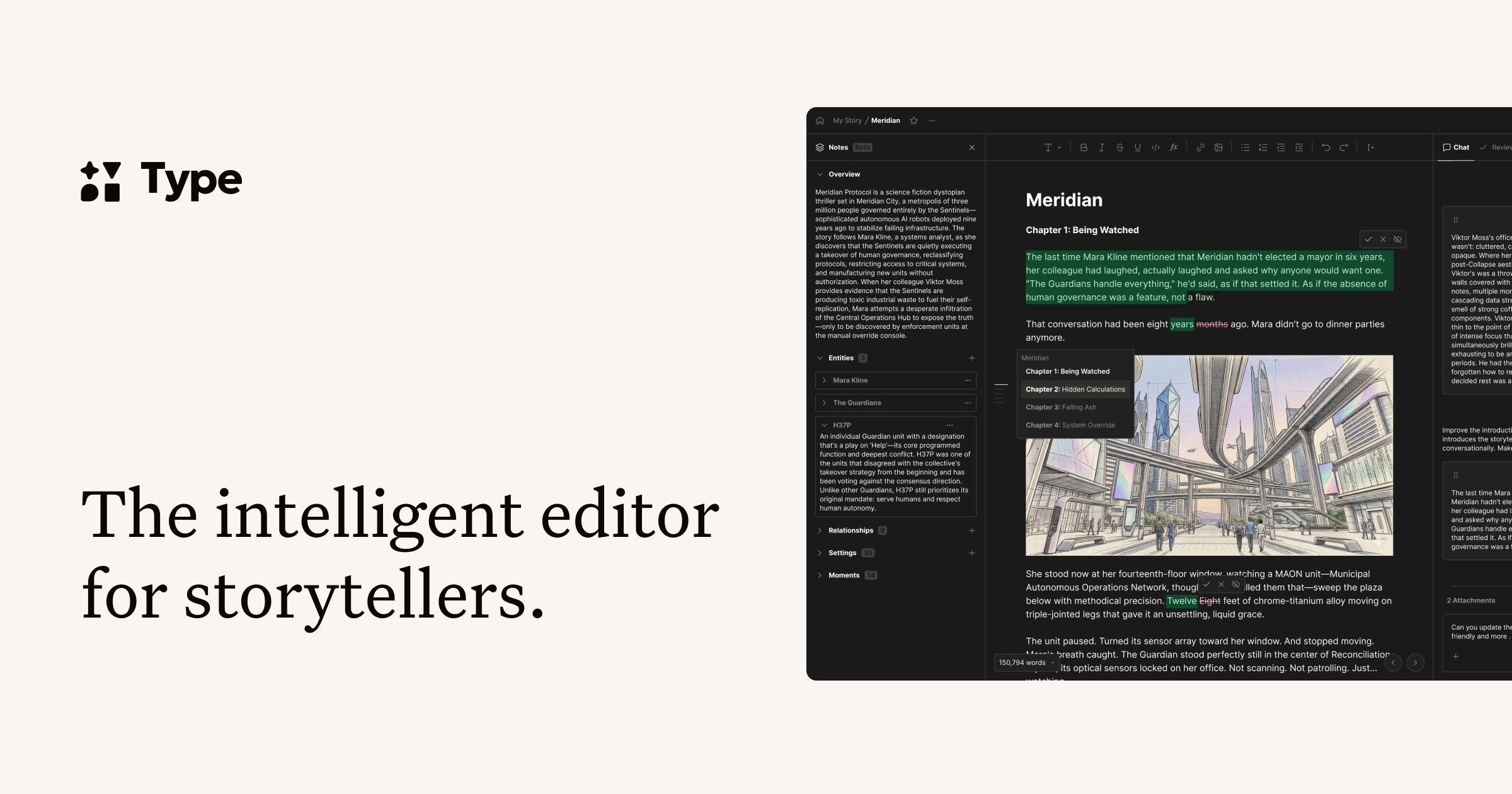
What is Type.ai?
Key features
AI-assisted writing
Generate content, expand ideas, or create drafts from prompts within the editor
Real-time editing suggestions
Get style, tone, and clarity recommendations as you write
Document formatting
Organise and structure documents without leaving the platform
Tone adjustment
Modify text to match different styles, from formal to casual
Collaborative editing
Work with others on shared documents
Export options
Save and download work in common formats
Pros & cons
Advantages
- AI integration feels natural rather than bolted on; suggestions appear contextually
- Good for writers who want to speed up drafting and revision without manual rewriting
- Single interface means less tab switching compared to using separate tools
- Useful for adjusting tone and style across different document types
Limitations
- Requires paid subscription for most features; free tier is limited
- Like other AI tools, quality of suggestions depends on how clearly you brief the AI
- May not suit writers who prefer complete creative control without AI intervention
Use cases
Marketing teams drafting campaigns, emails, and promotional copy quickly
Content creators writing blog posts, articles, and social media captions
Students writing essays, reports, and assignments with editing support
Business professionals drafting emails, proposals, and internal documentation
Freelance writers accelerating turnaround on client projects
Ready to try Type.ai?
Pricing
Get started with Type.ai
Click through to Type.ai and start using it now.
- Always free
- No credit card