
TypeaMaster - Typing Practice Software
Stop typing random words. Type classic stories instead.
- Freemium
- Web
- Image GenerationEducationBusiness
- Free plan available
- No credit card
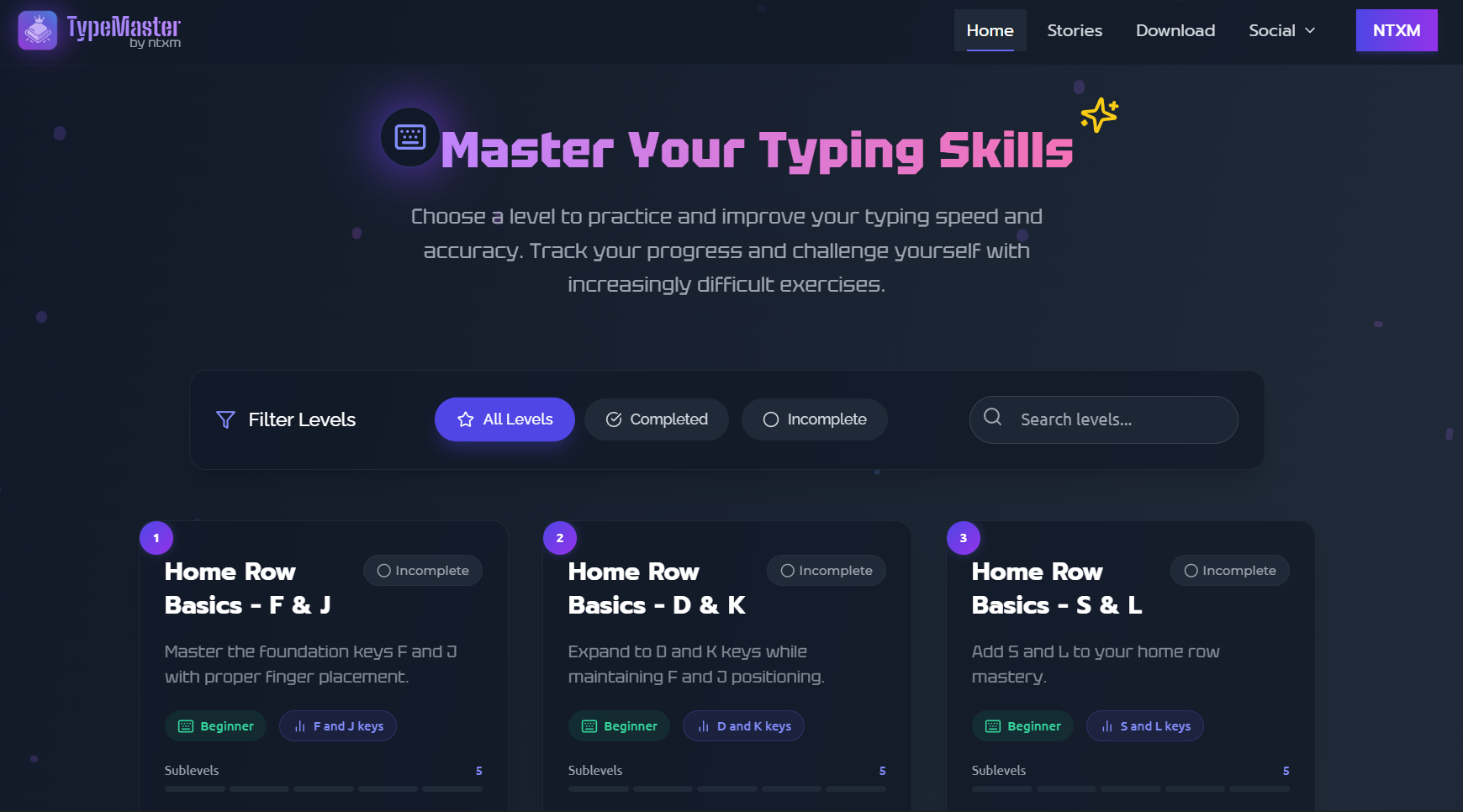
What is TypeaMaster - Typing Practice Software?
Key features
Classic text library
access to passages from famous literature and public domain works
Real-time performance tracking
monitor words per minute, accuracy percentage, and error patterns
Progressive difficulty
texts available at different complexity levels to match your current ability
Free tier access
core typing practice available without payment
Detailed statistics
review your typing history and identify areas for improvement
Pros & cons
Advantages
- More engaging than typing random words or standard practice sentences
- Exposure to quality literature while building a practical skill
- Motivating for learners who want meaningful content rather than artificial exercises
- Free version provides substantial functionality
Limitations
- Limited appeal if you have no interest in classic literature
- Typing practice through narrative text may progress more slowly than focused drills on specific weak areas
- Feature set may be narrower than thorough typing software designed for touch typing specialists
Use cases
Building typing speed and accuracy through enjoyable reading content
Students wanting to improve typing whilst engaging with classic texts for coursework
Professionals developing better keyboard skills during breaks
Non-native English speakers practising both typing and reading comprehension together
Anyone finding traditional typing tutors tedious and wanting a more literary approach
Ready to try TypeaMaster - Typing Practice Software?
Pricing
Premium
Varies
Additional features likely include expanded text collections, advanced analytics, and ad-free experience
Get started with TypeaMaster - Typing Practice Software
Click through to TypeaMaster - Typing Practice Software and start using it now.
- Free plan available
- No credit card