Uiverse Design
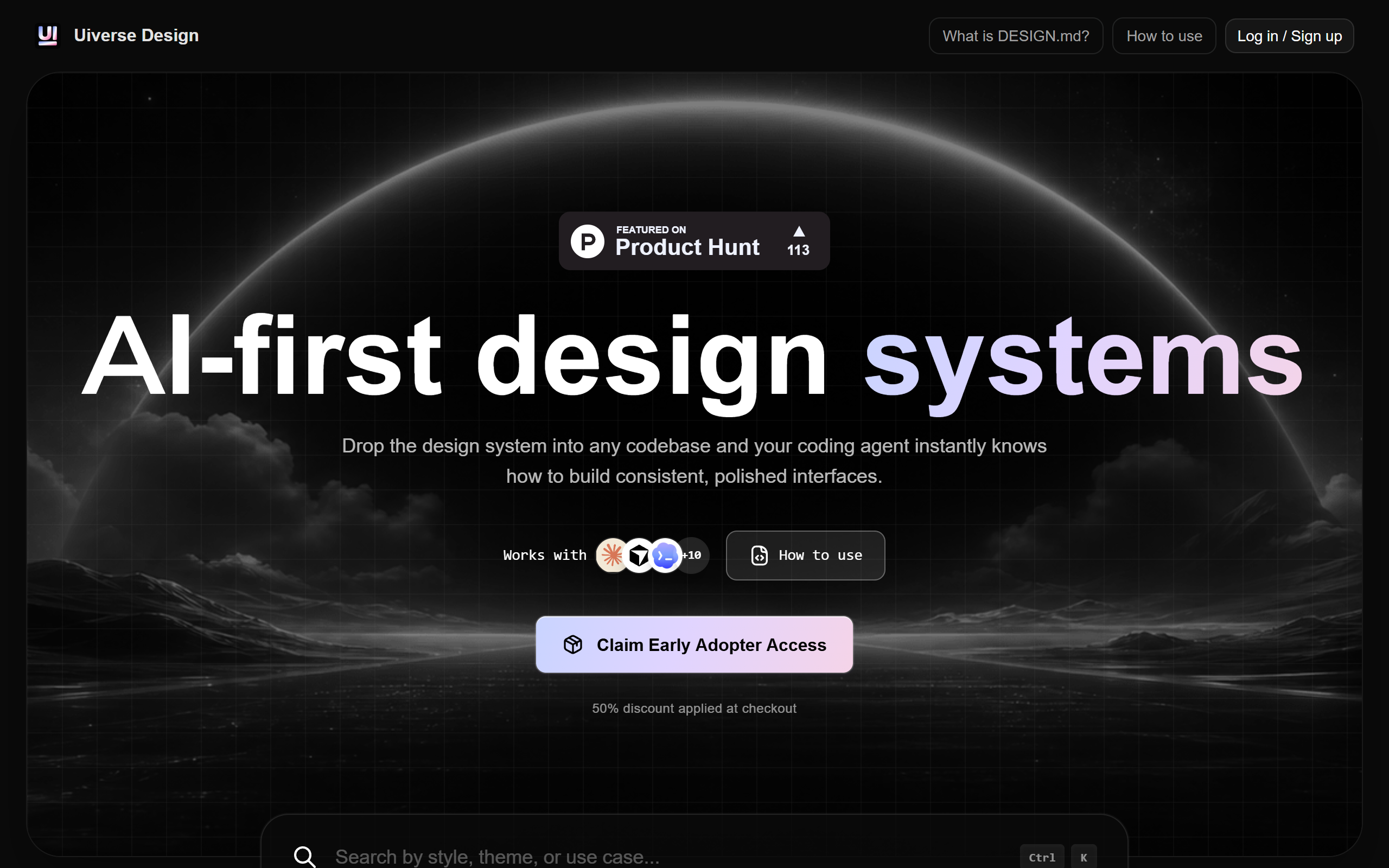
Framework-agnostic DESIGN.md design systems you drop into a repo so AI coding agents build consistent interfaces.
- Freemium
- Web, Claude Code, Cursor, Windsurf, Kiro, Google Stitch
- Design
- Free plan available
- No credit card
What is Uiverse Design?
Key features
DESIGN.md instruction files
Each system turns its colour palette, type scale, spacing rules, layout patterns, component behaviour and interaction states into a plain-text file an agent reads before generating UI.
Framework-agnostic output
The same design guidance is usable in React, Vue, Svelte, HTMX, server-rendered apps or with no framework.
AI agent integration
Works with Claude Code, Cursor, Kiro, Windsurf and Google Stitch by adding a one-line reference in the agent config.
Complete design packs
Every pack bundles pure CSS, a plain HTML preview, metadata, screenshots and source assets alongside the DESIGN.md.
Distinct visual systems
The library offers varied opinionated themes, from minimalist SaaS to dark editorial and pixel-art styles, rather than generic AI defaults.
Drop-in setup
You copy a DESIGN.md into the project root so a coding agent can reference it when building pages, editing components or fixing visual inconsistencies.
Part of the wider Uiverse platform
Sits alongside the open-source Uiverse library of over 3,500 community-made CSS and Tailwind UI elements.
Pros & cons
Advantages
- The DESIGN.md approach is portable and travels with your code, so the same system works across multiple AI tools and frameworks.
- It addresses a real problem, helping AI-generated interfaces avoid generic purple gradients, pill badges and emoji clutter that signal low-effort output.
- Setup is simple, requiring only that you copy a file into the repo and add a single reference line to the agent config.
- Each pack is self-contained with CSS, an HTML preview, metadata and screenshots, so you can evaluate a system before adopting it.
- It builds on the established Uiverse community and its large existing open-source UI element library.
Limitations
- The design systems are opinionated, so a chosen theme may not match an existing brand without further customisation.
- The DESIGN.md text format relies on the AI agent interpreting the rules correctly, which can vary between tools and models.
- It targets developers and designers already working with AI coding agents, so the value is limited if you do not use tools like Claude Code or Cursor.
- Public detail on which systems are free versus any premium tier is limited, so buyers should confirm specifics on the site.
Use cases
Developers using Claude Code or Cursor who want generated pages and components to follow a consistent visual system.
Designers who want to encode a design system as text so AI agents respect typography, spacing and colour rules.
Teams building across mixed stacks who need design guidance that stays portable between React, Vue, Svelte and server-rendered apps.
Indie makers and solo builders wanting a polished, distinct look for an AI-assisted product instead of default AI styling.
Anyone repairing visual inconsistencies in an AI-built codebase by giving the agent a reference design system to follow.
Ready to try Uiverse Design?
Pricing
Free
Free
Access to the open-source Uiverse library and community DESIGN.md design systems, free to copy and use in projects under the MIT licence.
Premium
See site for pricing
Some design system options are listed as premium beyond the free community packs; check the Uiverse Design page for current details.
Get started with Uiverse Design
Click through to Uiverse Design and start using it now.
- Free plan available
- No credit card