
Uizard AI
Harness AI to craft, collaborate, and iterate UI designs effortlessly.
- Free plan available
- No credit card
What is Uizard AI?
Key features
AI-generated designs
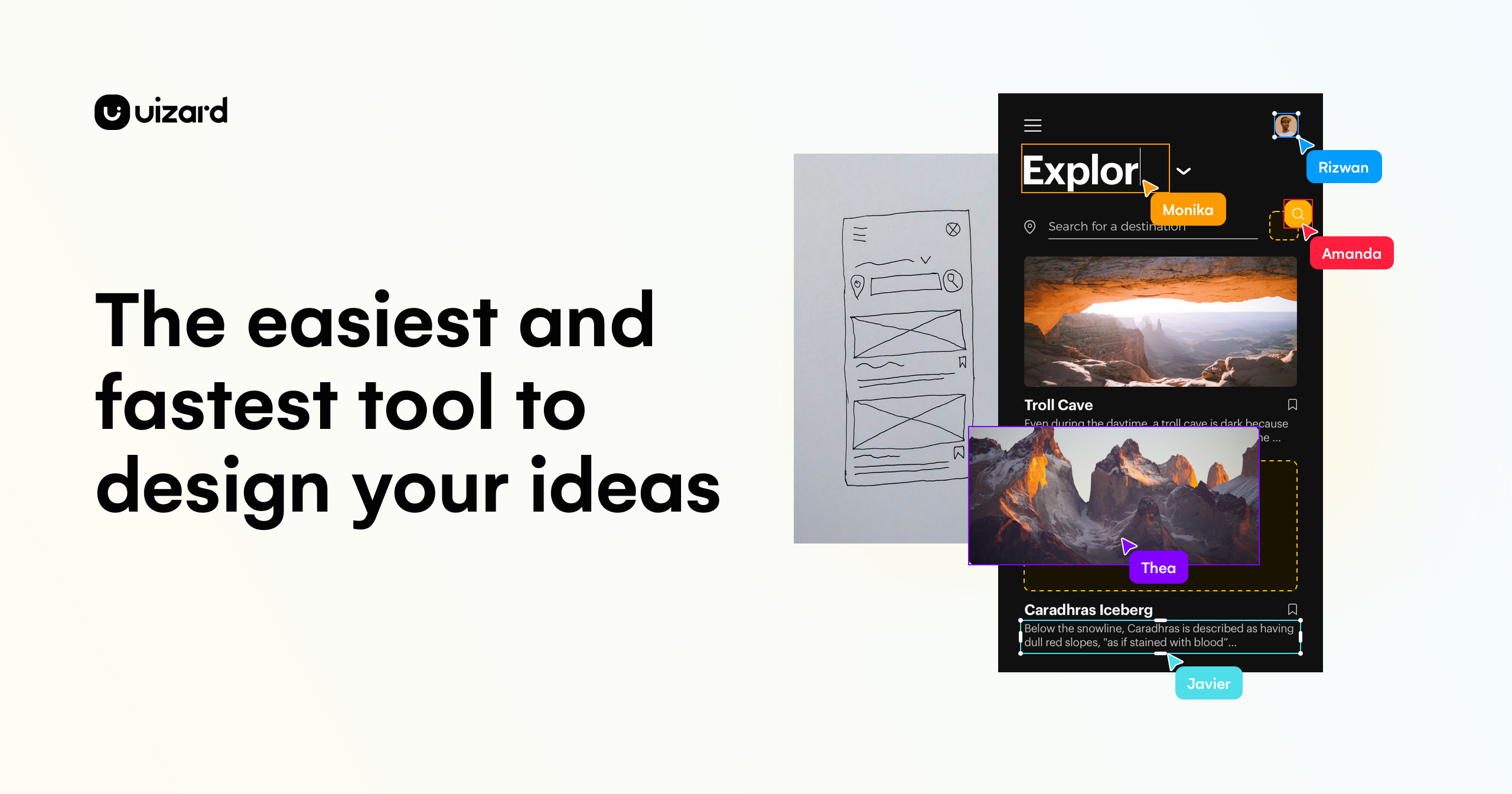
describe your needs or upload existing designs, and the tool creates UI layouts to build from
Design-to-code
export your designs in code format for developers to implement
Real-time collaboration
multiple people can work on the same design project simultaneously
Template library
starting designs and components to customise for your project
Prototyping
create interactive prototypes to test user flows and interactions
Design history
track changes and revert to earlier versions if needed
Pros & cons
Advantages
- Significantly faster than designing from scratch, especially for initial layouts and iterations
- Lowers the barrier to entry for people without formal design training
- Collaboration features make it easier for distributed teams to work together
- Free tier lets you test the tool without commitment
Limitations
- AI-generated designs may require significant customisation to match your brand or specific requirements
- Smaller community and fewer third-party integrations compared to established design tools like Figma
- Learning curve for understanding how to prompt the AI effectively for better results
Use cases
Creating wireframes and low-fidelity layouts quickly during discovery and planning phases
Generating multiple design variations to present to stakeholders or test with users
Accelerating design work for startups or small teams with limited design resources
Converting sketches or screenshots into digital designs that can be refined further
Prototyping mobile app interfaces before committing to full development
Ready to try Uizard AI?
Pricing
Get started with Uizard AI
Click through to Uizard AI and start using it now.
- Free plan available
- No credit card