
Uizard Autodesigner
AI transforms screenshots and ideas into UI designs
- Freemium
- Web, Chrome Extension
- WritingDesignAI Design & Prototyping Tools
- Free plan available
- No credit card
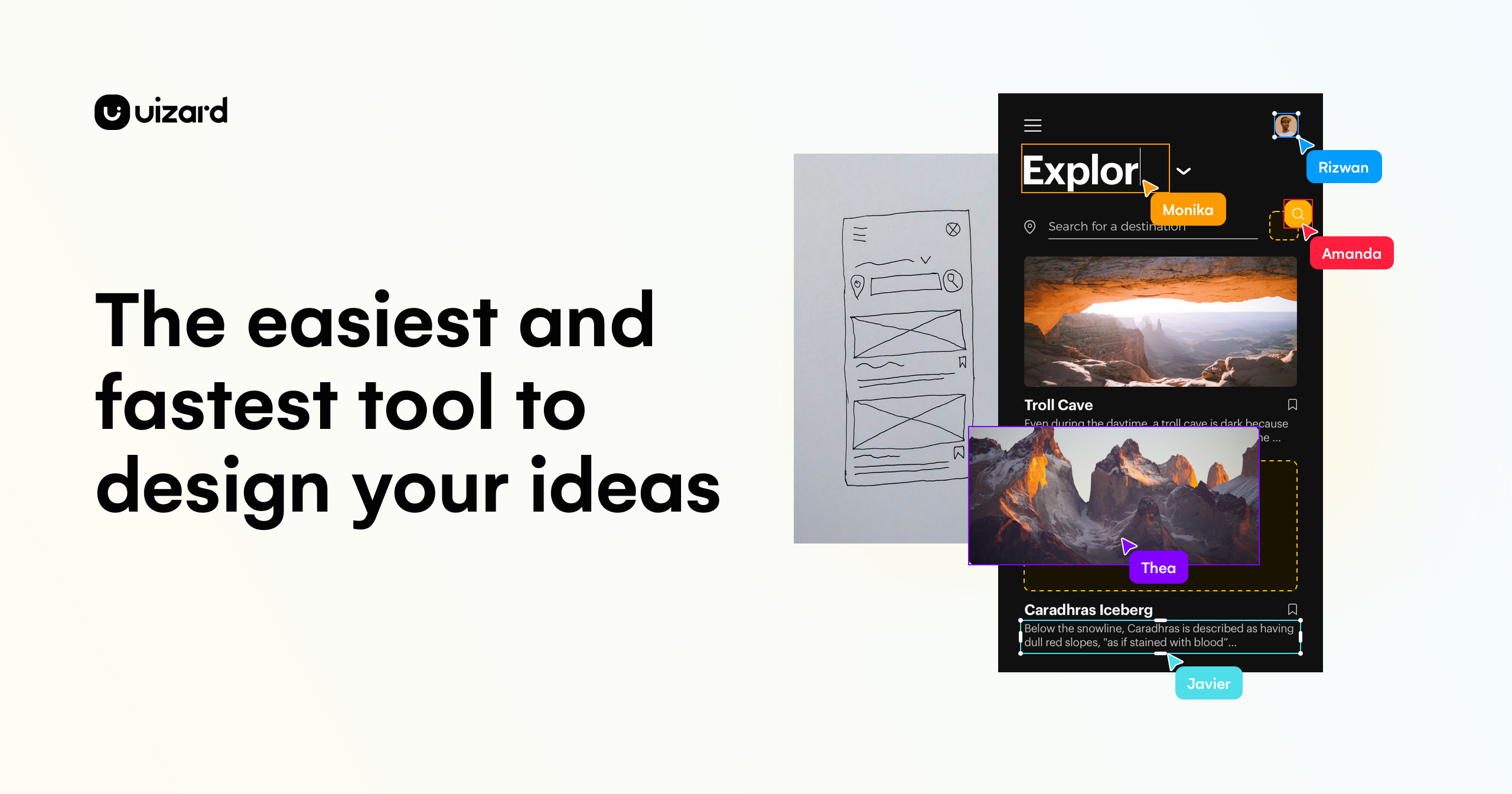
What is Uizard Autodesigner?
Key features
Screenshot-to-design conversion
upload images or screenshots and the AI generates editable UI designs based on the content
Text-to-UI generation
describe what you want and the AI creates design layouts from your written brief
Design editing
modify AI-generated designs using a built-in editor with components and styling options
Component library
access pre-built UI elements and patterns to customise generated designs
Design handoff
export designs in formats suitable for developer handoff and implementation
Pros & cons
Advantages
- Significantly reduces time spent on initial design creation and iteration cycles
- Lowers the barrier to entry for non-designers who need to create functional UI mockups
- Works from existing designs, screenshots, or rough ideas, making it flexible for different workflows
- Includes editing capabilities so you're not locked into the AI's first output
Limitations
- AI-generated designs may require significant refinement to match specific brand guidelines or design systems
- Limited to interface design; not suitable for illustration, complex graphics, or brand identity work
- Quality of output depends heavily on the clarity of your input, whether screenshot or text description
Use cases
Product designers speeding up wireframe-to-mockup workflows
Startups and small teams creating UI prototypes without dedicated design resources
Developers building quick visual prototypes to test concepts before full design
Design teams iterating on feedback by regenerating layouts from descriptions
Non-designers creating professional-looking UI mockups for presentations or stakeholder feedback
Ready to try Uizard Autodesigner?
Pricing
Get started with Uizard Autodesigner
Click through to Uizard Autodesigner and start using it now.
- Free plan available
- No credit card