
UpscaleMyVideo
Enhance and upscale your low-quality videos effortlessly with AI-powered technology
- Freemium
- Web
- Customer SupportDesignCode
- Free plan available
- No credit card
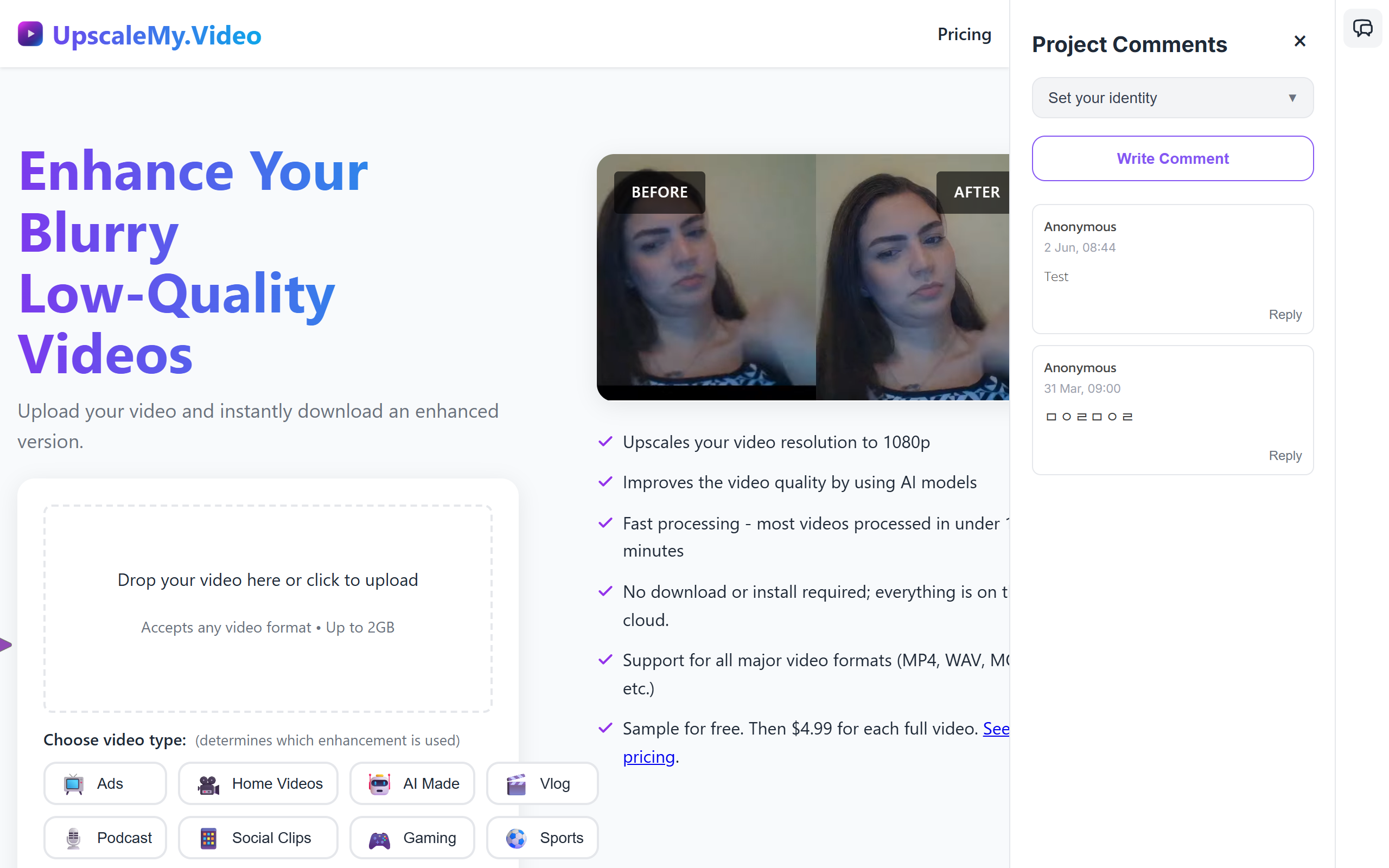
What is UpscaleMyVideo?
Key features
AI video enhancement
automatically improves clarity and detail
Resolution upscaling
converts videos to higher pixel density
Cloud processing
upload and download directly, no local processing
Fast turnaround
most videos processed within 10 minutes
Content optimisation
tailored enhancement for ads, vlogs, gaming, or general footage
Format compatibility
works with MP4, MOV, WAV, and other common video formats
File size support
accepts videos up to 2GB
Pros & cons
Advantages
- No software installation required; works in any browser
- Simple workflow: upload, select type, and download
- Affordable pricing with free sample to try first
- Supports most common video formats
- Quick processing for most videos
Limitations
- Limited to 2GB file size, excluding some high-resolution footage
- Per-video pricing adds up with frequent use
- Results vary based on original video quality and codec
- No batch processing for multiple videos at once
- Depends on internet connection and upload speeds
Use cases
Improving archived or old video footage
Enhancing AI-generated video content
Polishing user submissions for marketing campaigns
Rescuing footage from smartphone or action camera
Upscaling gaming or screen recording footage
Preparing videos for professional presentation
Converting low-quality source footage for ads or promotional content
Ready to try UpscaleMyVideo?
Pricing
Get started with UpscaleMyVideo
Click through to UpscaleMyVideo and start using it now.
- Free plan available
- No credit card