
UXPilot
AI UX design assistant for wireframes and screens
- Freemium
- Web
- WritingDesignAI Design & Prototyping Tools
- Free plan available
- No credit card
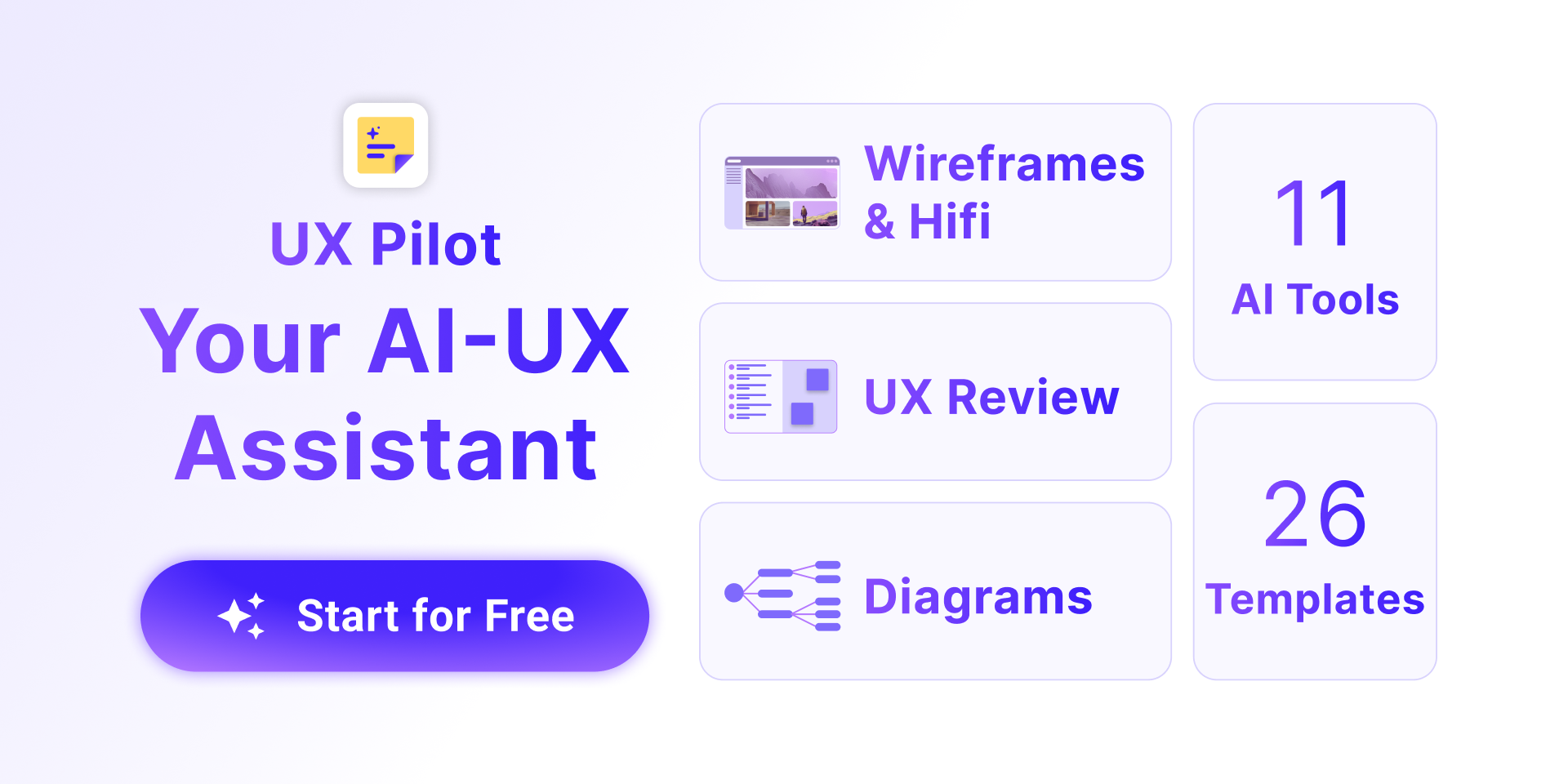
What is UXPilot?
Key features
Wireframe generation
Create basic wireframes and layouts with AI assistance rather than building from scratch
Screen design suggestions
Get recommendations for arranging UI elements and components on your designs
Component library integration
Access pre-built UI components to speed up construction
Design feedback
Receive AI-generated analysis of your designs to identify potential improvements
Collaborative workspace
Share designs and gather input from team members in real time
Pros & cons
Advantages
- Reduces the time spent on initial layout decisions and exploration
- Freemium access means you can evaluate whether it fits your workflow before paying
- Helpful for designers who struggle with blank page syndrome or want to explore options quickly
- Can help maintain consistency across screens by suggesting similar patterns
Limitations
- AI-generated designs may require significant customisation to match your brand or specific requirements
- Relies on training data, so suggestions may not always align with modern or niche design trends
- Free tier may have limitations on file size, exports, or number of projects you can create
Use cases
Rapidly prototyping multiple layout concepts for a new feature or product
Creating wireframes for client presentations before investing in high-fidelity design
Getting unstuck when designing complex dashboards or information-heavy screens
Maintaining UI consistency across a large number of screens in an application
Onboarding new designers by showing them structured approaches to common screen types
Ready to try UXPilot?
Pricing
Get started with UXPilot
Click through to UXPilot and start using it now.
- Free plan available
- No credit card